
Recover Deleted Messages All
4.1
(77 reviews)
|
5M+ downloads
|
Communication
About Recover Deleted Messages All
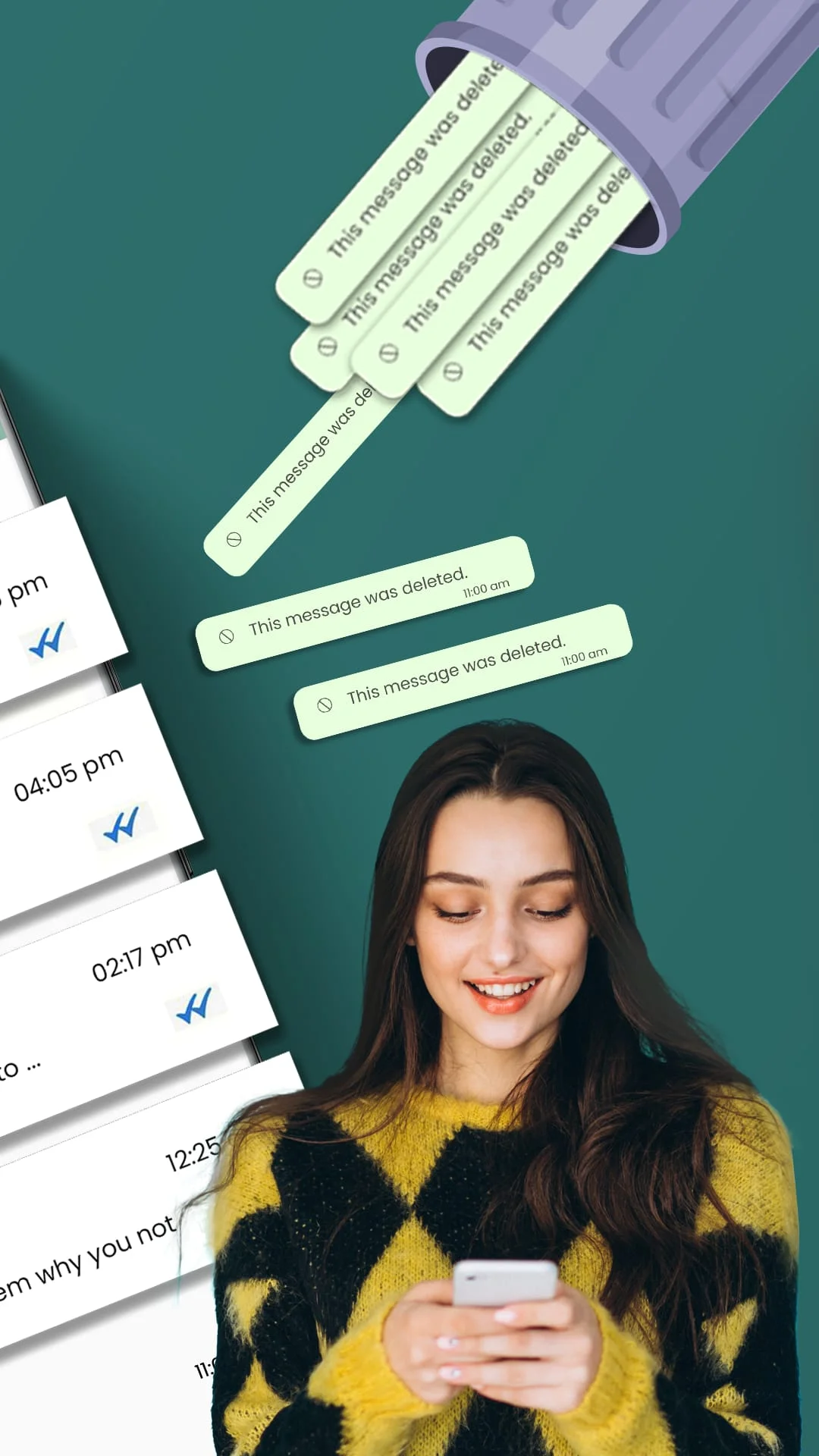
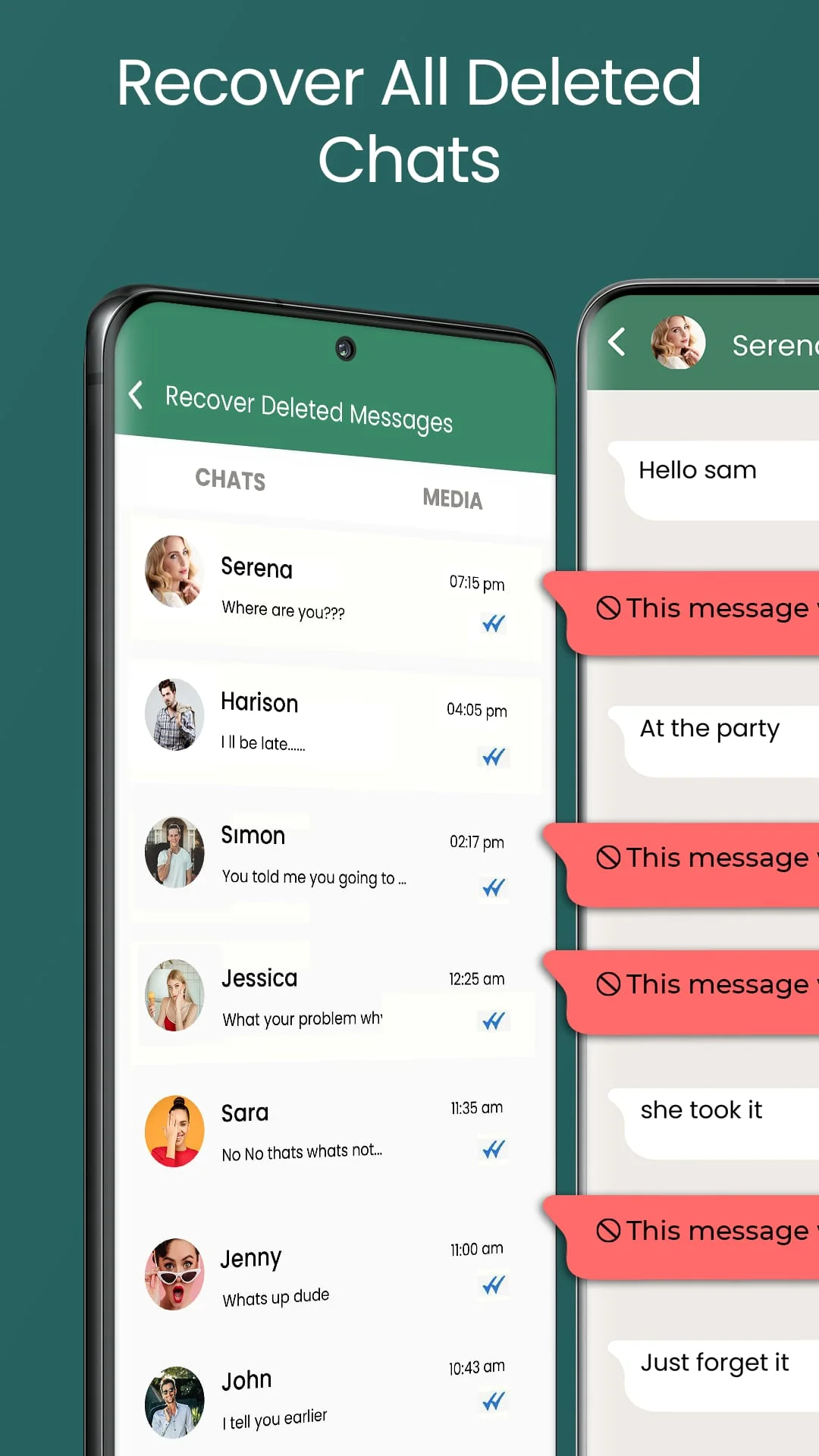
Recover Deleted Messages All - Save Status is a helpful app that allows you to restore deleted messages and media on WhatsApp. With this app, you no longer have to worry about missing out on important messages that your friends may have deleted before you had a chance to see them. You can recover all recently deleted messages with just one click.
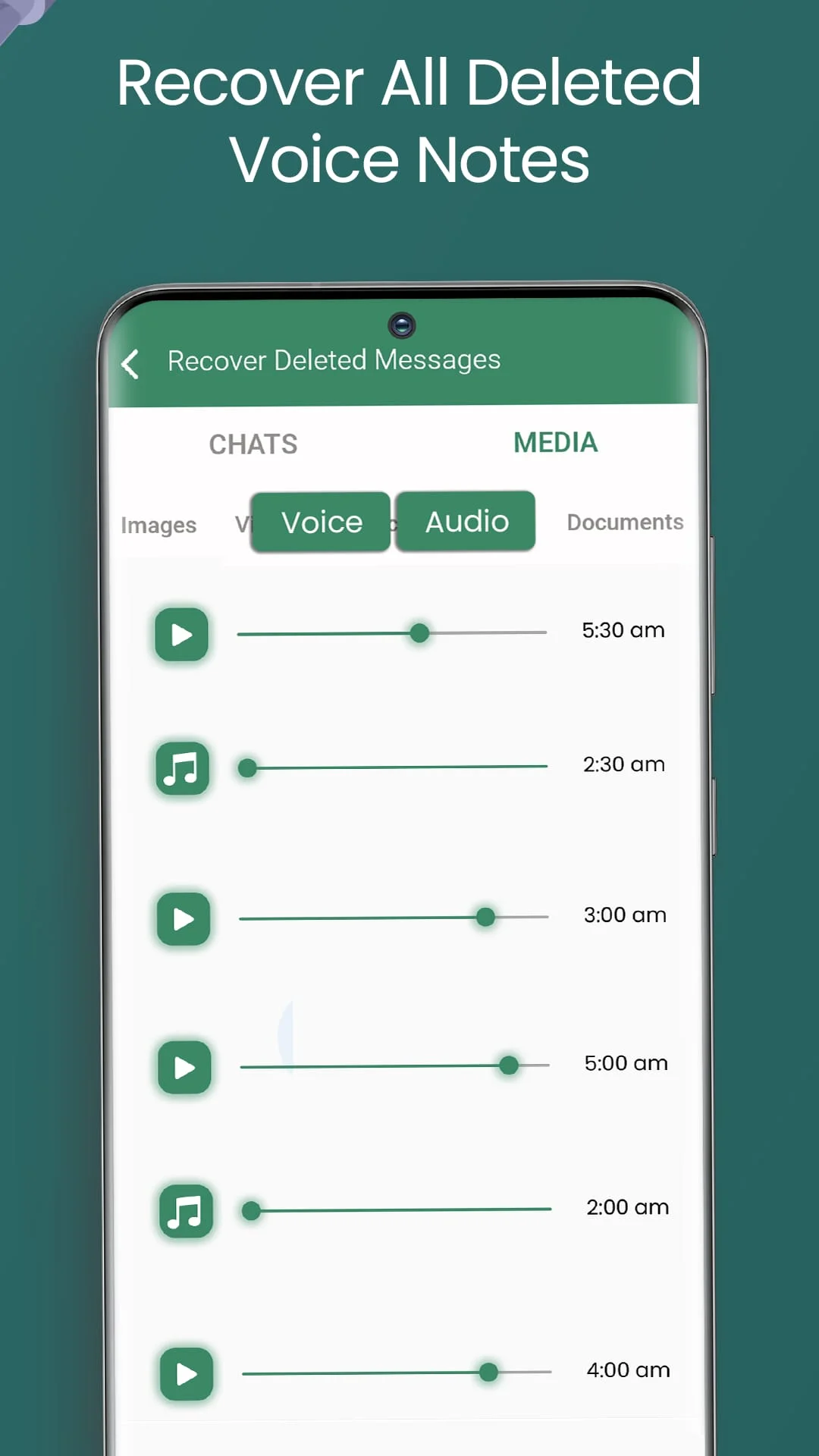
This app is easy to use and allows you to recover all types of media attachments, including text, voice, images, videos, and documents. You can also save the status of your contacts directly in your gallery with the status saver feature. This allows you to download photos and video statuses and share them with your friends.
To use Recover Deleted Messages All - Save Status, simply keep your notifications turned on. The app works by scanning your notifications and making a backup of any messages that arrive. If the sender deletes the message before you see it, the app will instantly recover it and notify you about the recently deleted text messages or media.
It is important to note that this app is a utility app and is not associated with WhatsApp in any way. Additionally, if you are not connected to the internet, deleted messages will not be recovered. Overall, Recover Deleted Messages All - Save Status is a useful app that can help you restore deleted messages and media on WhatsApp.
Status Saver is another feature of Recover Deleted Messages All - Save Status that allows you to save the status of your contacts. With this feature, you can download photos and video statuses and share them with your friends. You can also view the status of your friends without being seen.
The Whatsapp status downloader feature of this app works by accessing your statuses and allowing you to easily download any status, image, or video. You can also remove or delete statuses that you don't like in your statuses. Simply tap and hold the status of any contact and press the remove button to delete it from your WhatsApp.
It is important to note that Recover Deleted Messages All - Save Status has some limitations. For example, if you have muted any chat or turned off your notifications, messages from that chat will not be recovered. Additionally, the app makes a backup of your chats with an active internet connection, so if you are not connected to the internet, deleted messages will not be recovered.
Screenshots

Version History
Ratings & Reviews
4.1
77 reviews
5
65%
4
10%
3
9%
2
1%
1
15%
Similar Apps






App Information
- Package Name
- com.app.restoredeletedmessages.savestatus.messagerecovery
- Version
- V8.5
- Size
- 9.7 MB
- Requires Android
- Varies with device
- Content Rating
- Everyone
- Last Updated
- May 13, 2024
- Tags
-
whatsapp recovered messages
APK files are Android package files. Please ensure you download from trusted sources only.