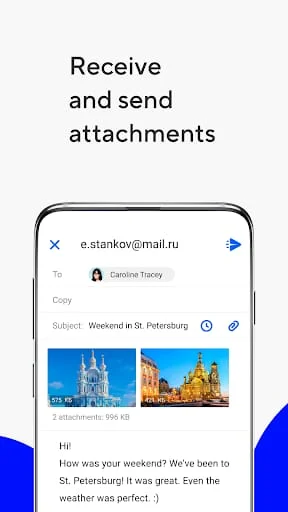
Official mail application Mail.ru. Convenient Mail for smartphone Android. Simple and fast application for simultaneous work with several Mail.ru, Yandex, Gmail, Yahoo, Hotmail and other mailboxes. Receive and send messages, share photos and documents. Get instantly notified about new messages. Adjust the time, folders and services for which you want to receive push-notifications. Personal spam filter will protect you from annoying mailings. Stay always in touch with the Mail.ru app! Did you know that developers can not respond to comments in Google Play? Therefore, any requests, suggestions and comments, please send via the "Feedback" in the app or email
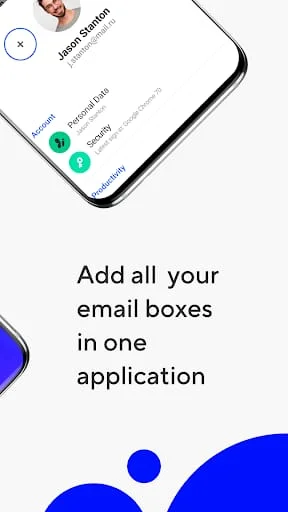
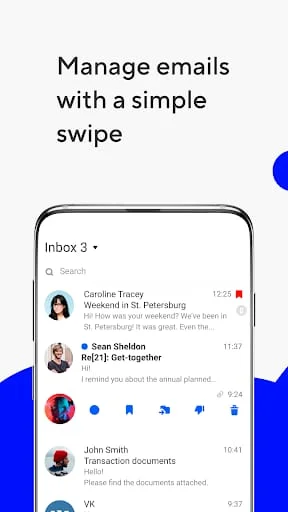
[email protected]. In this case, we will respond quickly and solve the problem as soon as possible. - Multiple accounts support. Add all of your boxes and switch between them easily. Now, move between work and private email is as simple as between folders within a single mailbox. - Full synchronization. It does not matter whether you read, flagged, or moved messages from a computer or mobile. All changes will be saved on the server and synchronized between devices. - Protected folder. Mail.ru app enables you to store information and protect it. Create a folder with a password in the web interface. It will be visible in the application and accessible only after you enter the password. - Filters. - Search the entire mailbox. Use our search engine to quickly find any email. - Push-notifications for new emails. You will be notified about new message almost instantly if your Android device is connected to the network. - Filtering notifications. Set a time to receive notification, select services, folders or create a personal filter to receive only those alerts that are important! - Caching emails. Emails are stored in the phone's memory and are available without a network connection. Read messages and view attachments in transport or, for example, in the countryside. - Personal spam filter. Do you get messages from services that you didn't sign up for or can't unsubscribe from? Tap Spam and all subsequent letters from the sender will automatically be sent to the appropriate folder. Read only the important messages for you. - Avatars. It's easier and more convenient to navigate through applications with photos of recipients. - Email Threads. View your entire email conversation on one screen, just as you did on the web version. The application has been tested and is compatible with Android version . and higher.