My Telstra icon

My Telstra

by Telstra Limited

2.7 (167 reviews)
| 5M+ downloads | Tools

About My Telstra

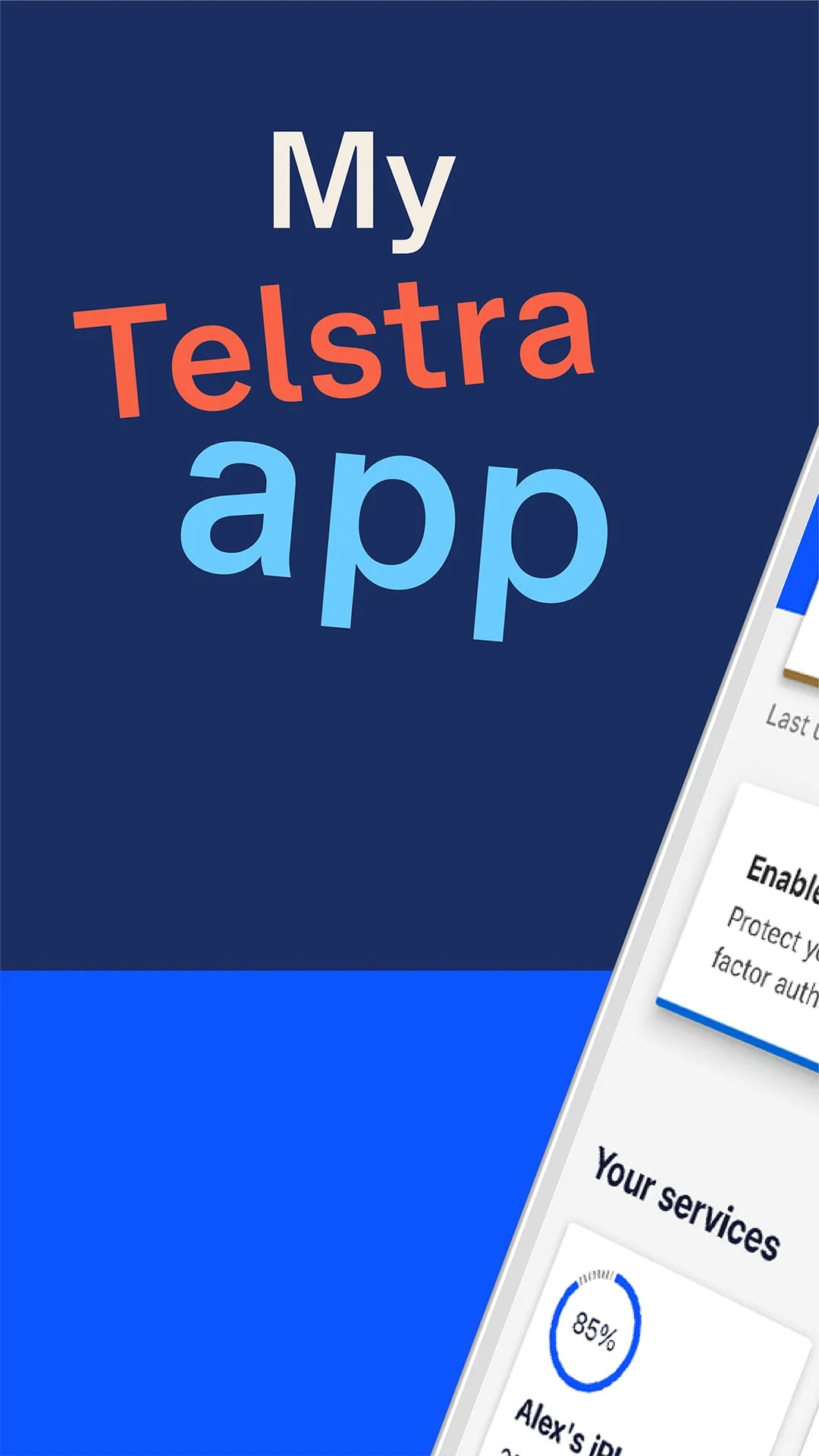
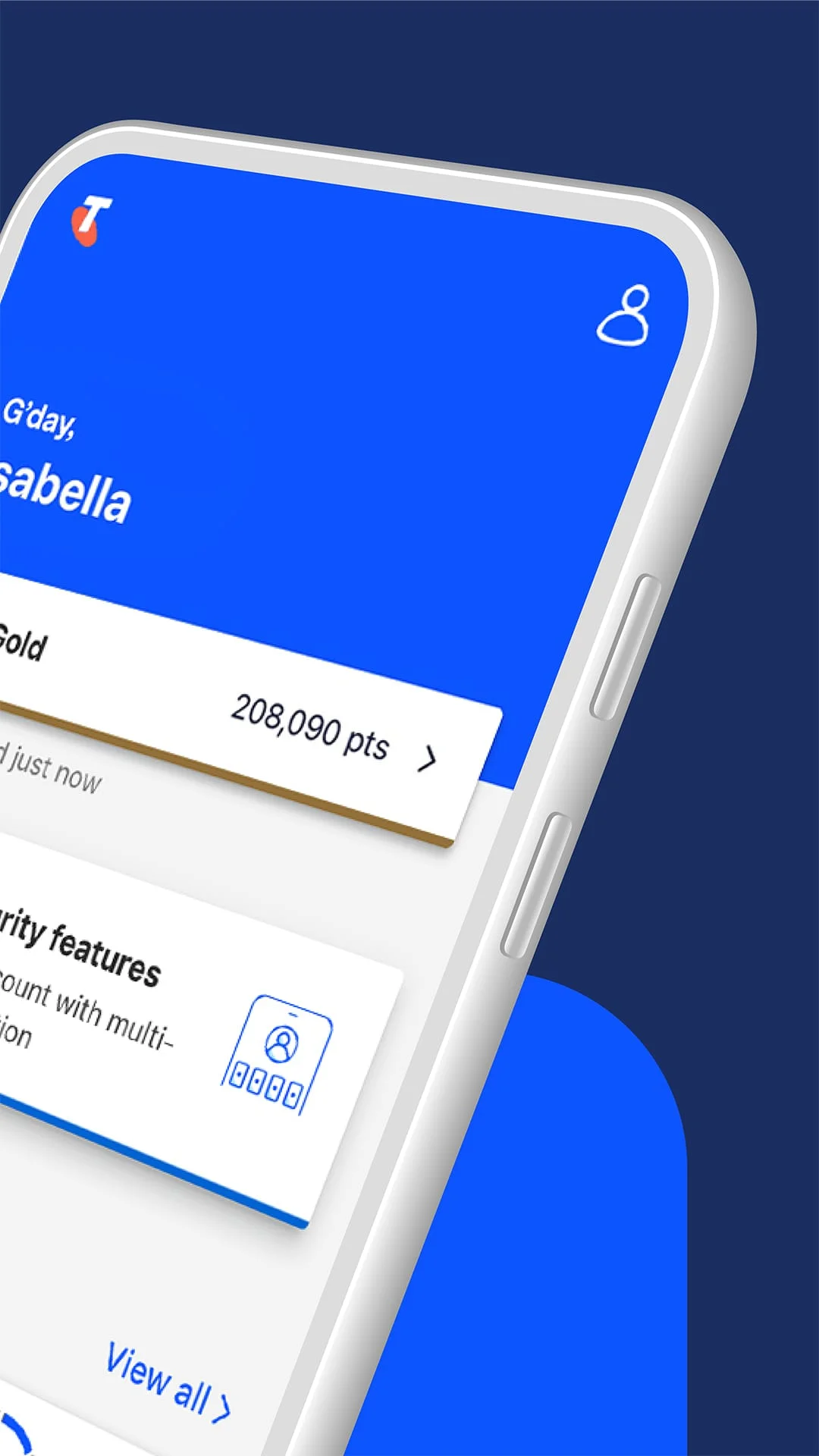
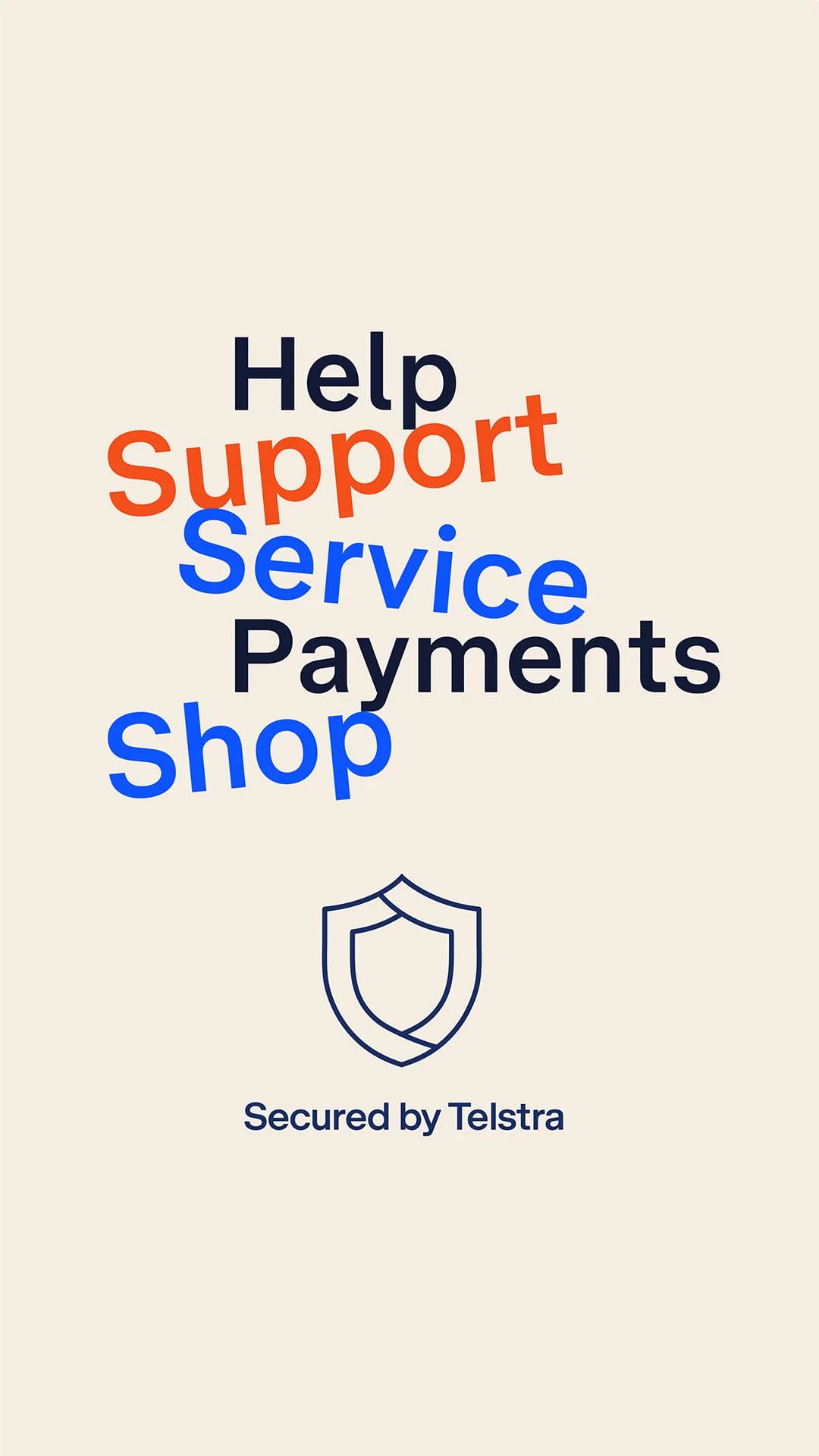
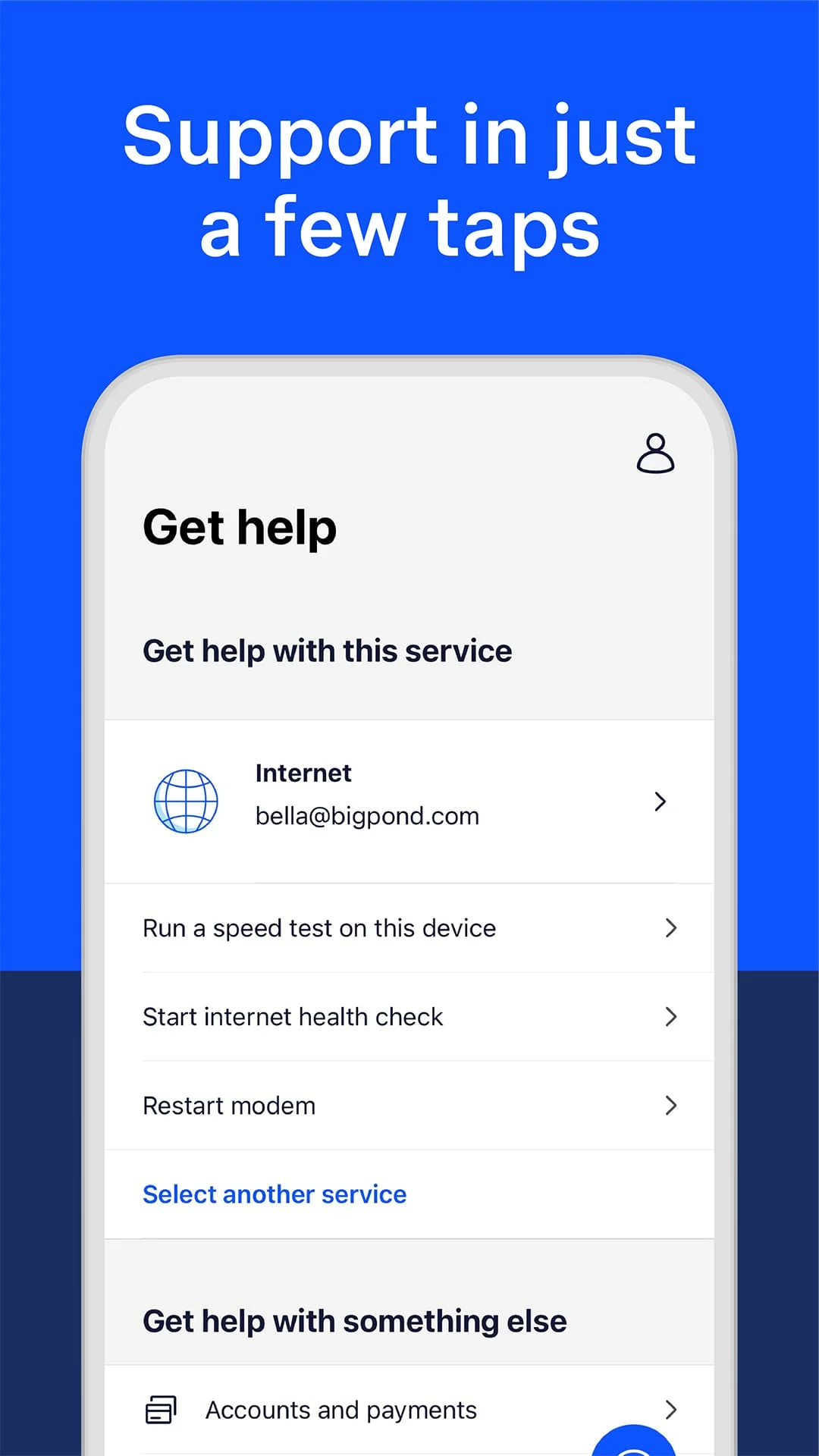
The convenience of managing your telecommunications needs has been significantly enhanced with the introduction of a dedicated app that streamlines various processes. Whether you are tracking your order, making a payment, or seeking assistance, the app provides a quicker and more efficient way to handle these tasks. Users can easily get in touch with customer support by sending a message through the app, and they will receive notifications when a response is available. This feature eliminates the need for lengthy phone calls or waiting in queues, allowing for a more user-friendly experience. The app is designed to cater to the needs of its users, ensuring that they can manage their accounts with ease. In addition to customer support, the app offers a comprehensive suite of account management tools. Users can update their personal details, track payments, and manage their services all in one place. This centralized approach not only saves time but also enhances the overall user experience by providing a clear overview of account status and service usage. Furthermore, the app allows users to recharge their services effortlessly. They can monitor their usage, activate auto-recharge options, and take control of their plans, ensuring that they are always connected without the hassle of manual recharges. This level of control is particularly beneficial for users who want to avoid unexpected service interruptions and maintain seamless connectivity. The app also includes features that enhance the overall service experience, such as checking internet speed and troubleshooting issues. Users can monitor outages, restart their modems, and check their internet speed directly through the app, making it a valuable tool for maintaining optimal service performance. Additionally, the app offers access to exclusive rewards through the Telstra Plus program, where users can benefit from special offers simply by making timely payments. The shopping feature allows users to browse and purchase the latest devices and accessories, all from the convenience of their mobile device. With a high success rate of resolving queries in-app, users can quickly find solutions to their problems, allowing them to get back to their daily activities with minimal disruption. Overall, the app is designed to provide a comprehensive and efficient solution for managing telecommunications services, making it an essential tool for users.

Screenshots

My Telstra Screenshot 1
My Telstra Screenshot 2
My Telstra Screenshot 3
My Telstra Screenshot 4

Version History

VV92.0.219.62577 78.24 MB

Updated: Aug 18, 2023

VV91.0.216.61735 78.02 MB

Updated: Jul 19, 2023

VV89.1.211.59596 73.9 MB

Updated: Jun 7, 2023

VV90.1.214.61006 76.58 MB

Updated: Jun 28, 2023

VV89.0.210.59579 74 MB

Updated: May 24, 2023

VV98.0.237.67619 125.5 MB

Updated: Mar 6, 2024

VV96.0.231.65902 129.17 MB

Updated: Dec 6, 2023

VV94.0.226.64371 132.62 MB

Updated: Oct 13, 2023

VV108.1.291.74745 38.24 MB

Updated: Jan 7, 2025

VV96.1.232.65923 129.32 MB

Updated: Jan 7, 2024

Ratings & Reviews

2.7

167 reviews

5
38%
4
1%
3
1%
2
9%
1
51%

Similar Apps

App Information

Package Name
com.telstra.mobile.android.mytelstra
Version
V92.0.219.62577
Size
78.24 MB
Requires Android
Varies with device
Content Rating
Everyone
Last Updated
Aug 18, 2023
Tags
telstra app mobile

Download Options

Download APK

Safe and verified APK file

APK files are Android package files. Please ensure you download from trusted sources only.