About TeamViewer Remote Control
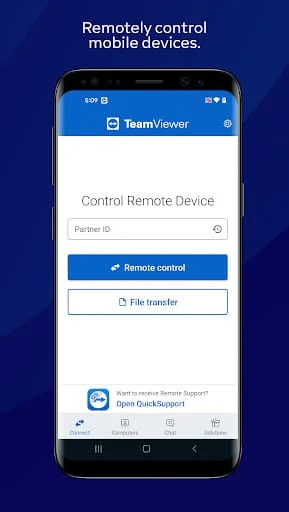
TeamViewer is a powerful application that allows users to remotely control other devices, making it an essential tool for both personal and professional use. With the ability to connect to computers, smartphones, and tablets from virtually anywhere, TeamViewer has become a go-to solution for over a billion users worldwide. The application is particularly useful for IT support professionals who need to provide assistance to clients or colleagues without being physically present. By using the QuickSupport app, users can easily establish a remote connection to another device, enabling them to troubleshoot issues, perform maintenance, or even conduct training sessions. This level of accessibility is invaluable in today’s fast-paced, mobile-centric world, where remote work and support are increasingly common.
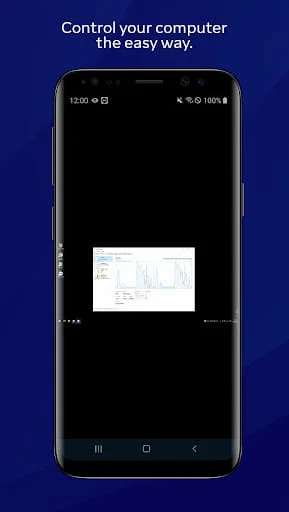
One of the standout features of TeamViewer is its versatility in supporting various operating systems, including Windows, Mac OS, and Linux for computers, as well as Android and Windows 10 Mobile for mobile devices. This cross-platform compatibility ensures that users can connect to a wide range of devices, regardless of the operating system in use. The application allows for complete remote control, meaning users can interact with the remote device as if they were sitting right in front of it. This capability is particularly beneficial for providing spontaneous support or managing unattended computers, such as servers, which may require regular monitoring and maintenance. Additionally, TeamViewer facilitates file transfers in both directions, enabling users to easily share documents and resources during a remote session, further enhancing productivity and collaboration.
Security is a top priority for TeamViewer, and the application employs robust measures to protect user data and privacy. With features like 256 Bit AES Session Encoding and 2048 Bit RSA Key Exchange, users can rest assured that their connections are secure and their information is safeguarded. The app also includes intuitive touch and control gestures, making it user-friendly and accessible for individuals of all technical skill levels. Furthermore, TeamViewer supports real-time sound and HD video transmission, allowing for a more interactive and engaging remote experience. Optional access features, such as camera and microphone permissions, enhance the functionality of the app, enabling users to generate video feeds and include audio in their sessions. However, users have the flexibility to disable these permissions if they prefer to maintain a higher level of privacy. Overall, TeamViewer is a comprehensive solution for remote access and support, combining ease of use with advanced security features to meet the needs of a diverse user base.