Senior Safety Phone - Big Icon
3.9
(36 reviews)
|
100K+ downloads
|
Medical
About Senior Safety Phone - Big Icon
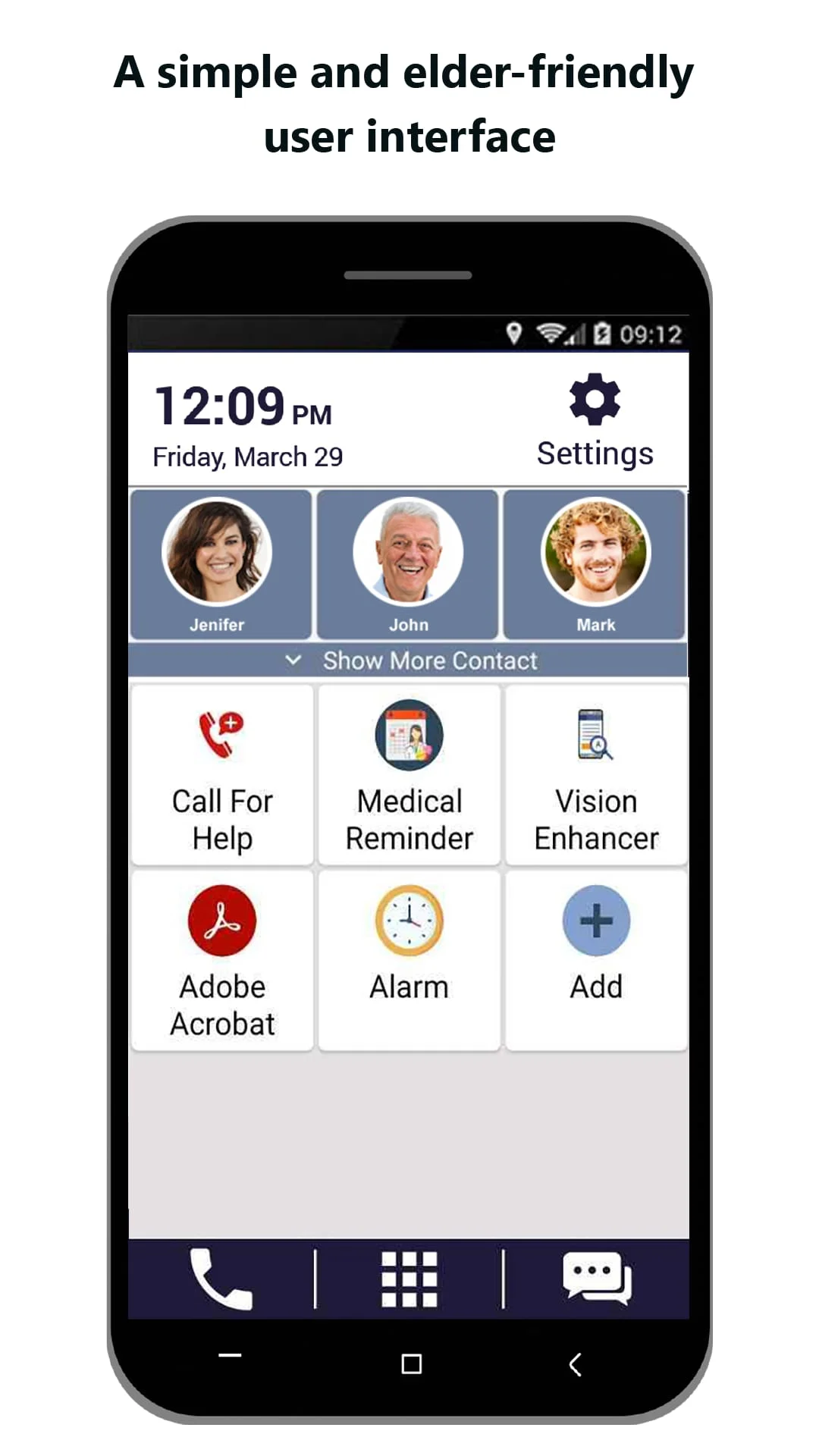
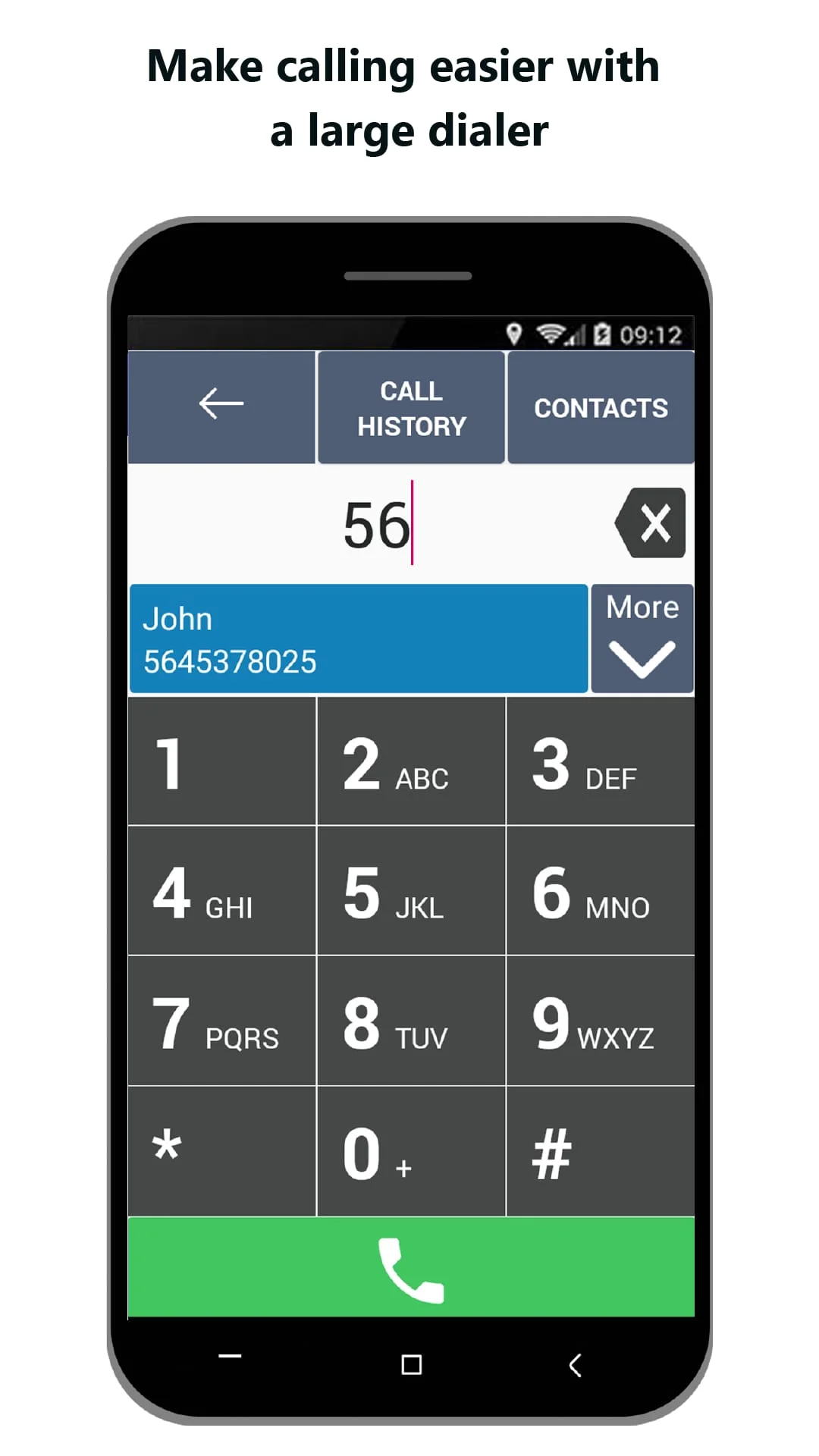
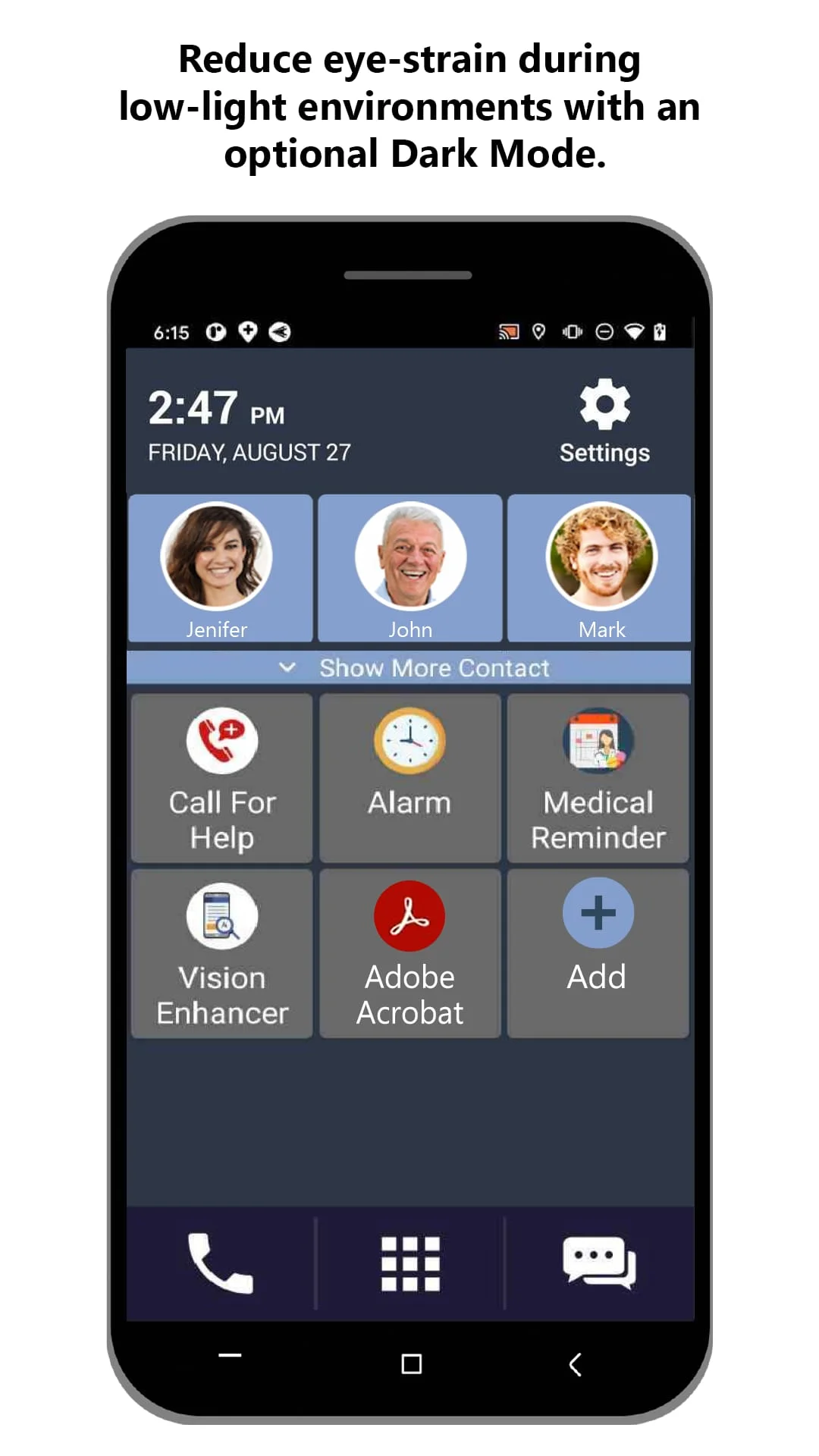
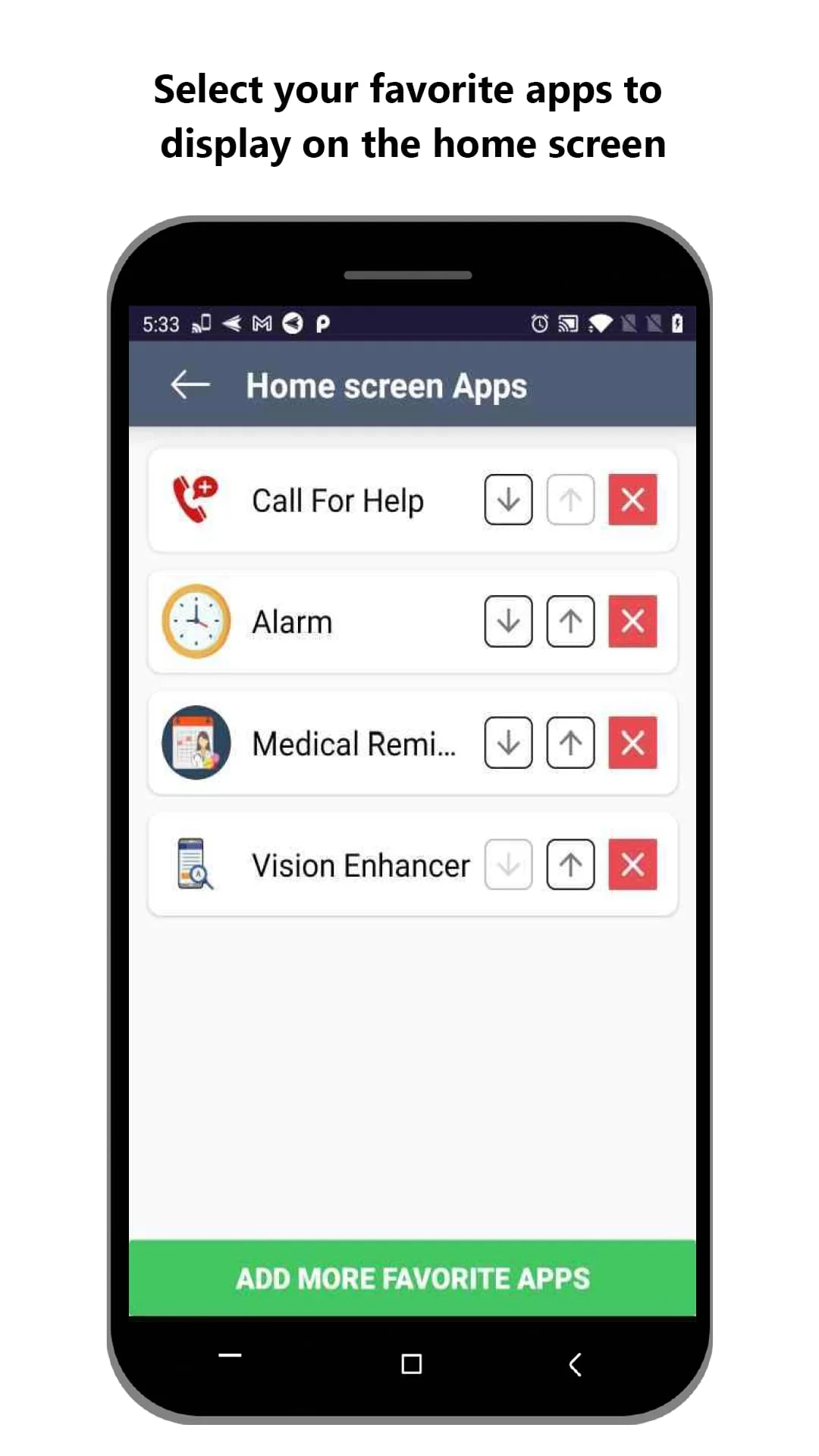
Help improve lives by installing Senior Safety Phone on an elderly person's phone. Make their smart phone elderly friendly. Senior Safety Phone transforms your phone into an intuitive user-friendly interface specifically designed for anyone who has difficultly using smartphones. Give your smartphone a completely new look. Large buttons to help those elderly hands. Single touch access to the most frequently called contacts. All the basics of making calls, receiving, and sending text messages are simply made stress-free. Maximize Readability. Give your smartphone a completely new enlarged home screen comprehensively designed for stress-free navigation. Access all the functions of your phone with large texts and colorful buttons to help you distinguish between items. Reduce Eye-Strain during low-light environments with an optional Dark Mode. Make Calling Easier. Gain immediate access to your favorite contacts on the home screen. An auto-complete dialing feature provides suggestions for contact names. Are you managing the phone for an elder parent or relative? These safety features will reduce your stress too. Lock Volume Controls. Easily set and lock volume levels individually for the Ringtone, Notifications, Media, Alarm, and Voice Call. Optimize Mobile Device Performance. Never again forget about apps you left open and are running in the background. Now you can close all apps automatically at a specified time of day or night. Lock Home Screen Display. Control what gets displayed on the home screen. Select and lock your favorited contacts and apps on your home screen. How can I control and lock my Home Screen display? Add your favorited contacts and manage apps you want to display on your Home Screen from the Settings menu. Once set, these settings are automatically locked to prevent unexpected changes on your mobile screen. How many favorite contacts can I display on the Home Screen? You can now add up to favorite contacts to display on your mobile home screen. Simply go to Favorite Contacts from the Settings menu, and choose from your contact list. How to set and lock volume level? From the Settings menu, you can individually lock volume for ringtone, system, notification, media, alarm, and voice call. Is Senior Safety Phone free to use? Yes! All functionalities and capabilities of Senior Safety Phone are completely free. So, what are you waiting for? Download Senior Safety Phone Today!
Screenshots
Version History
Ratings & Reviews
3.9
36 reviews
5
61%
4
10%
3
6%
2
4%
1
19%
Similar Apps





App Information
- Package Name
- com.senior_safety_phone
- Version
- V5.3
- Size
- 14.74 MB
- Requires Android
- Varies with device
- Content Rating
- Everyone
- Last Updated
- Mar 12, 2024
- Tags
-
smartphone smartphones phone
APK files are Android package files. Please ensure you download from trusted sources only.