
Ringtone Maker:create ringtone
4.6
(35,617 reviews)
|
50M+ downloads
|
Personalization
About Ringtone Maker:create ringtone
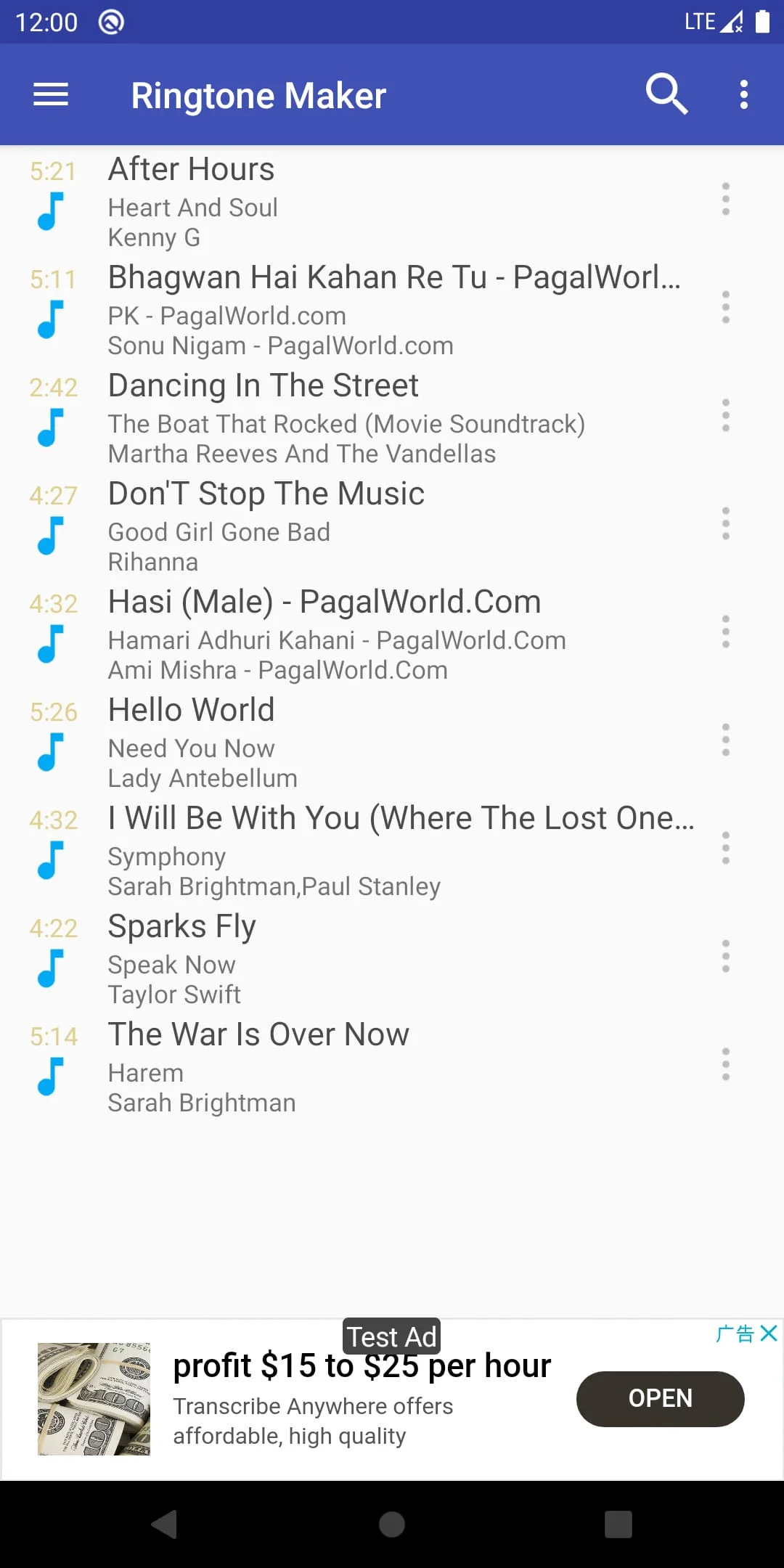
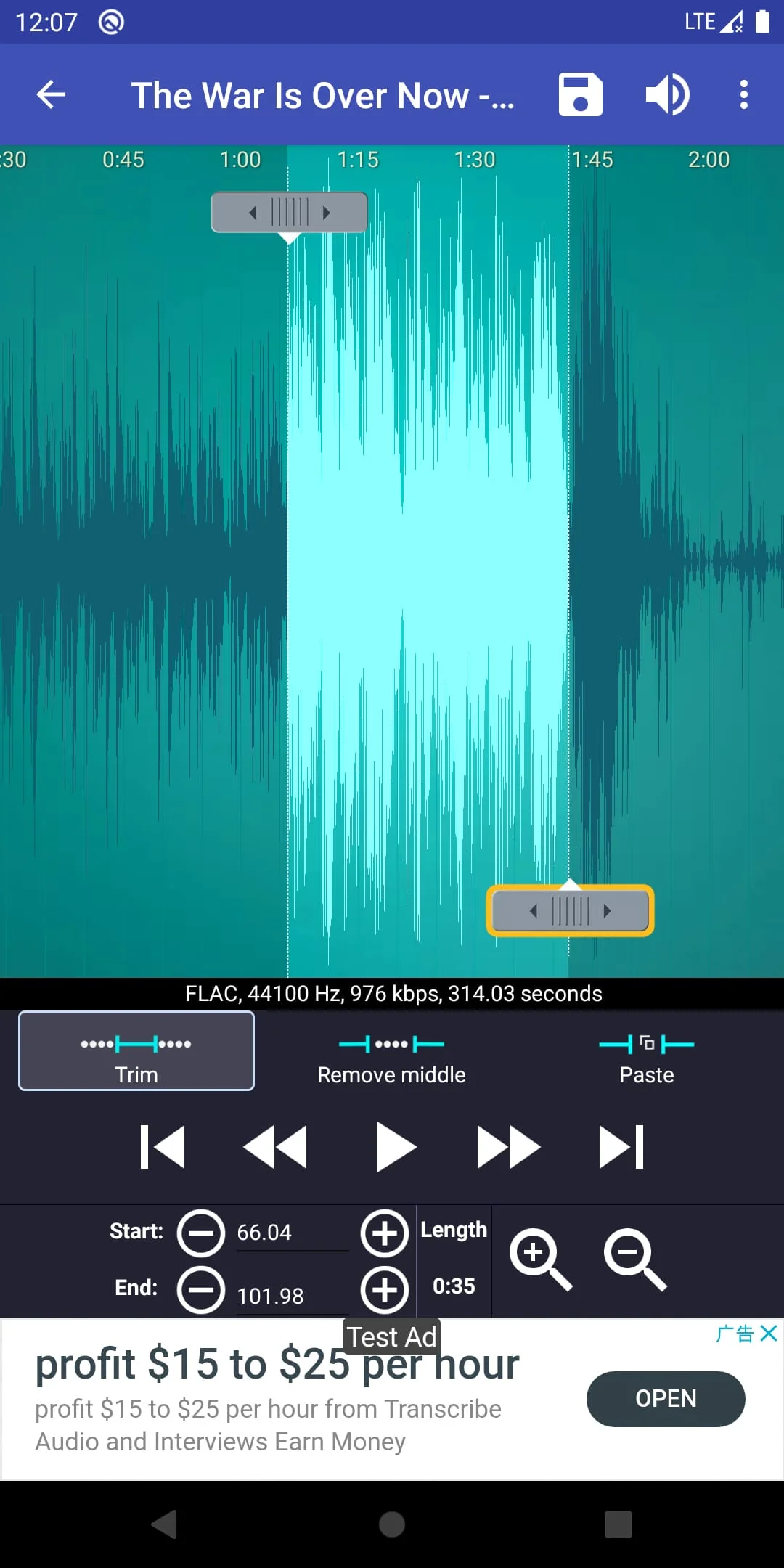
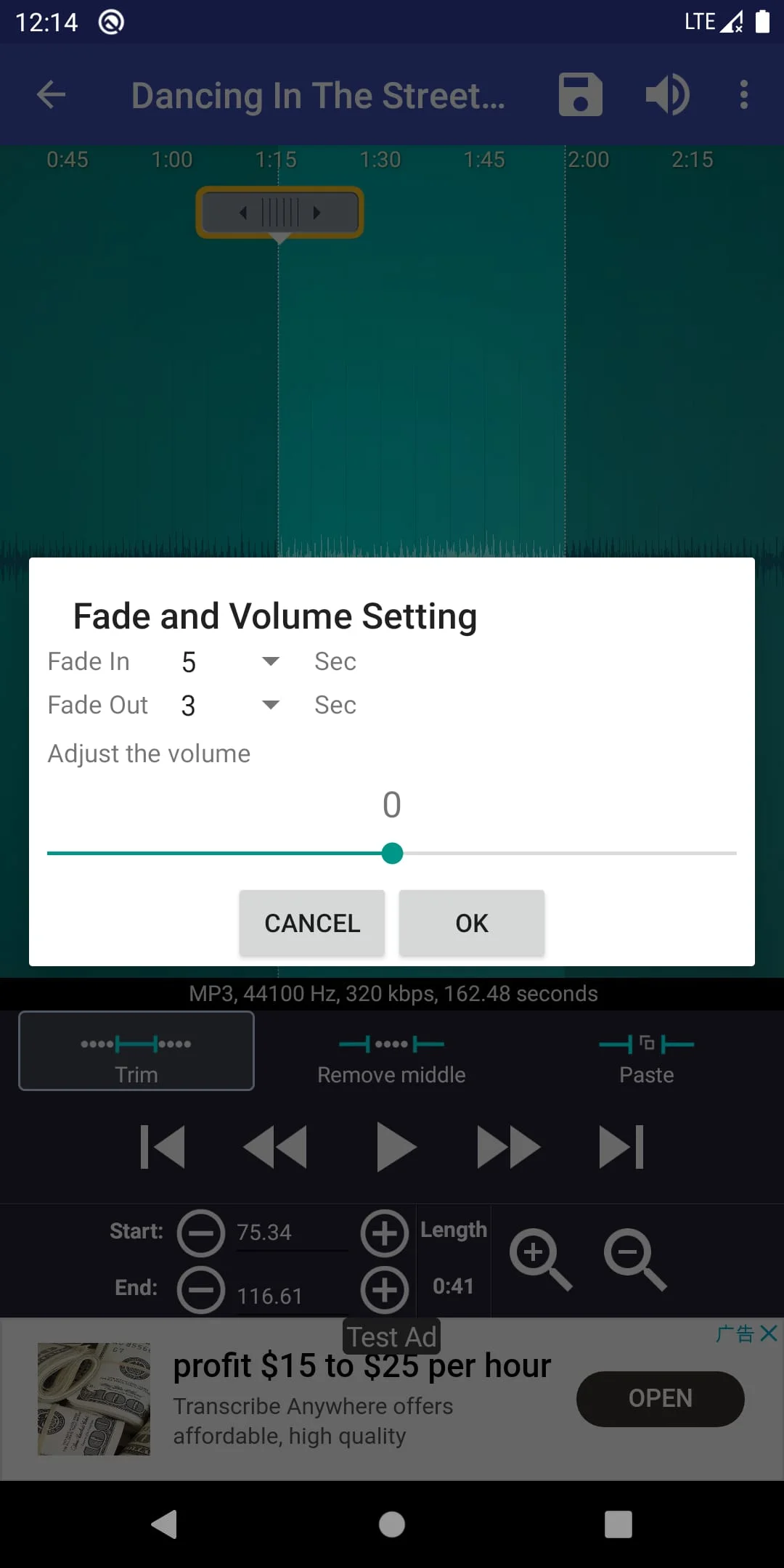
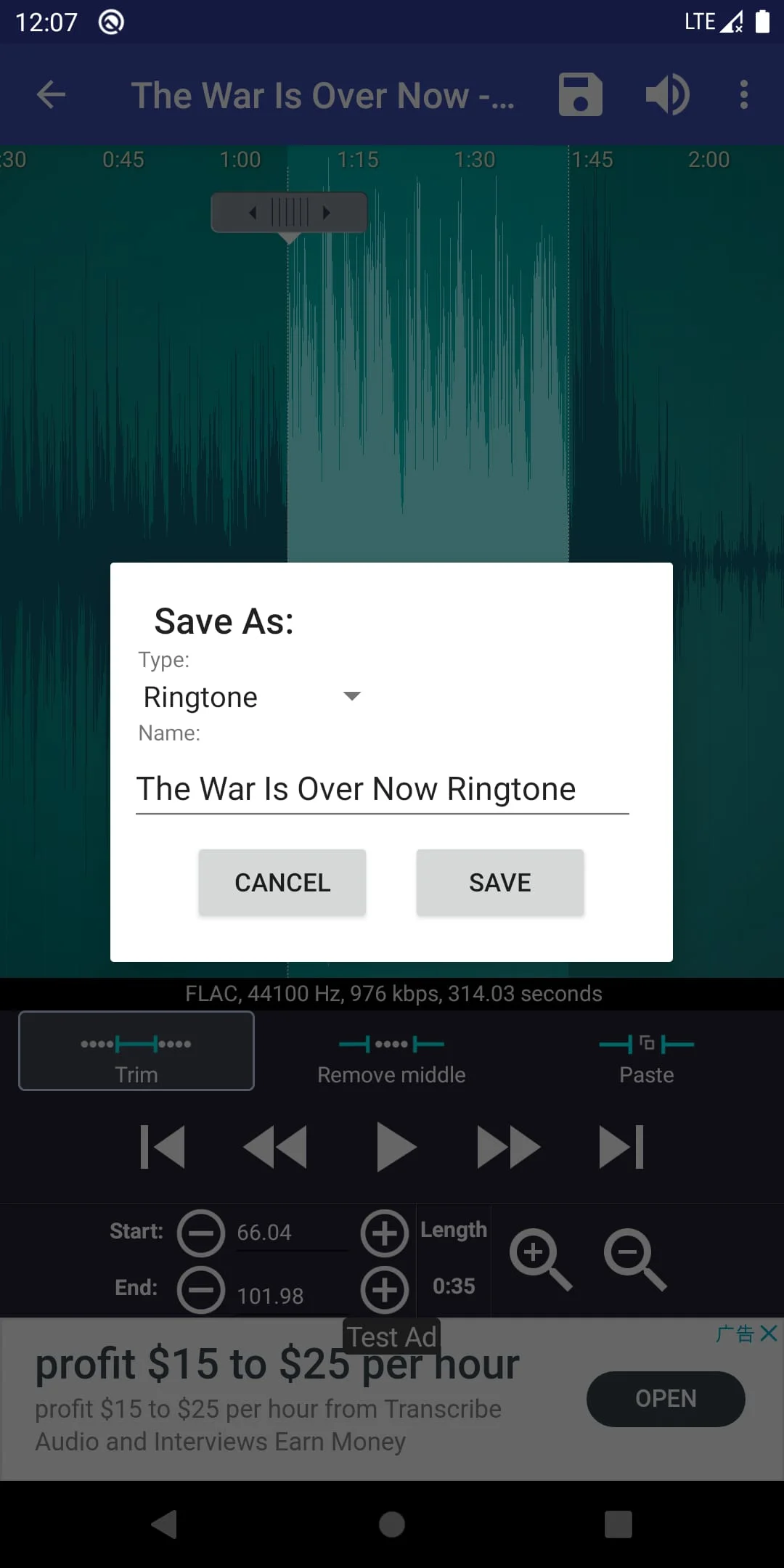
Ringtone Maker is free app creates ringtones, alarms, and notifications from MP, FLAC, OGG, WAV,AAC(MA)/MP, GPP/AMR, MIDI files. Cut the best part of your audio song and save it as your Ringtone/Alarm/Music File/Notification Tone. Make your own unique free ringtones is fast and easy. You can set the starting and ending notes by sliding arrows along the timeline, by pressing Start and End to record the point, or by typing in time stamps. This app is also a music editor/alarm tone maker/ ringtone cutter and notification tone creator. You can also record your own or your kids voice, and make them to ringtone or notification. Enjoy reminding you to answer the call with your child's voice. Free ringtone and music download. Copy, cut and paste. (So you can merge different music files together very easily.) Fade in/out for mp. Adjust volume for mp. Preview the Ringtone files and assign to contact. View a scrollable waveform representation of the audio file at zoom levels. Set starting and ending points for a clip within the audio file, using an touch interface. Play the selected portion of the audio, including an indicator cursor and auto scrolling of the waveform. Play anywhere else by tapping the screen. Save the clipped audio as a new audio file and mark it as Music, Ringtone, Alarm, or Notification. Record a new audio clip to edit. Delete audio. Assign a Ringtone directly to a contact, you can also re-assign or delete the Ringtone from contact. Sort by Tracks, Albums, Artists. Manage contact Ringtone. Android system is very slow to update its music database, so it takes time if you just download your music. You can use "Scan" menu of "Ringtone Maker" to force update. Google Play Music can't be display, as it's hidden in special way, other app can't access it. Workaround : You can access Google Music with the Chrome browser on your phone. Select the desktop site. Select your desired song, click on the dots on the right. A window will pop up, giving you options, including download to device. Download and then use Ringtone Maker. It will now be able to be found on your device. Ringtones & music downloads used in Ringtone Maker app are under public domain license and/or Creative Commons license, credited inside the app. AD company need read phone state and network state to display and improve there AD quality. After you create the ringtone, there is a choice to assign it to your contact. If you choose this option, the Ringtone Maker need to read your contact data and show them in the list, then you can assign the new ringtone to somebody. Ringtone Maker will not collect your contact information. If you still have concern, please use Ringpod. It's same as "Ringtone Maker", but doesn't require Contact permission. After you save a new Ringtone, the APP need rights to write it to your SD card. Apache License, Version .
Screenshots
Version History
Ratings & Reviews
4.6
35,617 reviews
5
81%
4
10%
3
3%
2
1%
1
5%
Similar Apps





App Information
- Package Name
- com.herman.ringtone
- Version
- V2.9.8
- Size
- 7.23 MB
- Requires Android
- Varies with device
- Content Rating
- Everyone
- Last Updated
- Aug 22, 2023
- Tags
-
ringtones ringtone alarm
APK files are Android package files. Please ensure you download from trusted sources only.