
About Photo Editor
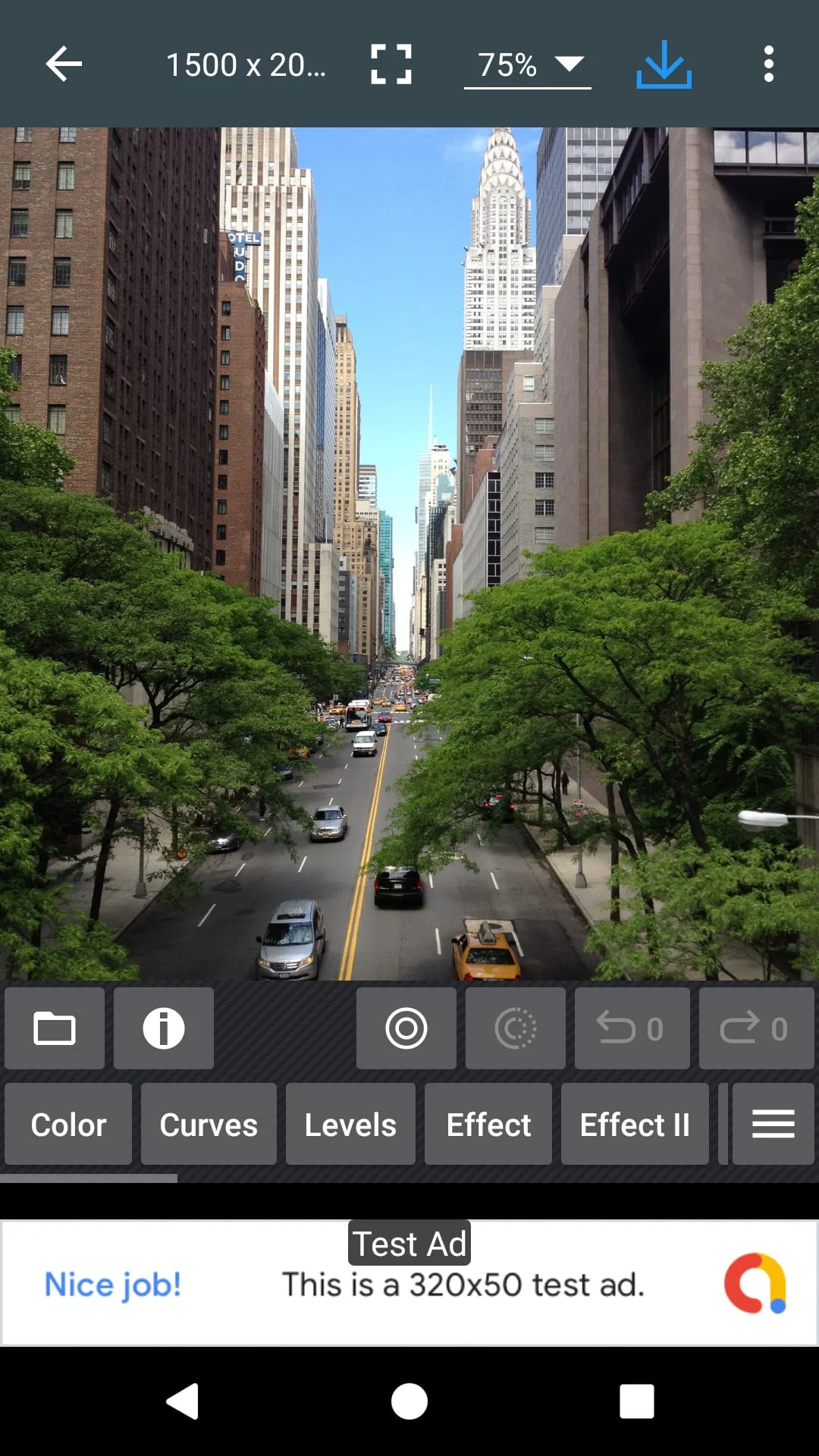
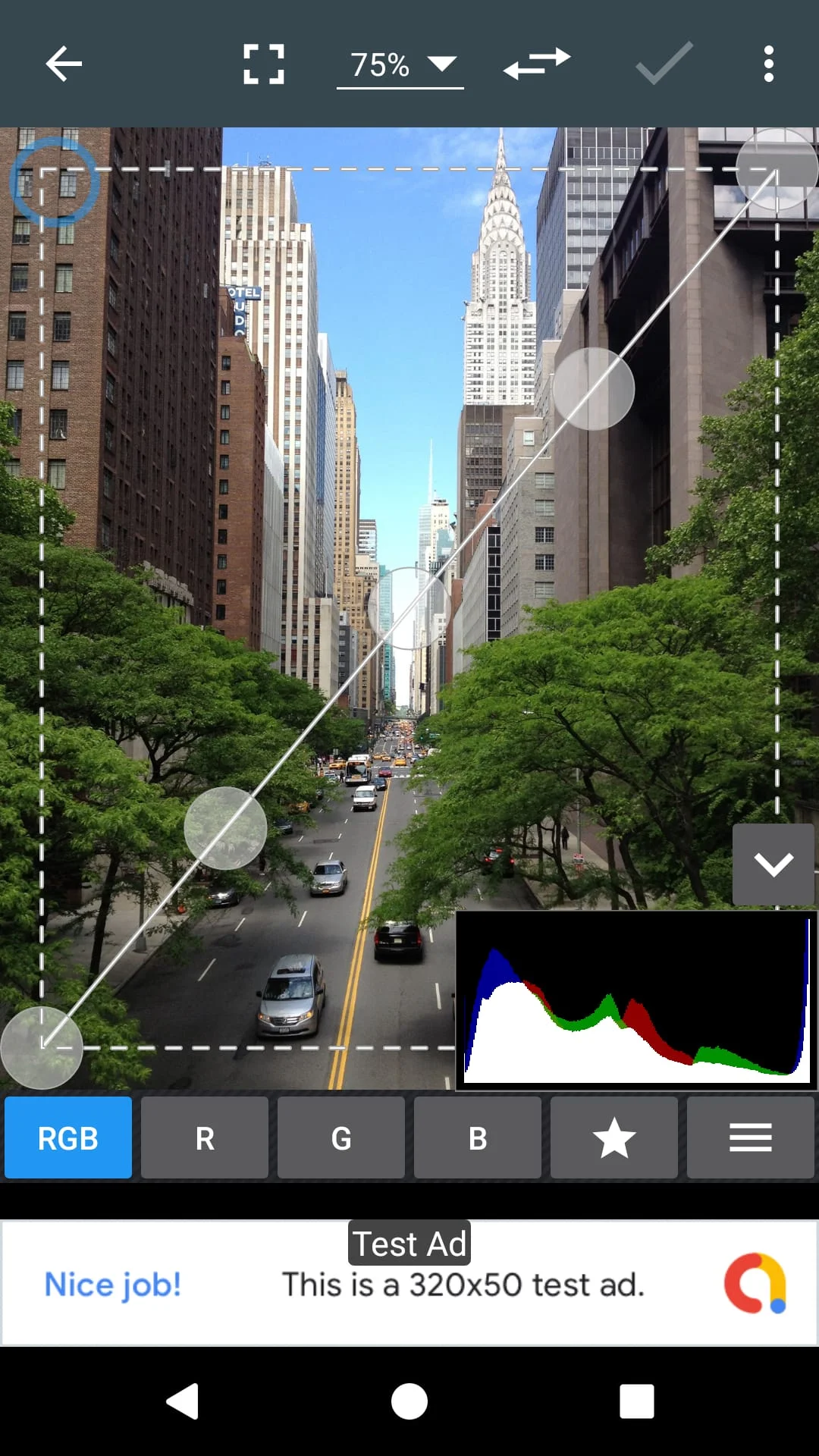
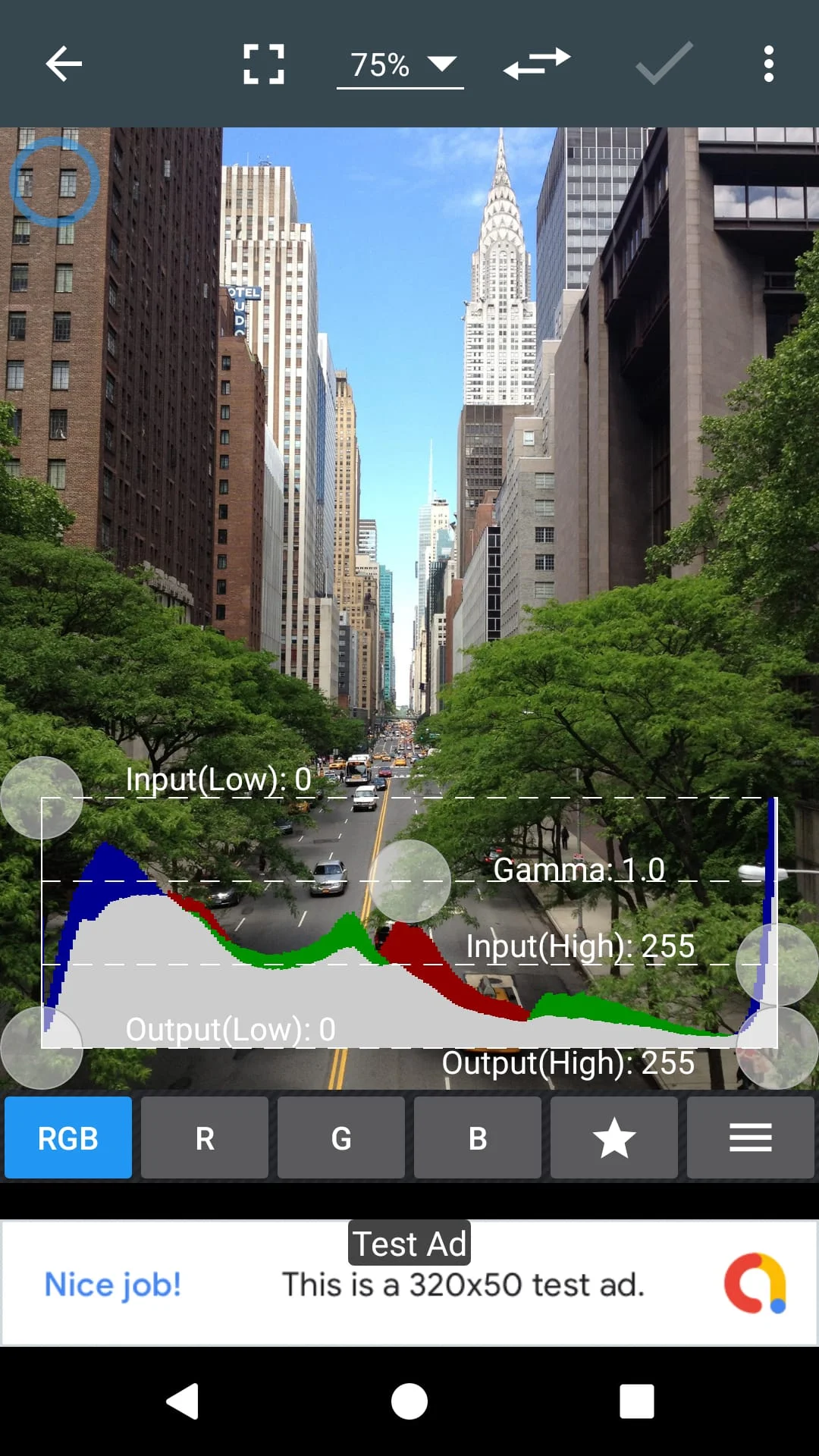
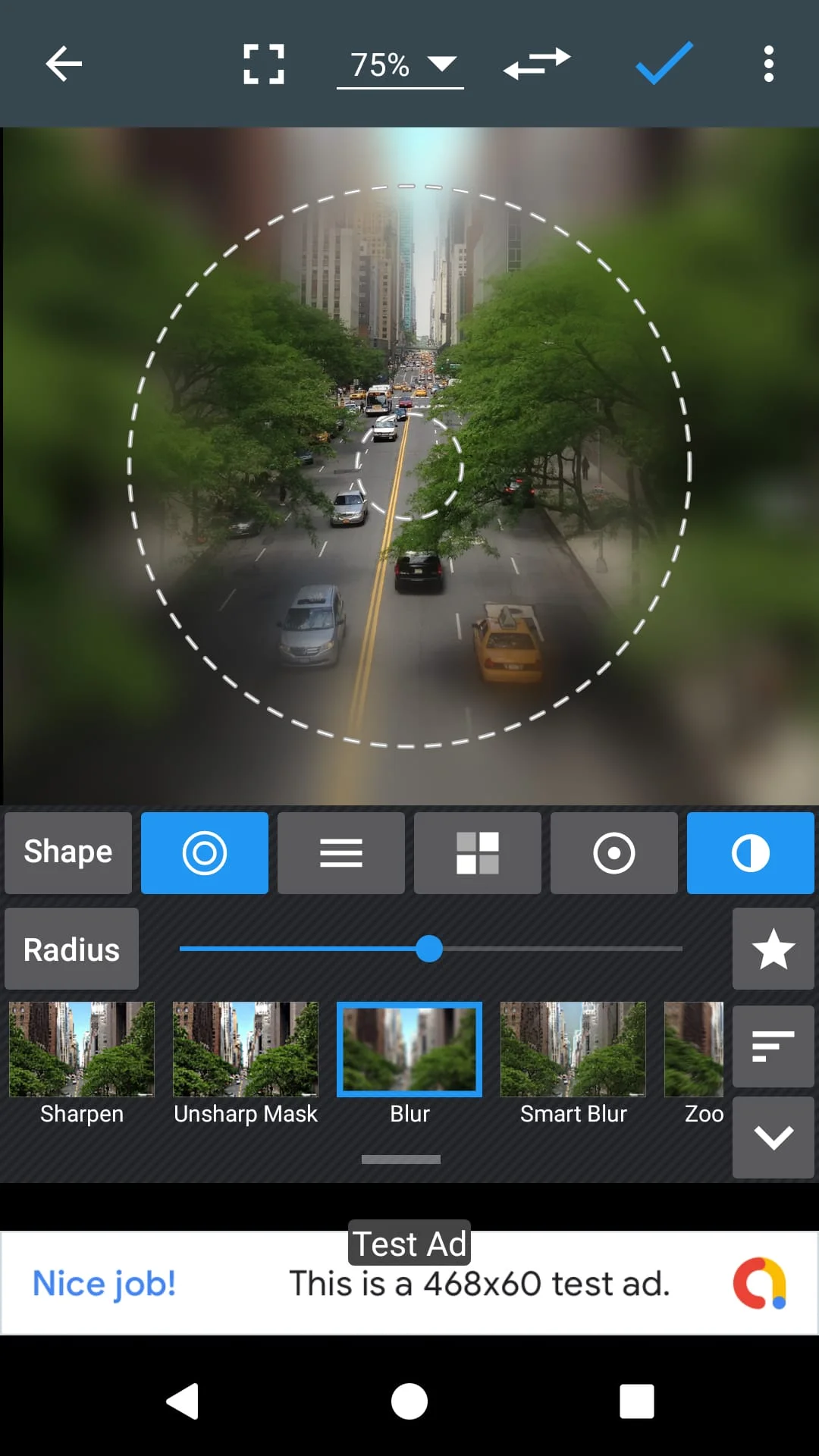
Photo Editor is a mobile application that allows users to edit photos on their mobile phones just like they would on a PC. The app offers a wide range of features, including color adjustments such as exposure, brightness, contrast, saturation, temperature, tint, and hue. Users can also fine-tune colors with curves and levels, and apply effects such as gamma correction, auto contrast, auto tone, vibrance, blur, sharpen, oil paint, sketch, black & white high contrast, sepia, and more.
In addition to color adjustments and effects, Photo Editor also allows users to add text, images, or shapes to their photos. The app offers a variety of tools for editing, including frame, denoise, drawing, pixel, clone, and cut out. Users can also rotate, straighten, crop, and resize their photos, and make corrections for perspective, lens, red-eye, white balance, and backlight.
Photo Editor offers a touch and pinch-to-zoom interface that makes it easy to edit photos on a mobile device. Users can save their edited images in JPEG, PNG, GIF, WebP, and PDF formats, and view, edit, or delete metadata such as EXIF, IPTC, and XMP. The app also allows users to save their final results to their gallery, set them as wallpaper, or save them to their SD card. Users can share their photos with e-mail, SNS, and more, and can also use the app for batch editing, cropping, compressing to ZIP, creating PDFs, and making animated GIFs. An ad-free option is also available for purchase.
Overall, Photo Editor is a powerful mobile application that offers a wide range of features for editing photos on a mobile device. With its intuitive interface and extensive editing tools, users can easily create professional-looking photos on their mobile phones.
Photo Editor is a mobile application that allows users to edit photos on their mobile phones just like they would on a PC. The app offers a wide range of features, including color adjustments, effects, and tools for editing. Users can easily adjust exposure, brightness, contrast, saturation, temperature, tint, and hue, and fine-tune colors with curves and levels. They can also apply effects such as gamma correction, auto contrast, auto tone, vibrance, blur, sharpen, oil paint, sketch, black & white high contrast, sepia, and more.
In addition to color adjustments and effects, Photo Editor also allows users to add text, images, or shapes to their photos. The app offers a variety of tools for editing, including frame, denoise, drawing, pixel, clone, and cut out. Users can also rotate, straighten, crop, and resize their photos, and make corrections for perspective, lens, red-eye, white balance, and backlight.
Photo Editor offers a touch and pinch-to-zoom interface that makes it easy to edit photos on a mobile device. Users can save their edited images in various formats, view, edit, or delete metadata, and share their photos with e-mail, SNS, and more. The app also allows users to use it for batch editing, cropping, compressing to ZIP, creating PDFs, and making animated GIFs. An ad-free option is also available for purchase. Overall, Photo Editor is a powerful mobile application that offers a wide range of features for editing photos on a mobile device.
Photo Editor is a mobile application that allows users to edit photos on their mobile phones just like they would on a PC. The app offers a wide range of features, including color adjustments, effects, and tools for editing. Users can easily adjust exposure, brightness, contrast, saturation, temperature, tint, and hue, and fine-tune colors with curves and levels. They can also apply effects such as gamma correction, auto contrast, auto tone, vibrance, blur, sharpen, oil paint, sketch, black & white high contrast, sepia, and more.
In addition to color adjustments and effects, Photo Editor also allows users to add text, images, or shapes to their photos. The app offers a variety of tools for editing, including frame, denoise, drawing, pixel, clone, and cut out. Users can also rotate, straighten, crop, and resize their photos, and make corrections for perspective, lens, red-eye, white balance, and backlight.
Photo Editor offers a touch and pinch-to-zoom interface that makes it easy to edit photos on a mobile device. Users can save their edited images in various formats, view, edit, or delete metadata, and share their photos with e-mail, SNS, and more. The app also allows users to use it for batch editing, cropping, compressing to ZIP, creating PDFs, and making animated GIFs. An ad-free option is also available for purchase. Overall, Photo Editor is a powerful mobile application that offers a wide range of features for editing photos on a mobile device.
Screenshots
Version History
Ratings & Reviews
4.3
20,499 reviews
5
74%
4
9%
3
5%
2
3%
1
10%
Similar Apps





App Information
- Package Name
- com.iudesk.android.photo.editor
- Version
- V9.1
- Size
- 7.4 MB
- Requires Android
- Varies with device
- Content Rating
- Everyone
- Last Updated
- Jul 25, 2023
- Tags
-
editing editor jpeg
APK files are Android package files. Please ensure you download from trusted sources only.