About Open Camera
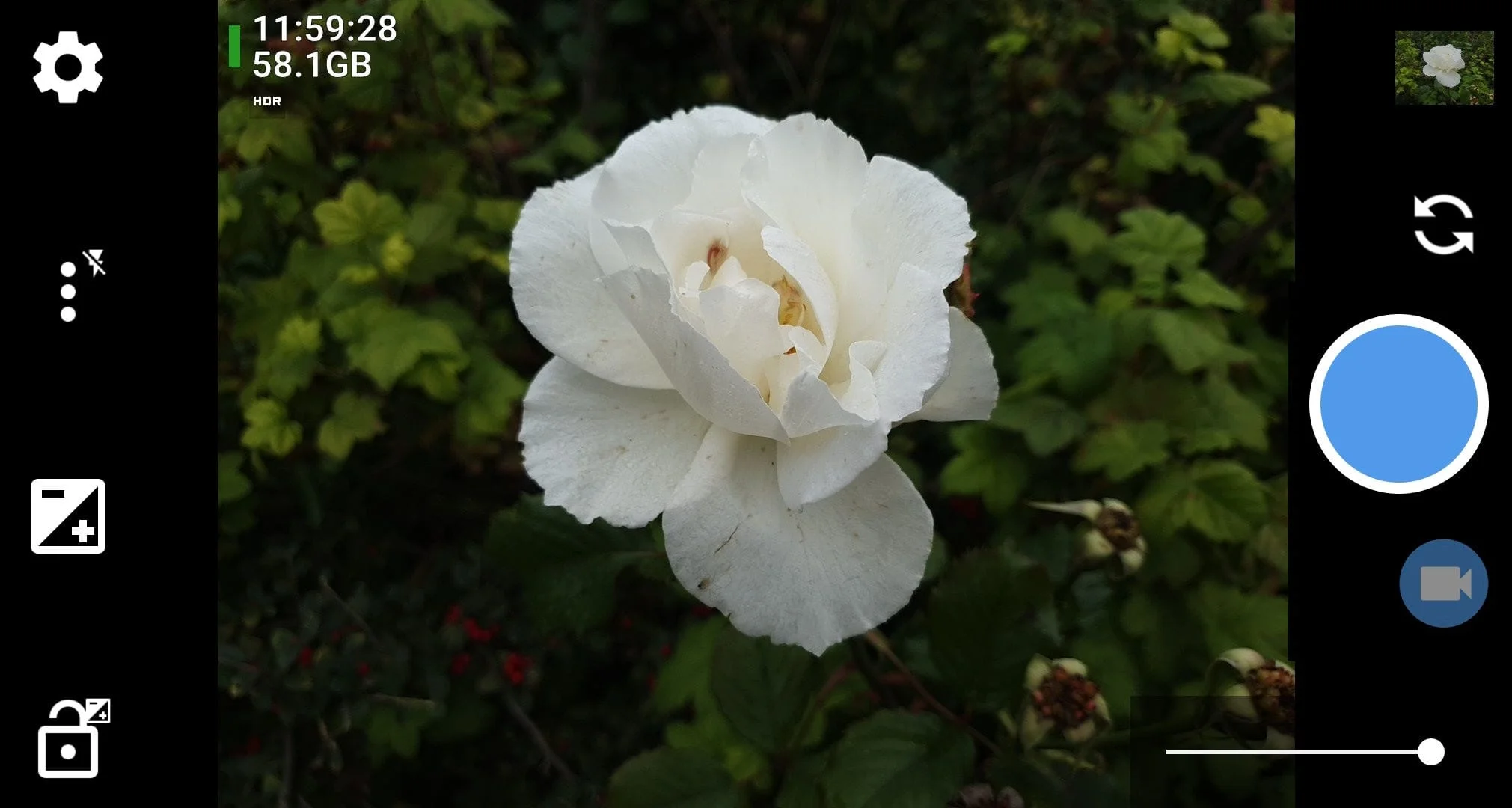
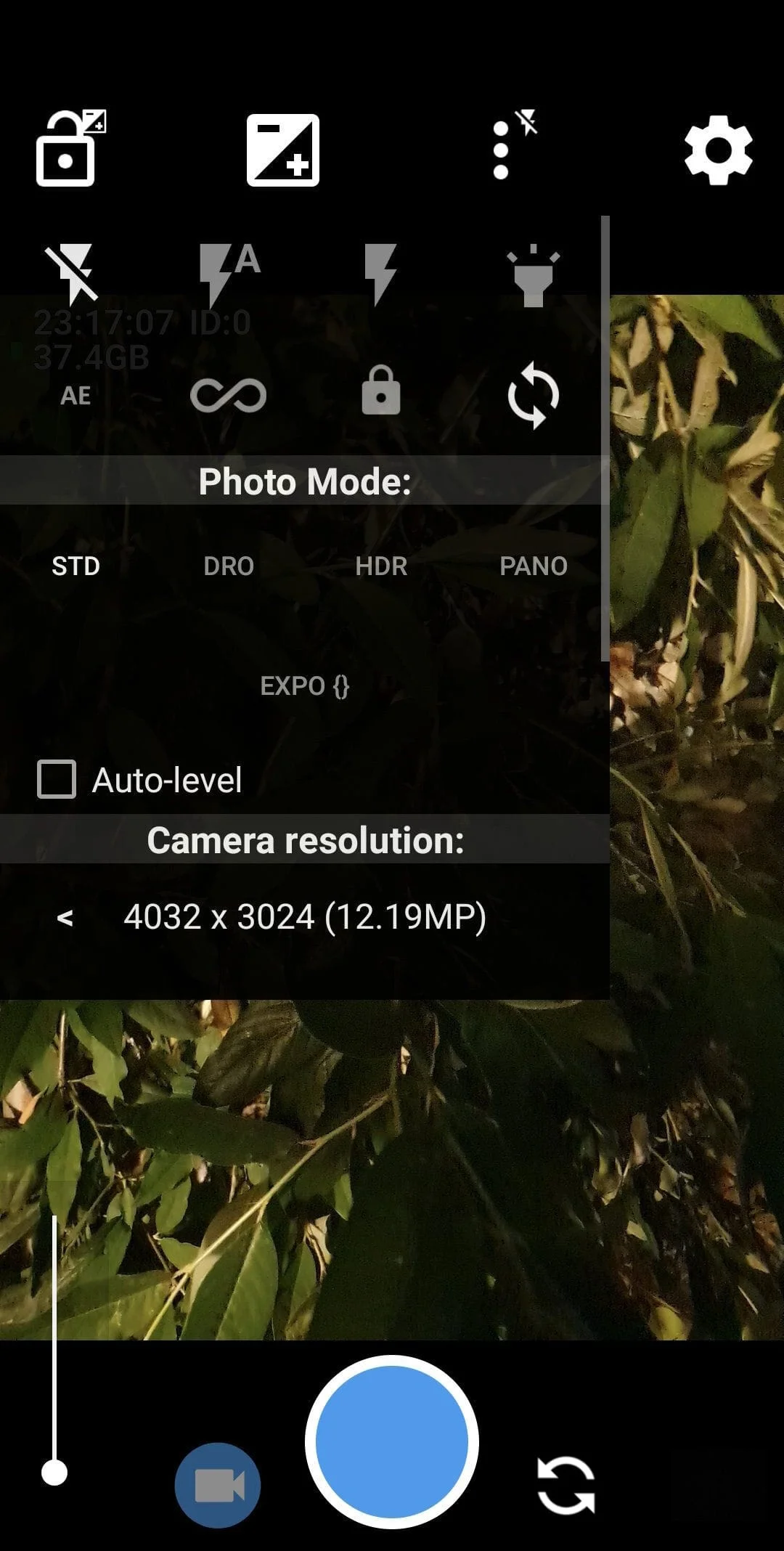
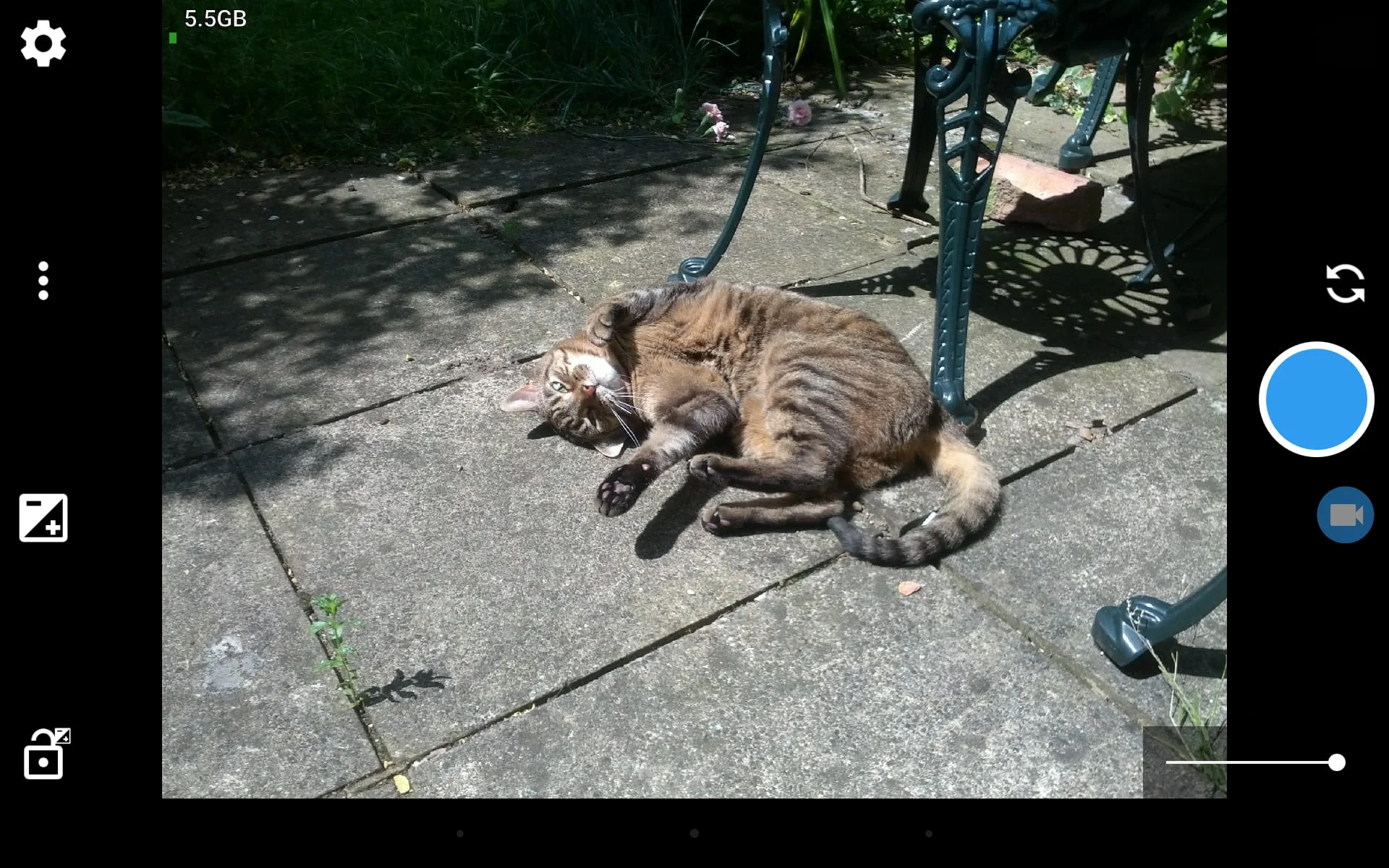
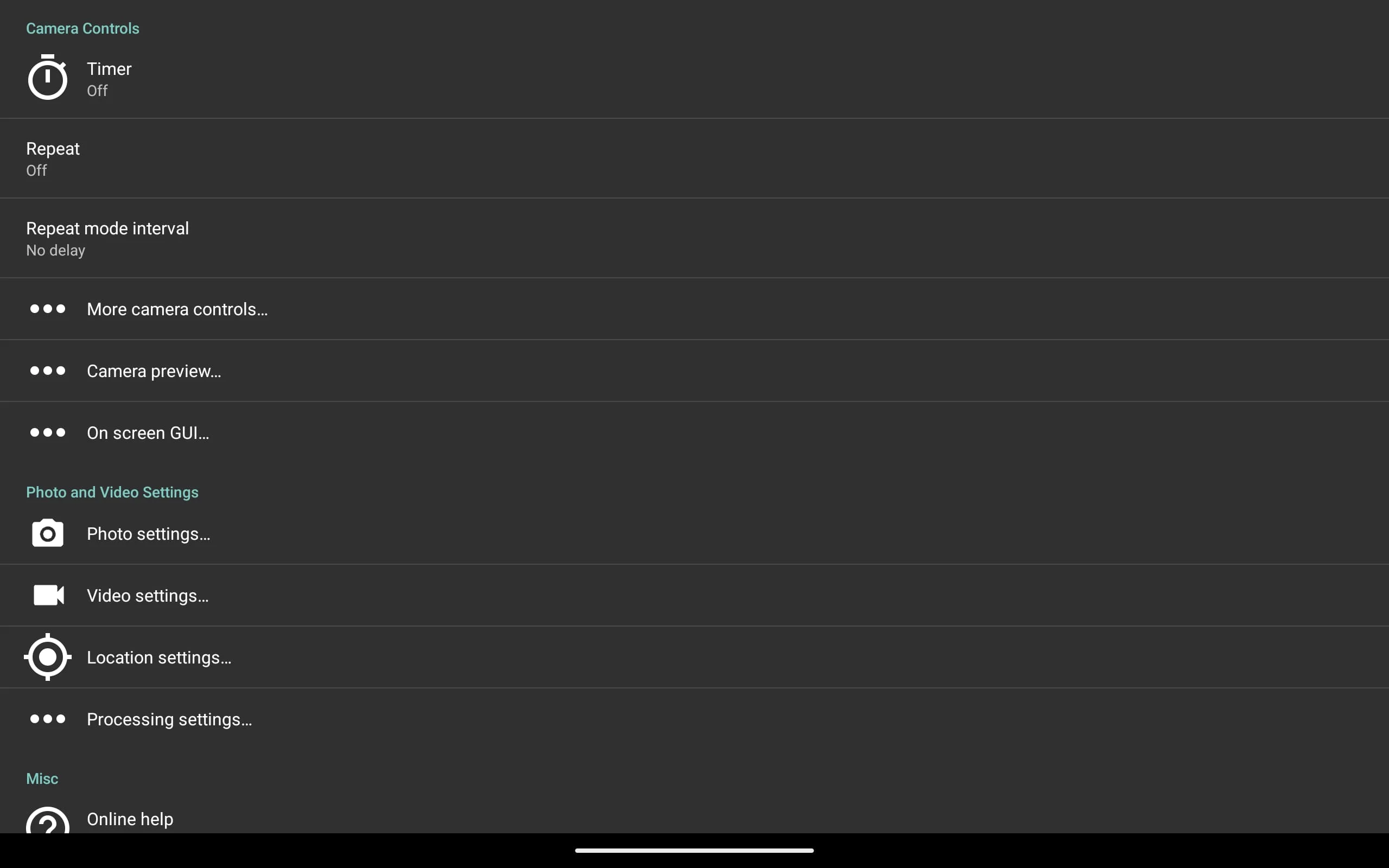
Open Camera is a free camera app that offers a wide range of features to enhance your photography experience. These features include auto-leveling, support for scene modes, color effects, white balance, ISO, exposure compensation/lock, selfie with "screen flash", HD video, and more. The app also offers remote controls, such as a timer with an optional voice countdown and auto-repeat mode with a configurable delay. Additionally, you can take photos remotely by making a noise.
Other features of Open Camera include configurable volume keys and user interface, upside-down preview option for use with attachable lenses, and the ability to overlay a choice of grids and crop guides. You can also apply date and timestamp, location coordinates, and custom text to photos, and store date/time and location as video subtitles (.SRT). The app supports panorama, including for front camera, HDR (with auto-alignment and ghost removal), and Exposure Bracketing.
Open Camera also supports Camera2 API, which offers manual controls (with optional focus assist), burst mode, RAW (DNG) files, camera vendor extensions, slow motion video, and log profile video. The app also offers noise reduction (including low light night mode) and Dynamic range optimization modes, as well as options for on-screen histogram, zebra stripes, and focus peaking.
Please note that some features may not be available on all devices, as they may depend on hardware or camera features, the Android version, etc. The app is completely free, and there are no third-party ads in the app (third-party ads are only run on the website). Open Camera is also open source.
Open Camera is a camera app that offers a range of features to enhance your photography experience. These features include auto-leveling, support for scene modes, color effects, white balance, ISO, exposure compensation/lock, selfie with "screen flash", HD video, and more. The app also offers remote controls, such as a timer with an optional voice countdown and auto-repeat mode with a configurable delay. Additionally, you can take photos remotely by making a noise.
Other features of Open Camera include configurable volume keys and user interface, upside-down preview option for use with attachable lenses, and the ability to overlay a choice of grids and crop guides. You can also apply date and timestamp, location coordinates, and custom text to photos, and store date/time and location as video subtitles (.SRT). The app supports panorama, including for front camera, HDR (with auto-alignment and ghost removal), and Exposure Bracketing.
Open Camera also supports Camera2 API, which offers manual controls (with optional focus assist), burst mode, RAW (DNG) files, camera vendor extensions, slow motion video, and log profile video. The app also offers noise reduction (including low light night mode) and Dynamic range optimization modes, as well as options for on-screen histogram, zebra stripes, and focus peaking.
Please note that some features may not be available on all devices, as they may depend on hardware or camera features, the Android version, etc. The app is completely free, and there are no third-party ads in the app (third-party ads are only run on the website). Open Camera is also open source.
Open Camera is a camera app that offers a range of features to enhance your photography experience. These features include auto-leveling, support for scene modes, color effects, white balance, ISO, exposure compensation/lock, selfie with "screen flash", HD video, and more. The app also offers remote controls, such as a timer with an optional voice countdown and auto-repeat mode with a configurable delay. Additionally, you can take photos remotely by making a noise.
Other features of Open Camera include configurable volume keys and user interface, upside-down preview option for use with attachable lenses, and the ability to overlay a choice of grids and crop guides. You can also apply date and timestamp, location coordinates, and custom text to photos, and store date/time and location as video subtitles (.SRT). The app supports panorama, including for front camera, HDR (with auto-alignment and ghost removal), and Exposure Bracketing.
Open Camera also supports Camera2 API, which offers manual controls (with optional focus assist), burst mode, RAW (DNG) files, camera vendor extensions, slow motion video, and log profile video. The app also offers noise reduction (including low light night mode) and Dynamic range optimization modes, as well as options for on-screen histogram, zebra stripes, and focus peaking.
Please note that some features may not be available on all devices, as they may depend on hardware or camera features, the Android version, etc. The app is completely free, and there are no third-party ads in the app (third-party ads are only run on the website). Open Camera is also open source.
Screenshots
Version History
Ratings & Reviews
4.0
7,441 reviews
5
62%
4
12%
3
8%
2
5%
1
13%
Similar Apps




App Information
- Package Name
- net.sourceforge.opencamera
- Version
- V1.50.1
- Size
- 3.68 MB
- Requires Android
- Varies with device
- Content Rating
- Everyone
- Last Updated
- Jun 8, 2022
- Tags
-
camera2 camera photography
APK files are Android package files. Please ensure you download from trusted sources only.