Mobizen Screen Recorder icon

Mobizen Screen Recorder

by MOBIZEN

4.2 (75,503 reviews)
| 100M+ downloads | Productivity

About Mobizen Screen Recorder

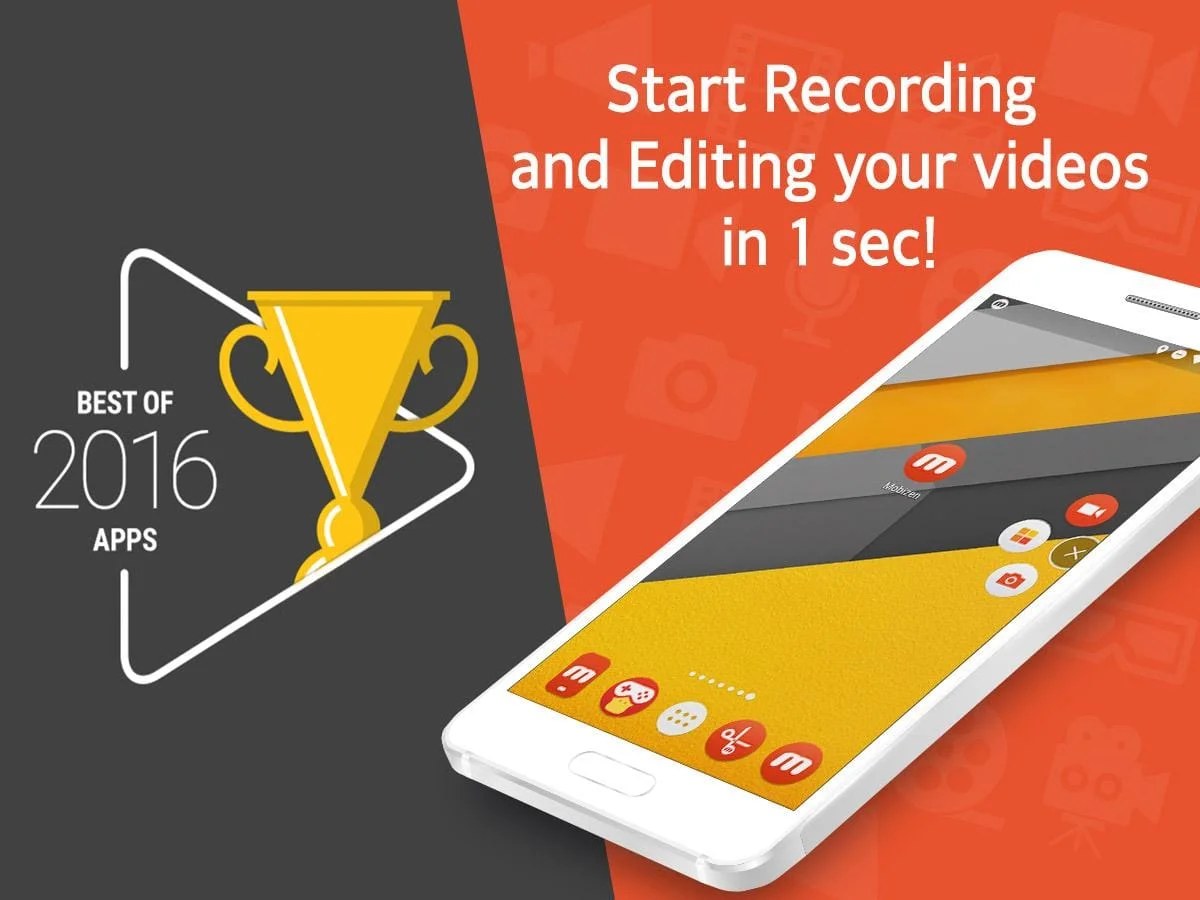
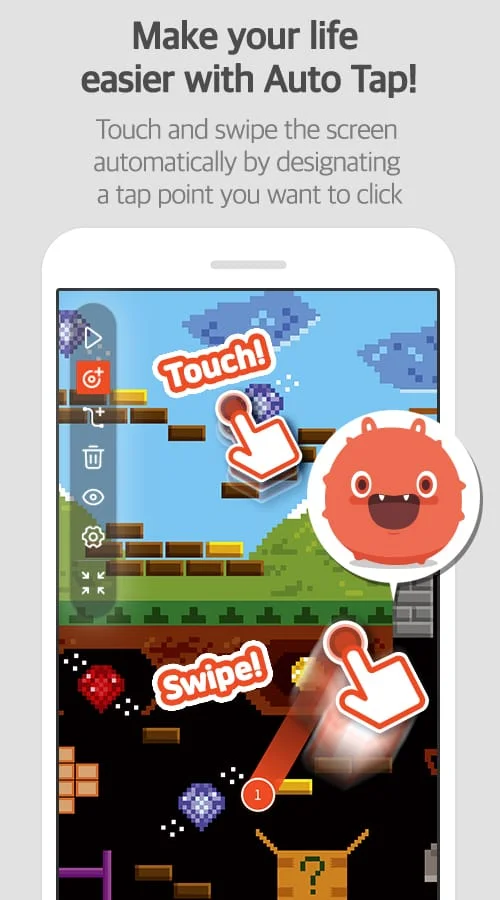
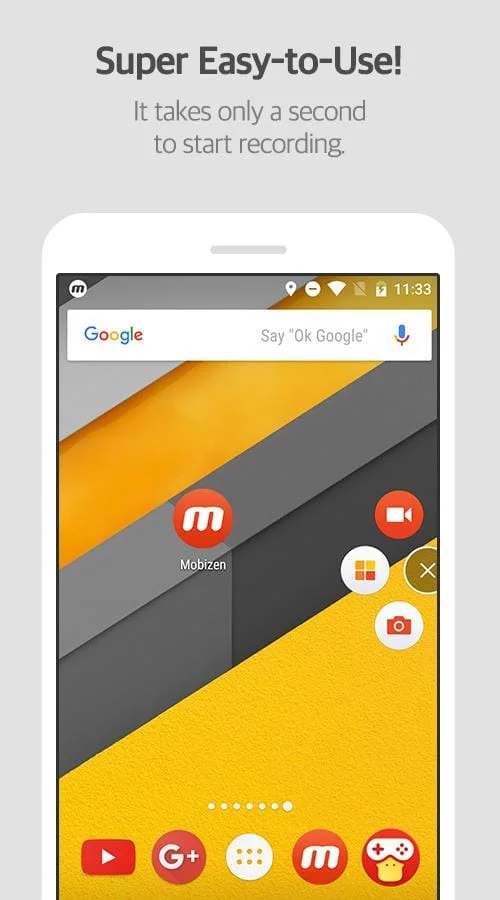
The Best of Apps selected by Google. Screen recorder selected by global million users. Featured in Google Play. Screen recording, capture, and editing functions are free. The video recorded with the Mobizen app is not saved on the server, only on the user device, so use it with confidence! Easy to start/stop recording, and freely pause while recording. Use it immediately without signing up (login). Download Mobizen Screen Recorder, which can start recording easily with one click, and start recording gameplay, video, and live broadcasting easily and conveniently! Do you want your first screen recording to be perfect? ㆍClean screen recording without a record button through Hide Air Circle mode! ㆍRecord the screen without watermark for free using Clean mode! ㆍNot only FULL HD (FHD) screen recording, but also QUAD HD (QHD, K) screen recording! ㆍFacecam function! Express your reactions freely and record game sounds and voices together! ㆍSave to external memory (SD card)! Record long screen recordings of more than an hour without worrying about memory! ㆍVarious image editing functions (BGM, in/outro, trim, split video, frame extraction, etc.) Increase the quality of the recorded video! ㆍFrom OS ., anyone can use it without rooting! ㆍScreen recording, capture, and editing functions for free! ㆍRemove the watermark and make a cleaner recording! ㆍRecord a video of yourself through Facecam! ㆍHighlight important points through the drawing function! ㆍCreate your own watermark! ㆍCreate a GIF and create a fun meme! ㆍChoose the type of Air Circle! Do you have any questions while using Mobizen? Check the functions you are curious about using Mobizen, screen recording tips, and communication with users in the channels below! Do you have any unnatural sounding text while using the Mobizen app? Download it now and try it! Storage: Used for saving and editing recorded video & image files. - Camera: Used for Facecam settings and Air Circle custom when recording screens. - Microphone: Used for sound recording function during screen recording. - Draw on top of other apps: To open Mobizen's Air Circle, you need to grant permission to draw on top of other apps. Please note that you can use the app even if you do not agree to the optional access rights. From Android OS . or higher, you can set and revoke access rights. If you are using Android OS version less than ., you can modify the permissions after updating the software.

Screenshots

Mobizen Screen Recorder Screenshot 1
Mobizen Screen Recorder Screenshot 2
Mobizen Screen Recorder Screenshot 3
Mobizen Screen Recorder Screenshot 4

Version History

VV3.10.0.28 38.2 MB

Updated: Sep 4, 2023

VV3.10.0.24 39.55 MB

Updated: Jun 21, 2023

VV3.10.0.20 38.2 MB

Updated: Jun 17, 2023

VV3.7.5.3 24.8 MB

Updated: May 9, 2020

VV3.9.4.3 34.6 MB

Updated: Mar 28, 2022

VV3.7.4.11 26.8 MB

Updated: Mar 23, 2020

VV3.10.1.4 43.32 MB

Updated: Mar 18, 2024

VV3.10.0.31 39.57 MB

Updated: Oct 26, 2023

VV3.7.3.11 23.0 MB

Updated: Jan 8, 2020

VV3.9.5.18 33.56 MB

Updated: Jan 3, 2023

Ratings & Reviews

4.2

75,503 reviews

5
71%
4
9%
3
5%
2
3%
1
12%

Similar Apps

App Information

Package Name
com.rsupport.mvagent
Version
V3.10.0.28
Size
38.2 MB
Requires Android
Varies with device
Content Rating
Everyone
Last Updated
Sep 4, 2023
Tags
recording recorder screen

Download Options

Download APK

Safe and verified APK file

APK files are Android package files. Please ensure you download from trusted sources only.