Microsoft Lens - PDF Scanner icon

Microsoft Lens - PDF Scanner

by Microsoft Corporation

4.8 (18,987 reviews)
| 50M+ downloads | Productivity

About Microsoft Lens - PDF Scanner

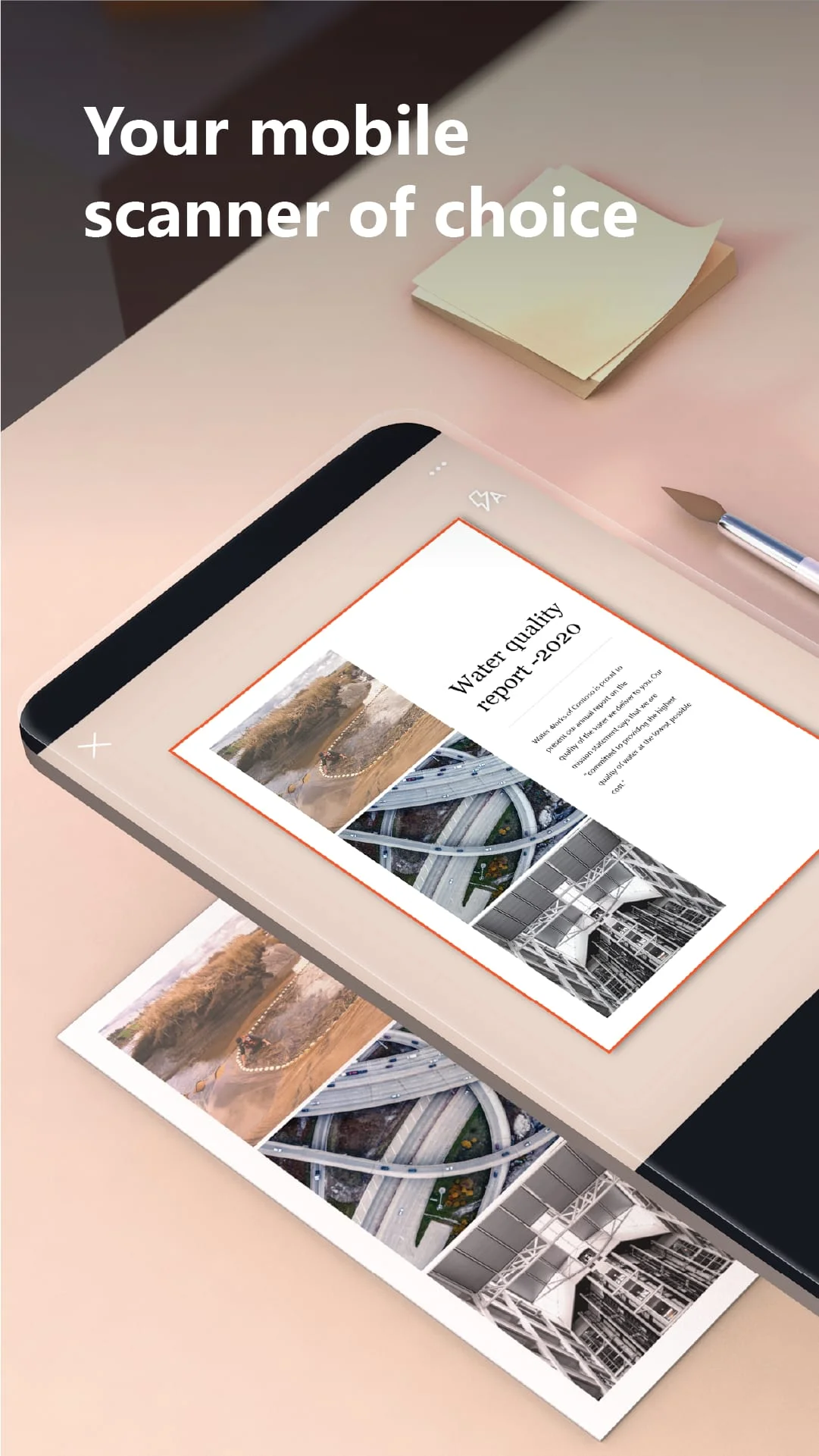
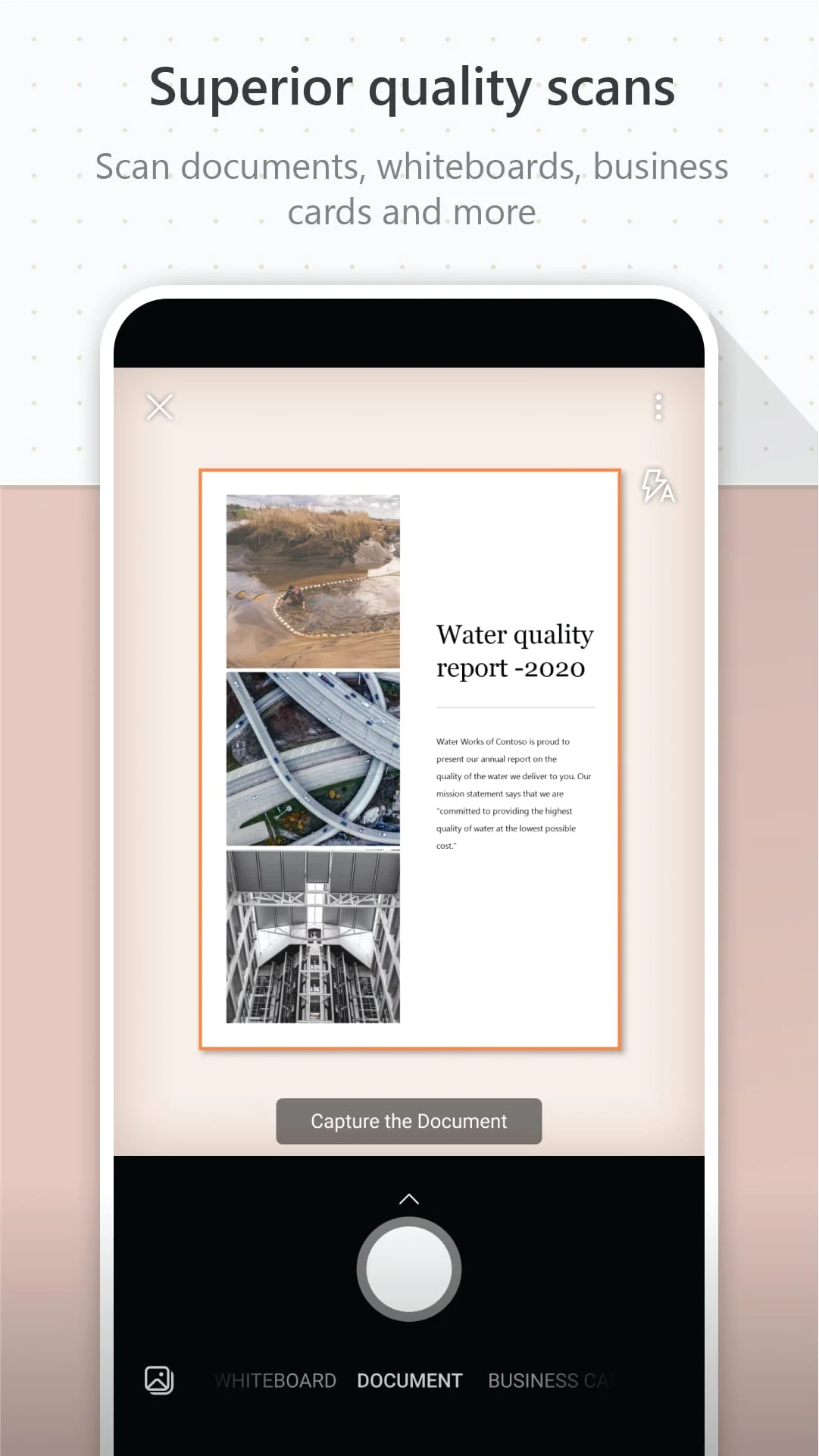
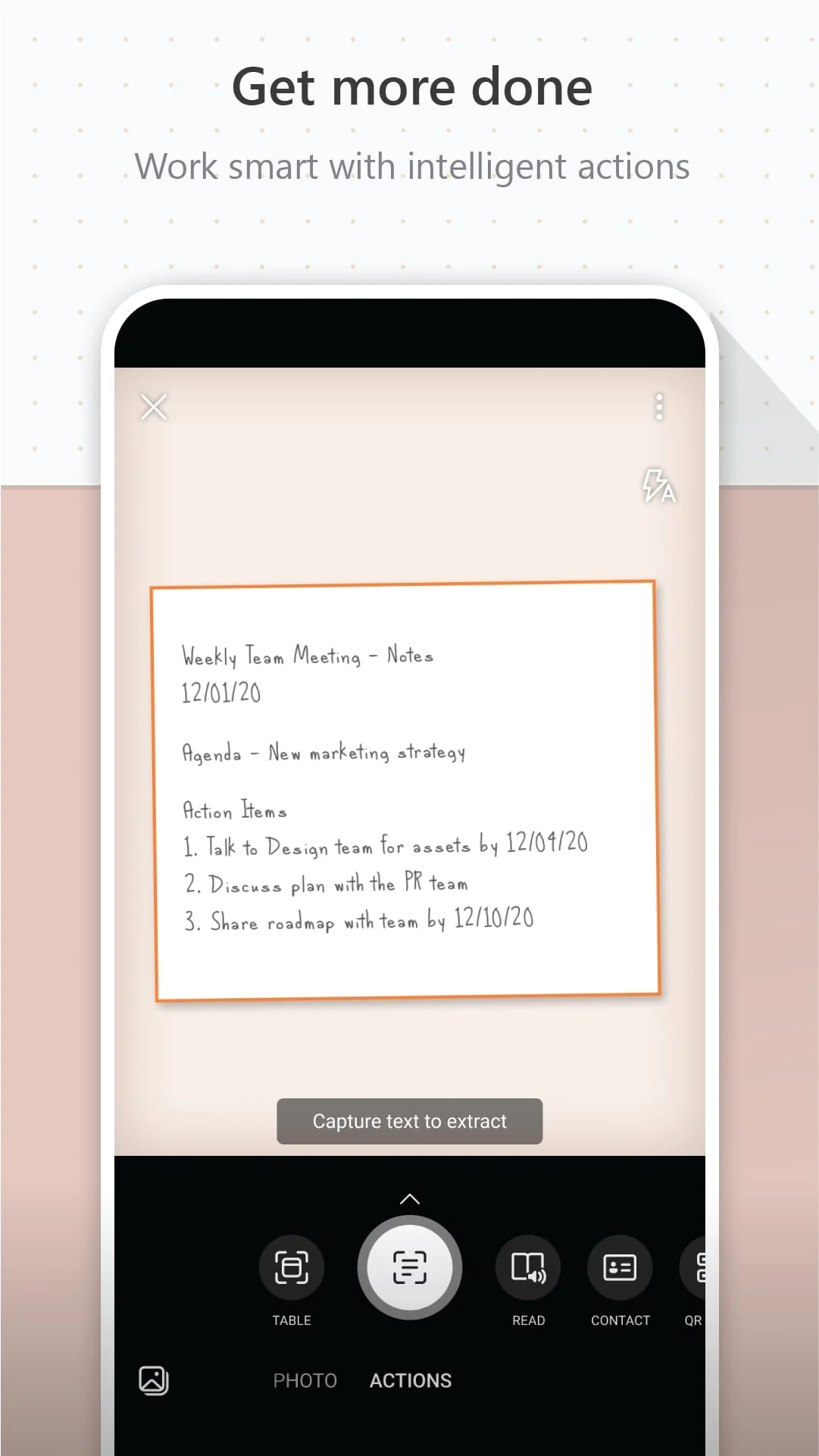
Microsoft Lens, formerly known as Microsoft Office Lens, is a versatile tool that can enhance and digitize images of whiteboards and documents. It allows users to convert images to various file formats, including PDF, Word, PowerPoint, and Excel, and save them to OneNote, OneDrive, or their local device. The app also enables users to import images from their device's gallery. One of the main benefits of Microsoft Lens is its ability to increase productivity in various settings. In the workplace, users can scan and upload notes, receipts, and documents, capture whiteboards at the end of meetings, and digitize printed or handwritten meeting notes. The app also allows users to save business cards to their contact list and choose from various file formats when saving files. In an educational setting, Microsoft Lens can be used to scan classroom handouts and annotate them in Word and OneNote, digitize handwritten notes, and take pictures of whiteboards or blackboards for later reference. The app also integrates seamlessly with OneNote, making it easy to keep class notes and research organized. Overall, Microsoft Lens is a powerful tool that can enhance productivity in various settings by digitizing and organizing important documents and notes. Microsoft Lens is a versatile app that can enhance productivity in various settings. In the workplace, users can scan and upload notes, receipts, and documents, capture whiteboards at the end of meetings, and digitize printed or handwritten meeting notes. The app also allows users to save business cards to their contact list and choose from various file formats when saving files. In an educational setting, Microsoft Lens can be used to scan classroom handouts and annotate them in Word and OneNote, digitize handwritten notes, and take pictures of whiteboards or blackboards for later reference. The app also integrates seamlessly with OneNote, making it easy to keep class notes and research organized. By installing the app, users agree to the terms and conditions set forth by Microsoft.

Screenshots

Microsoft Lens - PDF Scanner Screenshot 1
Microsoft Lens - PDF Scanner Screenshot 2
Microsoft Lens - PDF Scanner Screenshot 3
Microsoft Lens - PDF Scanner Screenshot 4

Version History

VV16.0.16827.20036 62.39 MB

Updated: Sep 26, 2023

VV16.0.16501.20008 57.8 MB

Updated: Jun 16, 2023

VV16.0.16130.20128 57.54 MB

Updated: Feb 16, 2023

VV16.0.14827.20174 59.6 MB

Updated: Feb 10, 2022

VV16.0.14729.20162 59.2 MB

Updated: Dec 23, 2021

VV16.0.14701.20126 57.5 MB

Updated: Nov 26, 2021

VV16.0.14527.20178 57.6 MB

Updated: Oct 28, 2021

Ratings & Reviews

4.8

18,987 reviews

5
90%
4
6%
3
1%
2
1%
1
2%

Similar Apps

More from Microsoft Corporation

App Information

Package Name
com.microsoft.office.officelens
Version
V16.0.16827.20036
Size
62.39 MB
Requires Android
Varies with device
Content Rating
Everyone
Last Updated
Sep 26, 2023
Tags
digitizing digitize scanner

Download Options

Download APK

Safe and verified APK file

APK files are Android package files. Please ensure you download from trusted sources only.