About inCarDoc - OBD2 ELM327 Scanner
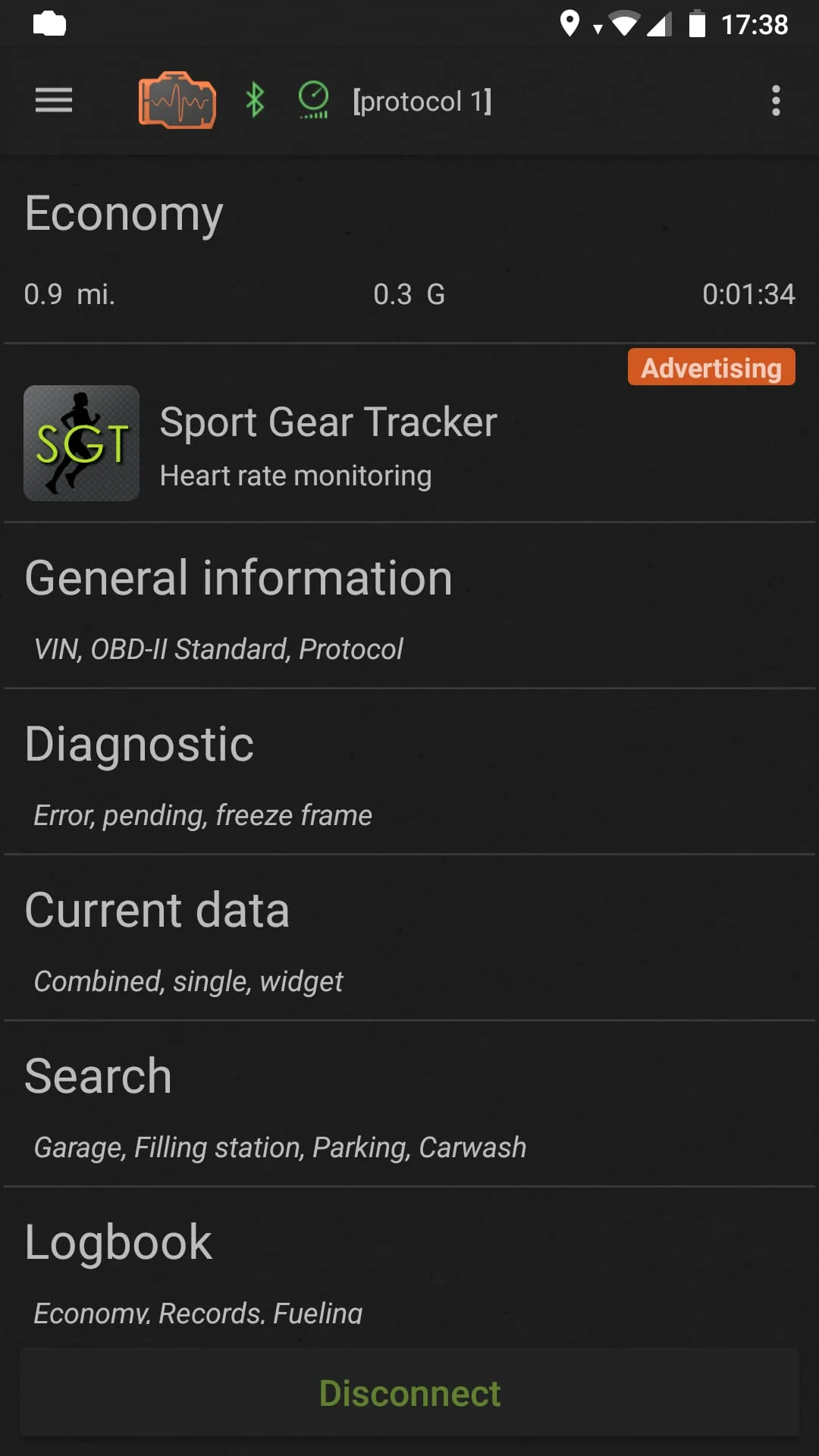
inCarDoc is a car diagnostic tool that reads real-time and stored diagnostics parameters from ECU of OBD-II compliant cars. The app requires ELM327 or compatible OBD2 car scanner and supports OBD-II (Bluetooth, WiFi, Kiwi 3 (BLE), V-Gate iCar 3 (BLE), Veepeak (BLE), Carista, Vinli); GPS-only and Demo modes. Limited functionality is available without ELM327, possible only in GPS mode: Speed, Altitude. The app works as a fault codes OBD2 car scanner, reads Check Engine (MIL) state, details, related freeze frame data, finds descriptions and clears stored diagnostic trouble codes (DTC).
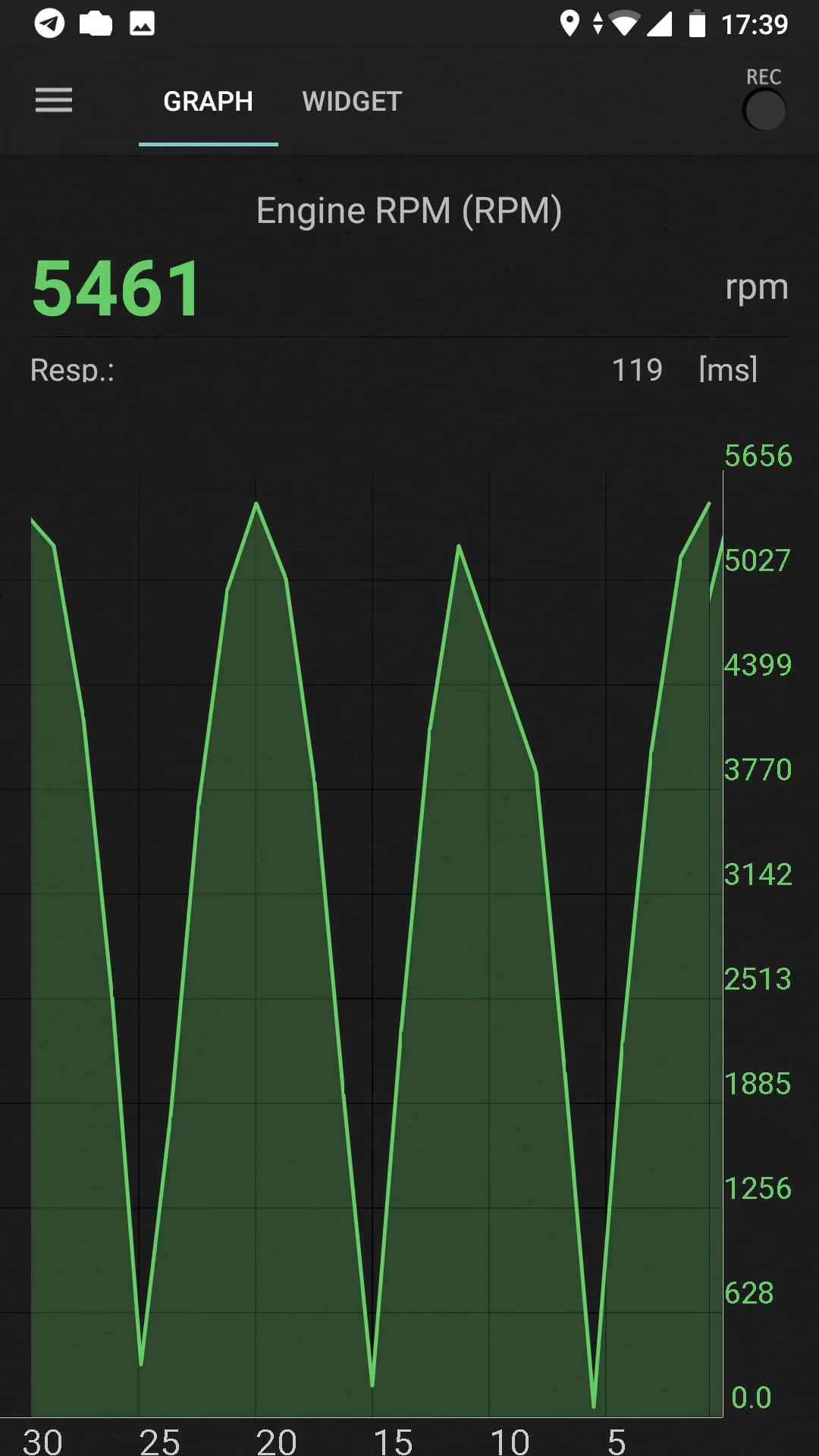
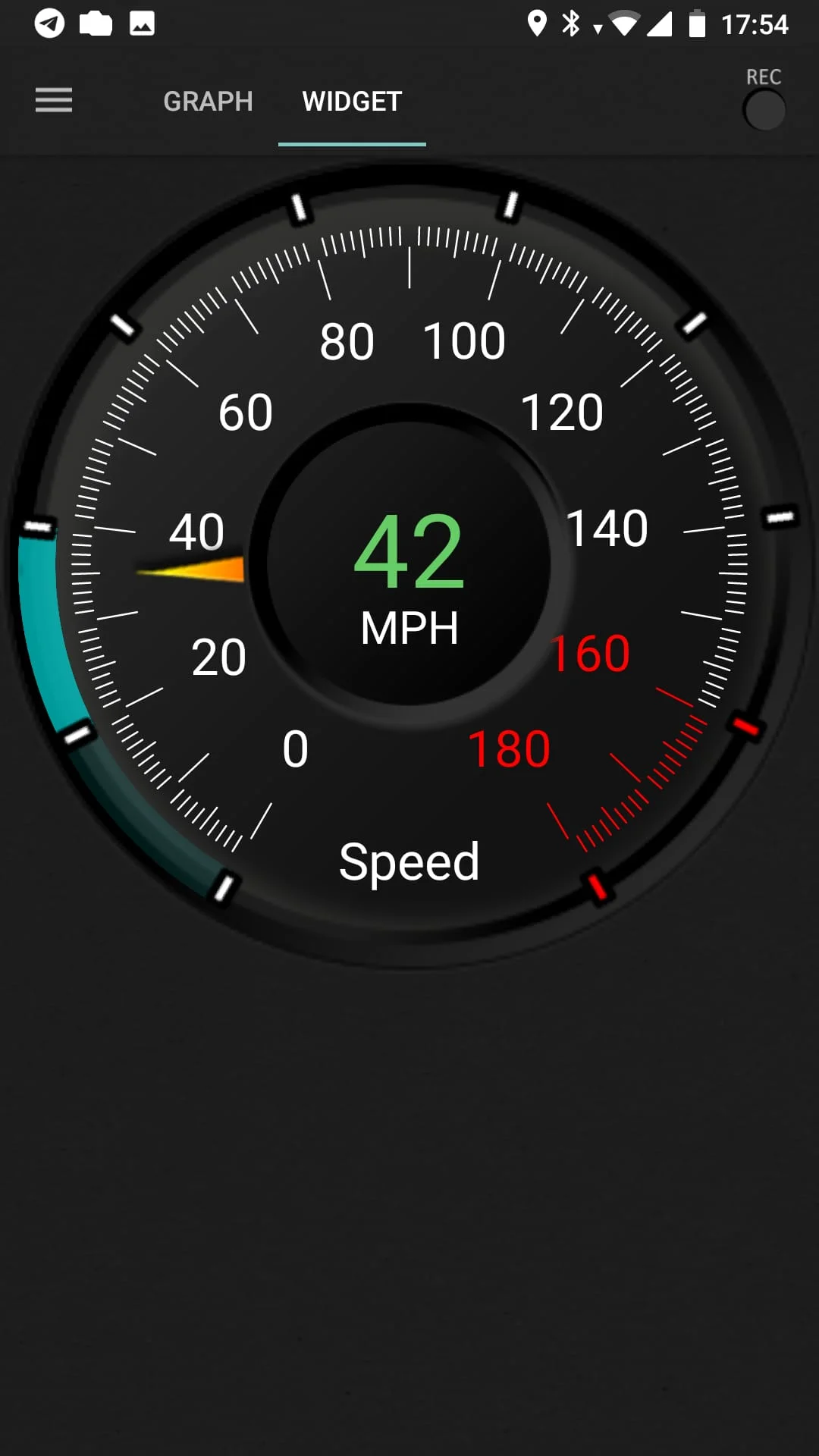
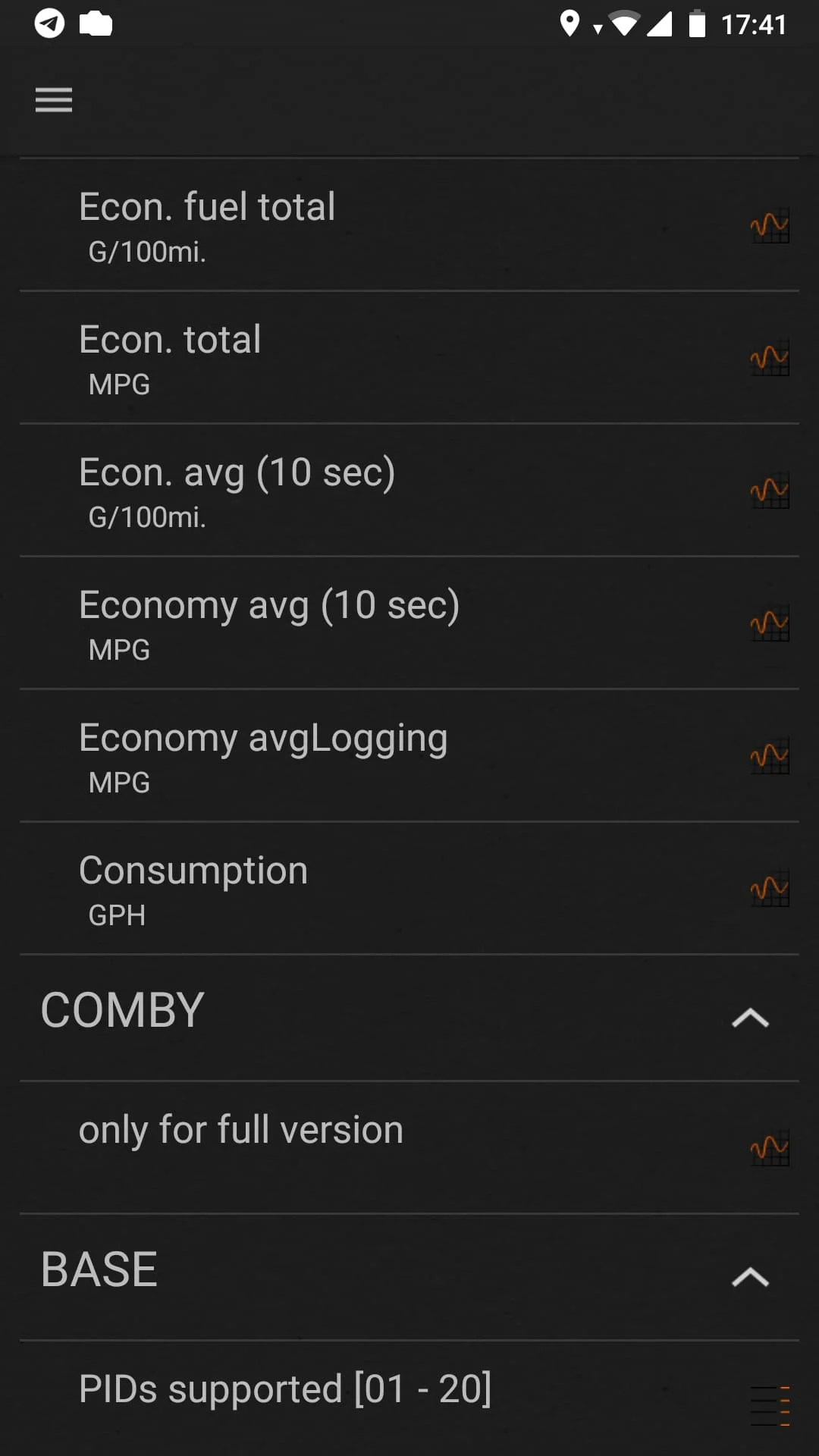
The app also reads real-time engine and vehicle OBD2 parameters PIDs from car’s sensors, such as speed, rotation (rpm), coolant temperature, pressure, O2 oxygen sensors, and multiple other PIDs supported by the car. Available chart drawing and analog/digital widgets presentation. Note that the exact list of scanned OBD2 parameters depends on the car make/model/year. The app has an Economizer: Trip Computer mode for presenting and tracking car’s fuel economy/consumption. It presents both in-drive (instant and average MPG) as well as per trip, per day, and other statistics.
Other features include logbook notes: fueling, service records, car maintenance, car diagnostics, GPS parameters: speed, altitude, register and upload data to the web, console mode: for advanced users, direct OBD2 and ELM327 commands sending, use custom configurations for non-standard parameters and protocols. The app has a Pro version, inCarDoc Pro, with more features. Users should avoid simultaneous running of multiple OBD-II reading apps and ensure that other apps do not keep a live Bluetooth/WiFi connection via ELM327 OBD2 scanner.
The app requires permissions for Device & app history, Location, Photos/Media/Files, Bluetooth related - communication with external OBD2 scanner, and Internet related - publishing "Logbook" records to the server as direct user's actions. There are reports of issues when using some cheap "clones" of ELM327 (mostly marked as v2.1). Users should contact the app developers by mail to report troubles with adapters, providing naming, MAC address, ELM327 firmware version info, and/or connection log. This will help to create a list of potentially dangerous OBD2 scanners and share this information with others.
Users can help to improve the app by sending OBD2 info related to their car. They can fill in the car details with the configuration screen and click the send button in the "General information" section. Users can send their questions or issues by email, as the app developers are limited to answering Play market comments. For more information, visit inCarDoc.com.
The app supports only parameters and ECU's specified with OBD2 standard, that is Engine and Emission systems. The app requires ELM327 or compatible OBD2 car scanner and supports OBD-II (Bluetooth, WiFi, Kiwi 3 (BLE), V-Gate iCar 3 (BLE), Veepeak (BLE), Carista, Vinli); GPS-only and Demo modes. Limited functionality is available without ELM327, possible only in GPS mode: Speed, Altitude. The app works as a fault codes OBD2 car scanner, reads Check Engine (MIL) state, details, related freeze frame data, finds descriptions and clears stored diagnostic trouble codes (DTC).
The app has a Pro version, inCarDoc Pro, with more features. Users should avoid simultaneous running of multiple OBD-II reading apps and ensure that other apps do not keep a live Bluetooth/WiFi connection via ELM327 OBD2 scanner. The app requires permissions for Device & app history, Location, Photos/Media/Files, Bluetooth related - communication with external OBD2 scanner, and Internet related - publishing "Logbook" records to the server as direct user's actions. There are reports of issues when using some cheap "clones" of ELM327 (mostly marked as v2.1). Users can help to improve the app by sending OBD2 info related to their car.