Hola Browser-Private&Fast web icon

Hola Browser-Private&Fast web

by Dating Group

4.6 (562 reviews)
| 100M+ downloads | Communication

About Hola Browser-Private&Fast web

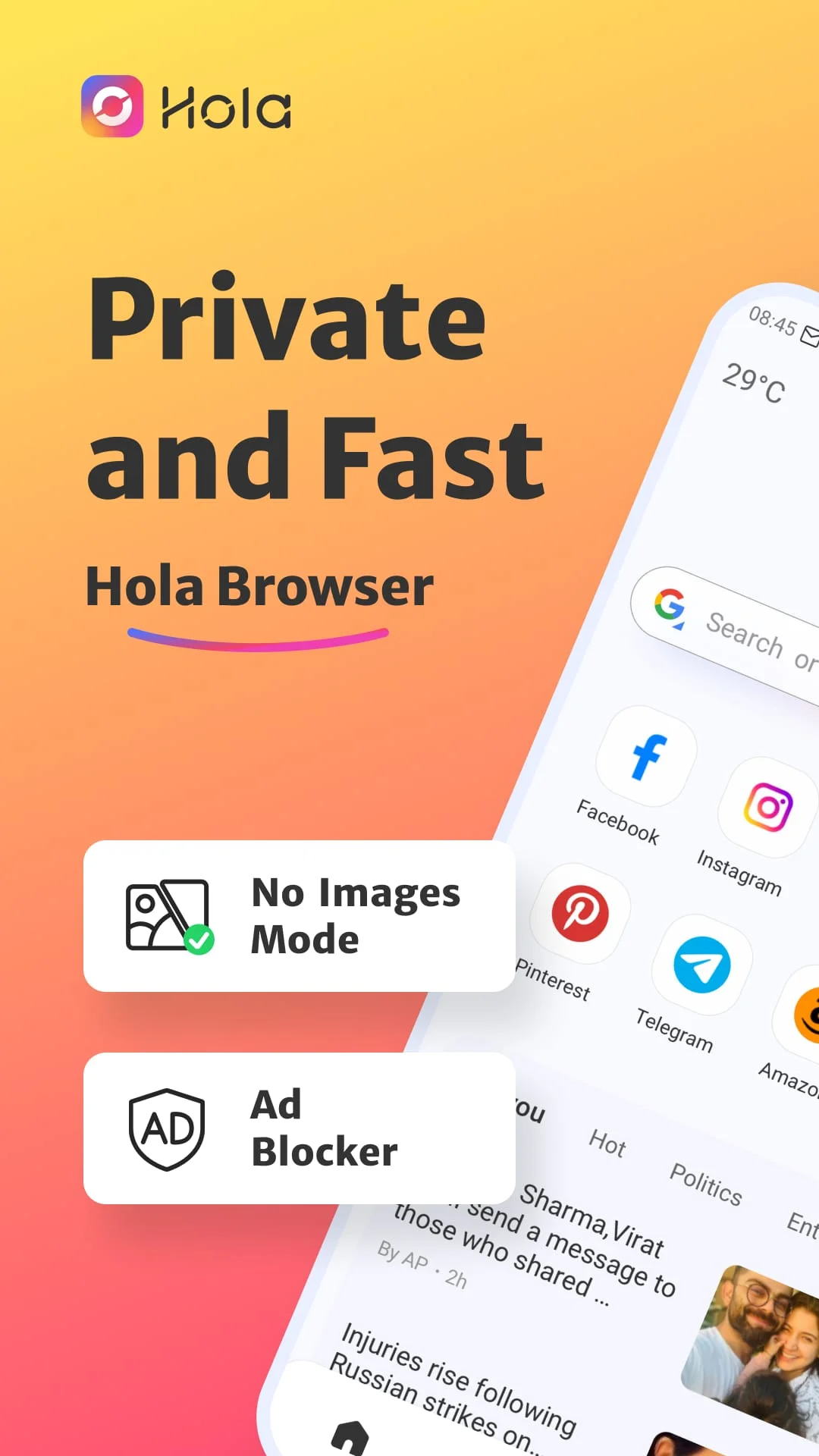
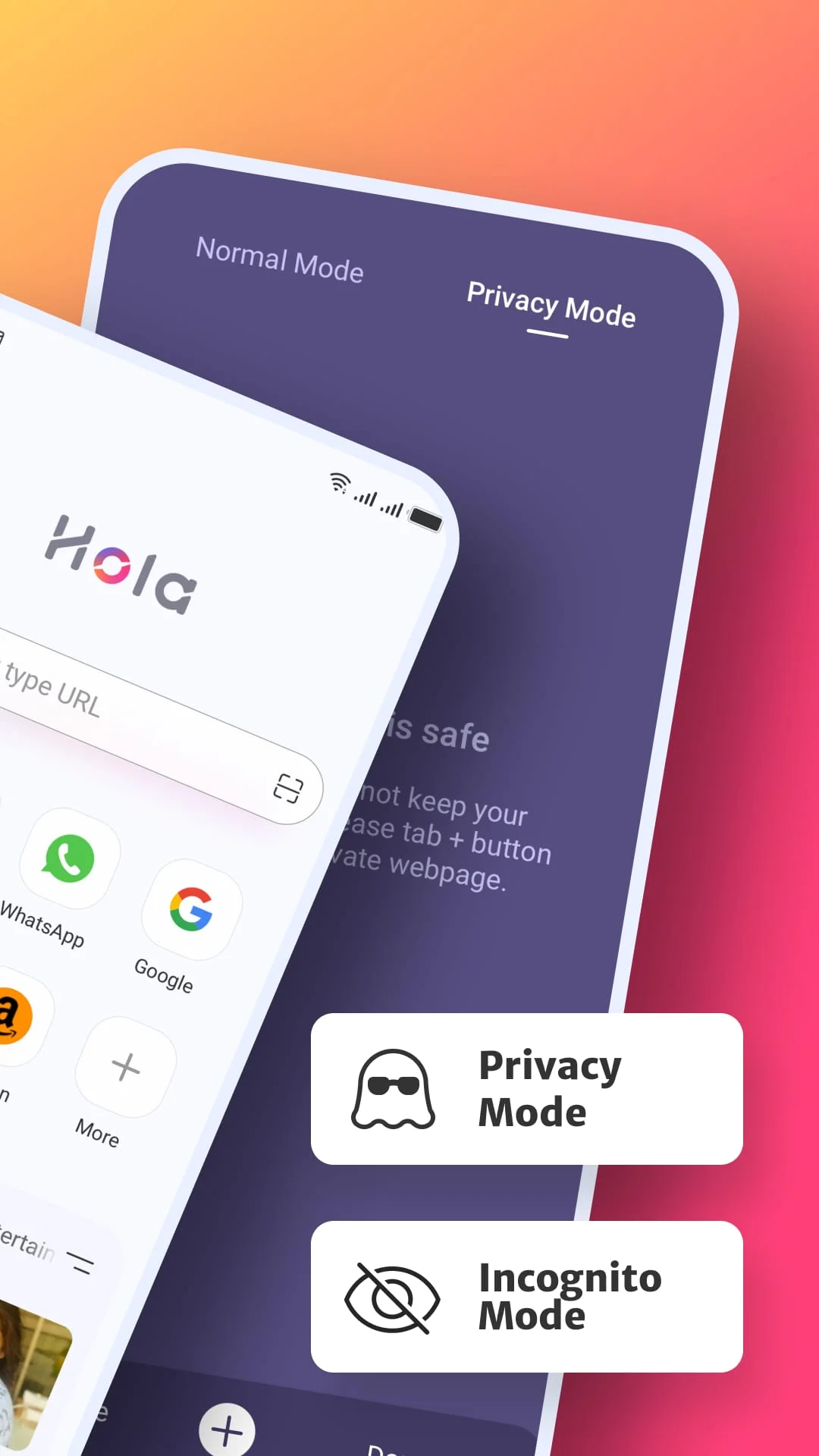
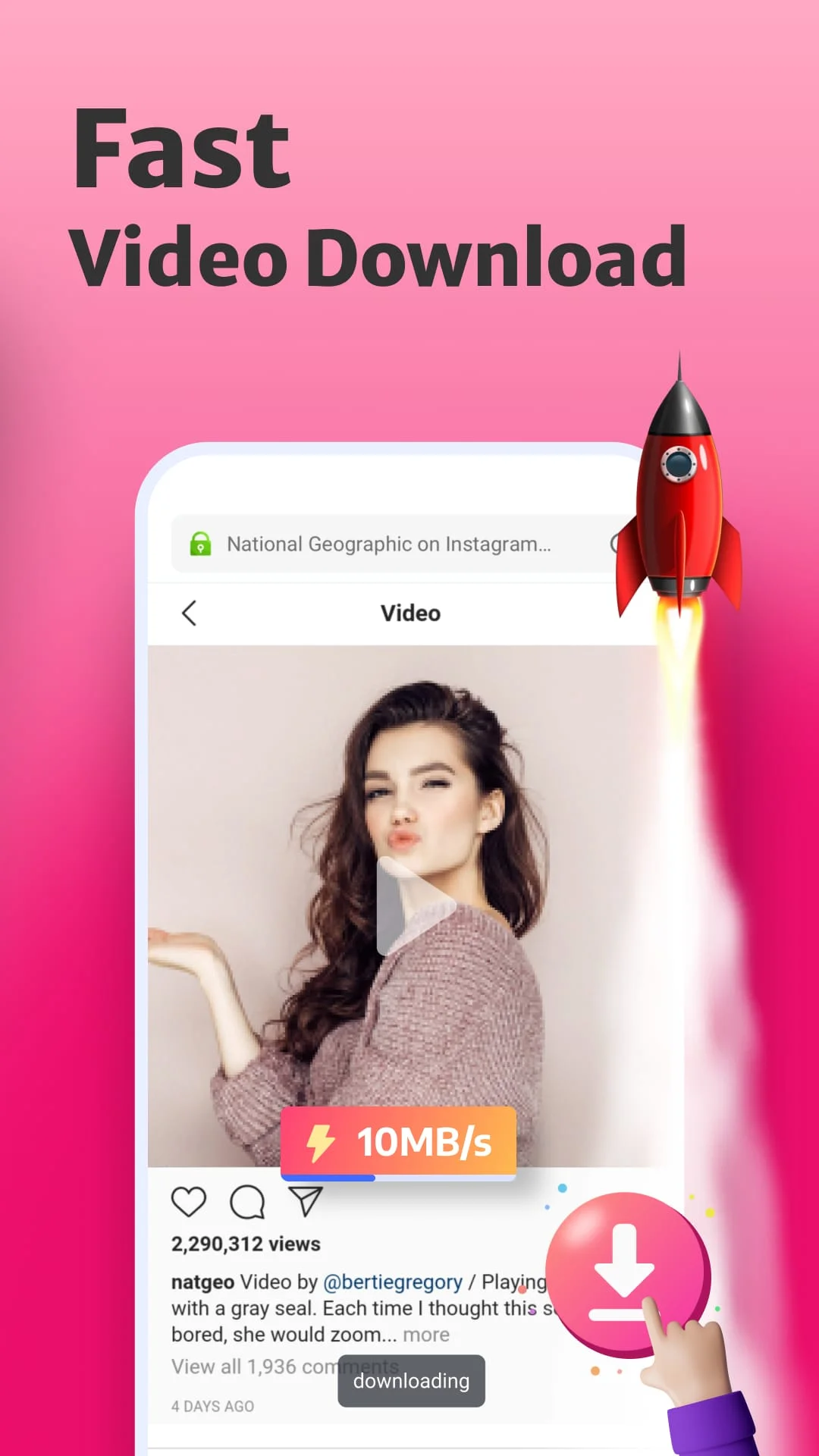
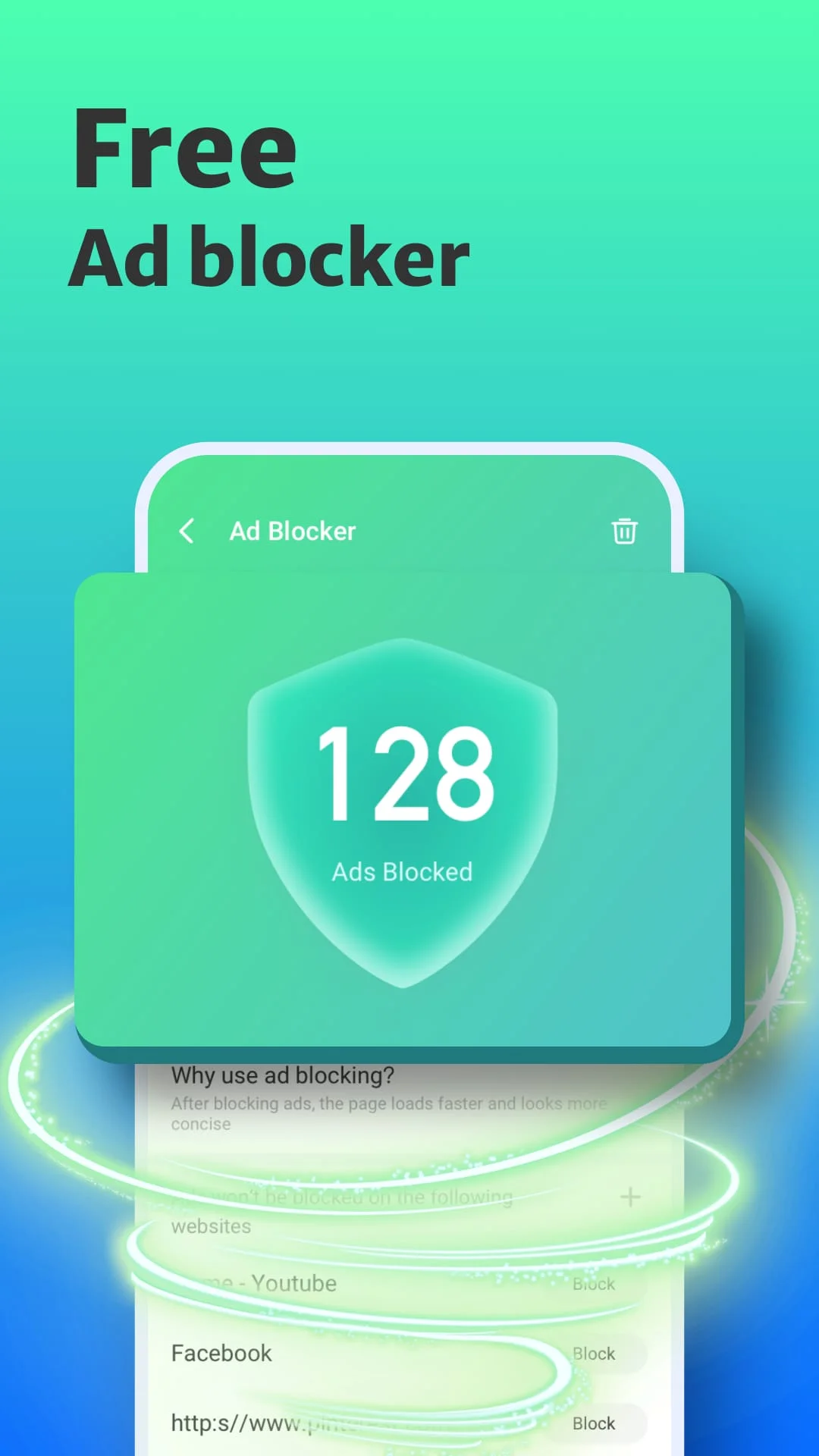
Hi Browser is your private browser and mobile desktop browser with custom news recommendation, free video downloader, ad blocker, and quick scan web pages that help you save mobile data, also protect your private information. Why choose Hi Browser? The free ad blocker can block annoying ads when you search in Hi browser and help you implement safe and free Adblock. Incognito browsing mode that you can conduct the private search as a private browser and keep your privacy protected all the time. Dark web mode gives you a better experience in a low-light environment. Video downloader to play and download wonderful and favorite videos with AdBlock as you like. Private incognito browser mode to freely browse and search for information. Breaking news recommendations keep you up to date on local news. Instagram, WhatsApp, Telegram, Snapchat, and Facebook to your devices. A plug-ins-free adblocker blocks ads that prevent your privacy from being invaded and Adblock stop ads impact your user experience on hi browser, also incognito keeps you from being tracked on the web browser. By enabling quick web search for notification panel in settings, you can incognito and private search directly and safely in the notification panel. Web browser with No Images mode will help you save your mobile data and money in the hi browser, also implement the private browser experience. The private hi browser has Incognito mode that allows you to browse and search the web pages privacy and incognito without leaving any search or browsing history. Bookmark web pages at any time and visit your favorite web with one tap. Turn on the Night mode for a great visual search experience when you browse web pages in low-light environments. .How to turn on incognito mode on hi browser? Open the Me tab in hi browser, Incognito will appear on the screen page, click the button on the right to open incognito mode. Incognito mode can protect your privacy. .How to use the video downloader? Search the video or movie you want to download, there will be a download button below the video, click the download button to launch the video downloader then you can watch it in the hi browser. .Why use adblocker? Hi browser is a safe and private browser with a free ad blocker, search with adblocker allows the web pages to load faster and reduce annoying ads on the web, also can save your data and money. .What kind of video can be downloaded in hi browser? Hi Browsers video sniffer can automatically identify the media resources in the URL. You can download videos on social media channels like Instagram, Facebook, WhatsApp, and so on, also use video downloader to download the favorite movies and interesting videos you searched on the web.

Screenshots

Hola Browser-Private&Fast web Screenshot 1
Hola Browser-Private&Fast web Screenshot 2
Hola Browser-Private&Fast web Screenshot 3
Hola Browser-Private&Fast web Screenshot 4

Version History

VV2.9.5.1 50.97 MB

Updated: Sep 27, 2023

VV2.9.3.4 44.21 MB

Updated: Aug 18, 2023

VV2.9.1.1 43.39 MB

Updated: Jul 5, 2023

VV2.9.2.1 44.25 MB

Updated: Jul 21, 2023

VV2.9.0.2 43.39 MB

Updated: Jun 14, 2023

VV2.7.1.1 29.87 MB

Updated: Apr 21, 2023

VV2.21.1.2 46.32 MB

Updated: Dec 26, 2023

Vv2.5.11.2 31.09 MB

Updated: Dec 2, 2022

VV2.9.6.1 50.04 MB

Updated: Nov 1, 2023

VV2.21.2.1 46.43 MB

Updated: Jan 31, 2024

Ratings & Reviews

4.6

562 reviews

5
87%
4
6%
3
2%
2
1%
1
4%

Similar Apps

App Information

Package Name
com.talpa.hibrowser
Version
V2.9.5.1
Size
50.97 MB
Requires Android
Varies with device
Content Rating
Everyone
Last Updated
Sep 27, 2023
Tags
adblocker adblock browser

Download Options

Download APK

Safe and verified APK file

APK files are Android package files. Please ensure you download from trusted sources only.