About Explain Everything Whiteboard
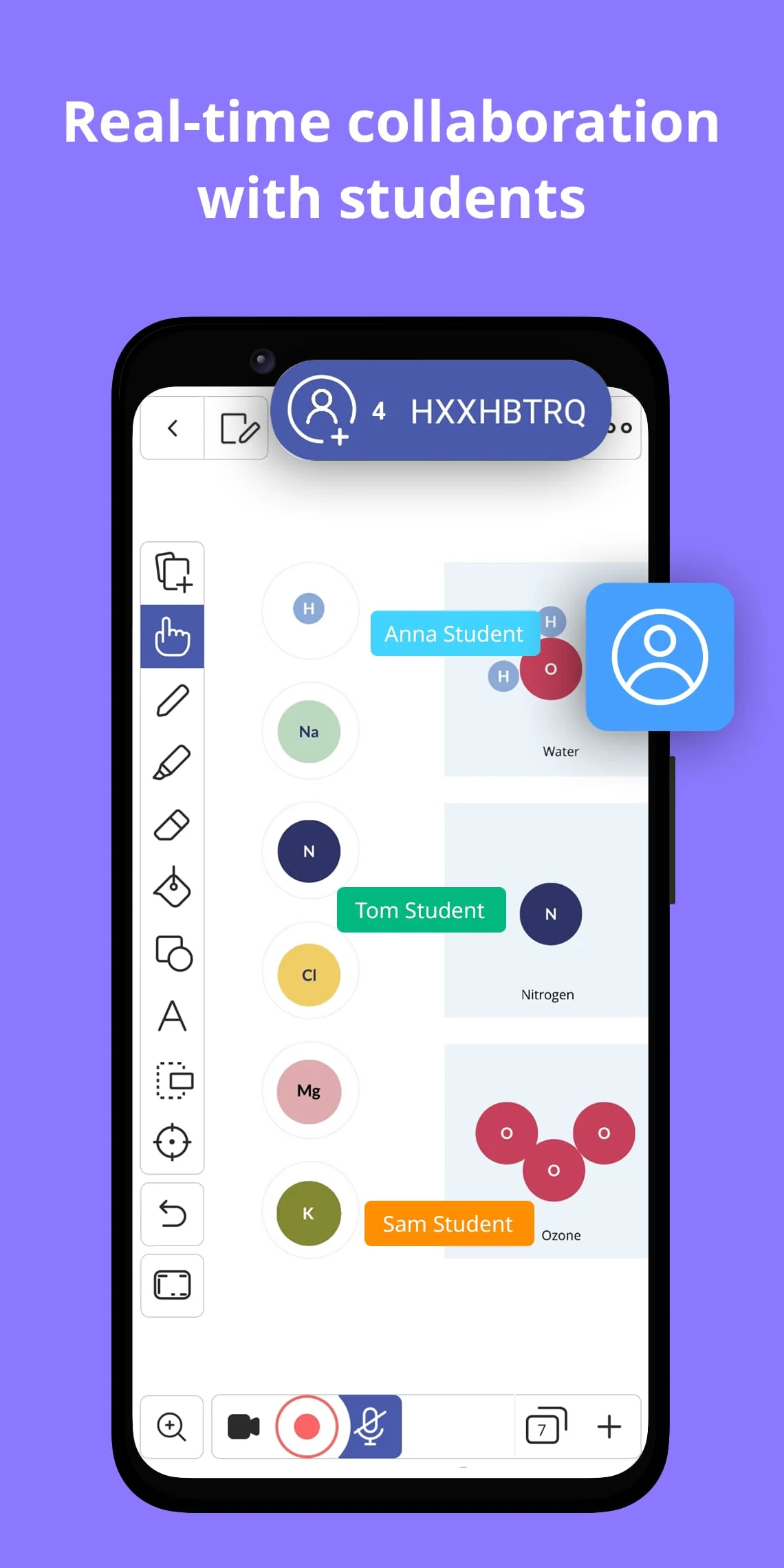
Explain Everything is an interactive whiteboard that is designed for hybrid learning, in-class teaching, recording video presentations, and explainer videos. It allows users to mix sketching, taking notes, and handwriting with imported documents and multimedia for better blended learning. The app can be used to invite students or teachers for whiteboard presentations or to collaborate. It is a great tool for replacing static slides with engaging explainer videos. The app is perfect for hybrid learning, asynchronous classes, and teaching online.
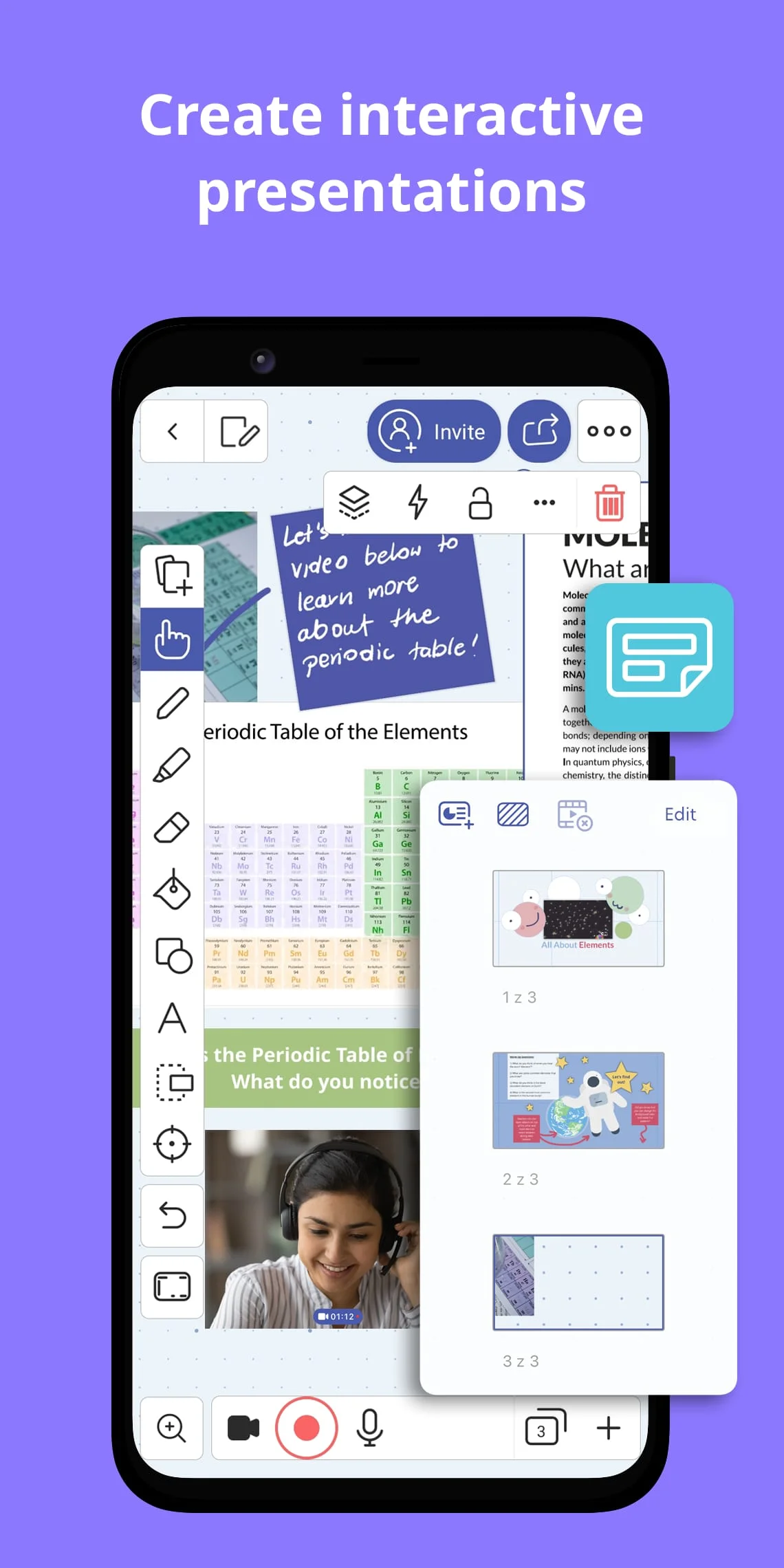
The interactive whiteboard can be used to digitize, create, store, and share teaching materials. Users can draw, write, sketch, take notes, visualize, explain, screen share, present live or in the virtual classroom. The app can also be used to record and edit explainer videos for effective blended learning. It can be integrated with popular Learning Management Systems to create whiteboard assignments. Users can conduct whiteboard presentations through conferencing apps or collaborate with others. The app also allows users to securely manage student access, data, and privacy.
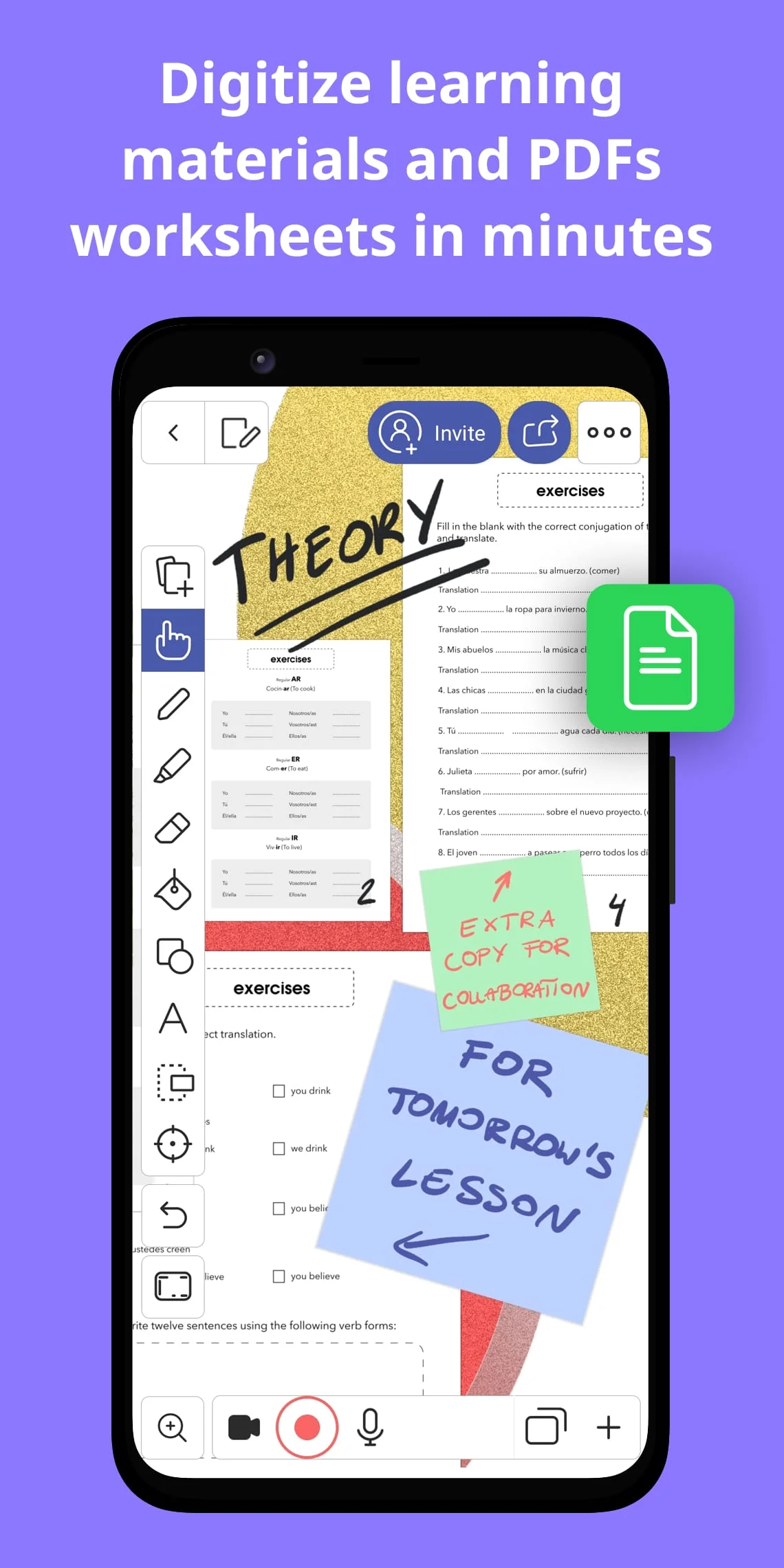
Explain Everything is a teacher tool full of power features and integrations. Users can import and export content through integrations with Google Drive, Dropbox, or OneDrive. They can use images, documents, video and audio files, and projects in many formats. The app allows users to enrich their materials with sketches, images and GIFs, Sticky Notes, Clipart, Shapes, a Web Browser, Equations, text boxes, different backgrounds and patterns, pen and pencil drawings, highlights, and more. Users can also scan documents and easily edit, save, and share them.
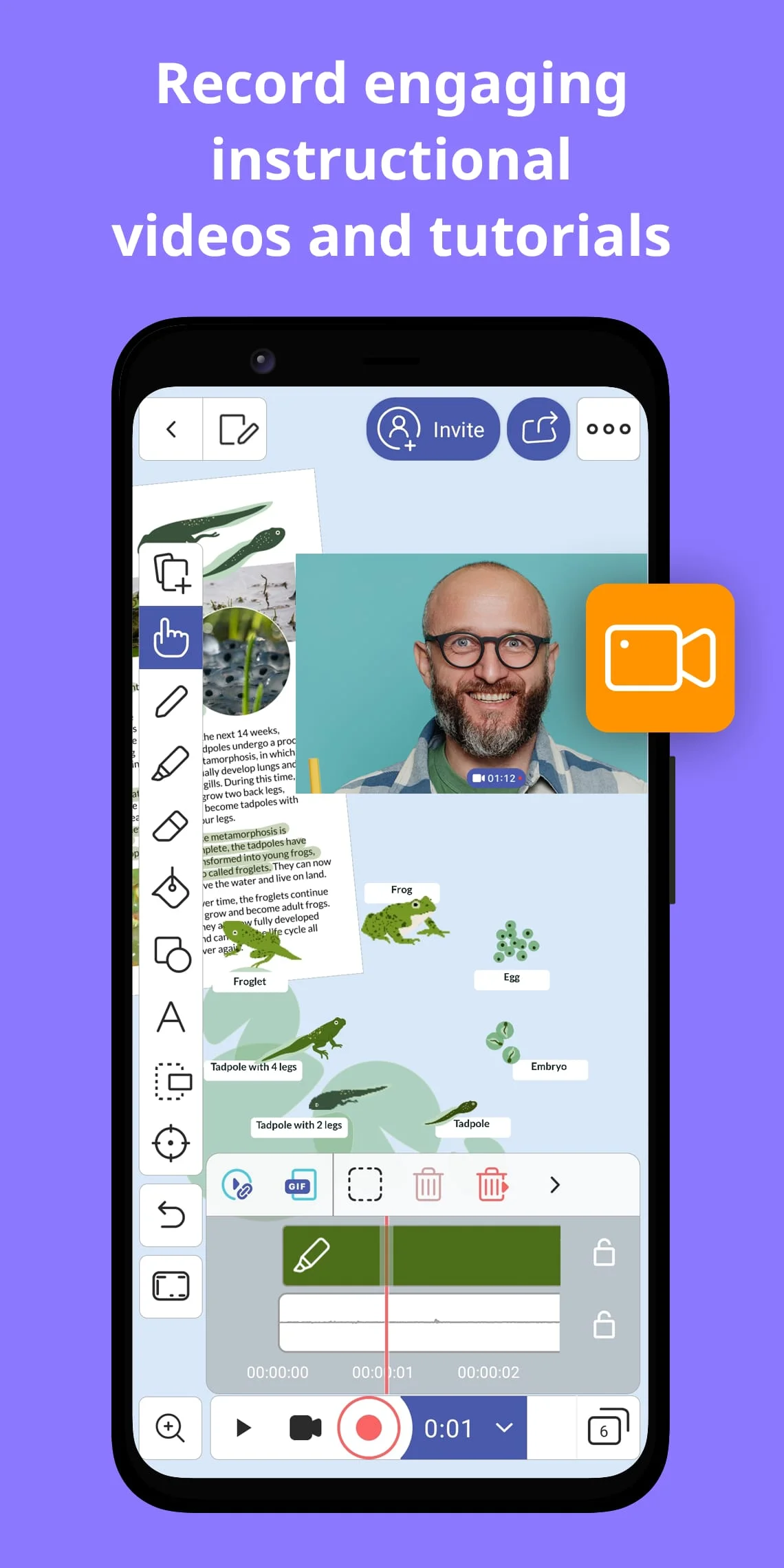
Explain Everything is a great tool for creating and digitizing materials for the real and virtual classroom. Users can save and share their whiteboard presentations with students. They can organize their teaching content and use it on any device. The app allows users to create a rich lesson library that they don’t need to carry in a bag. Users can also record explainer videos to instruct, engage, and explain. They can capture every action performed on the freeform canvas and use the recordings to support their blended learning, give feedback, and explain. The app also allows users to invite students to create video presentations.