
About Eargo
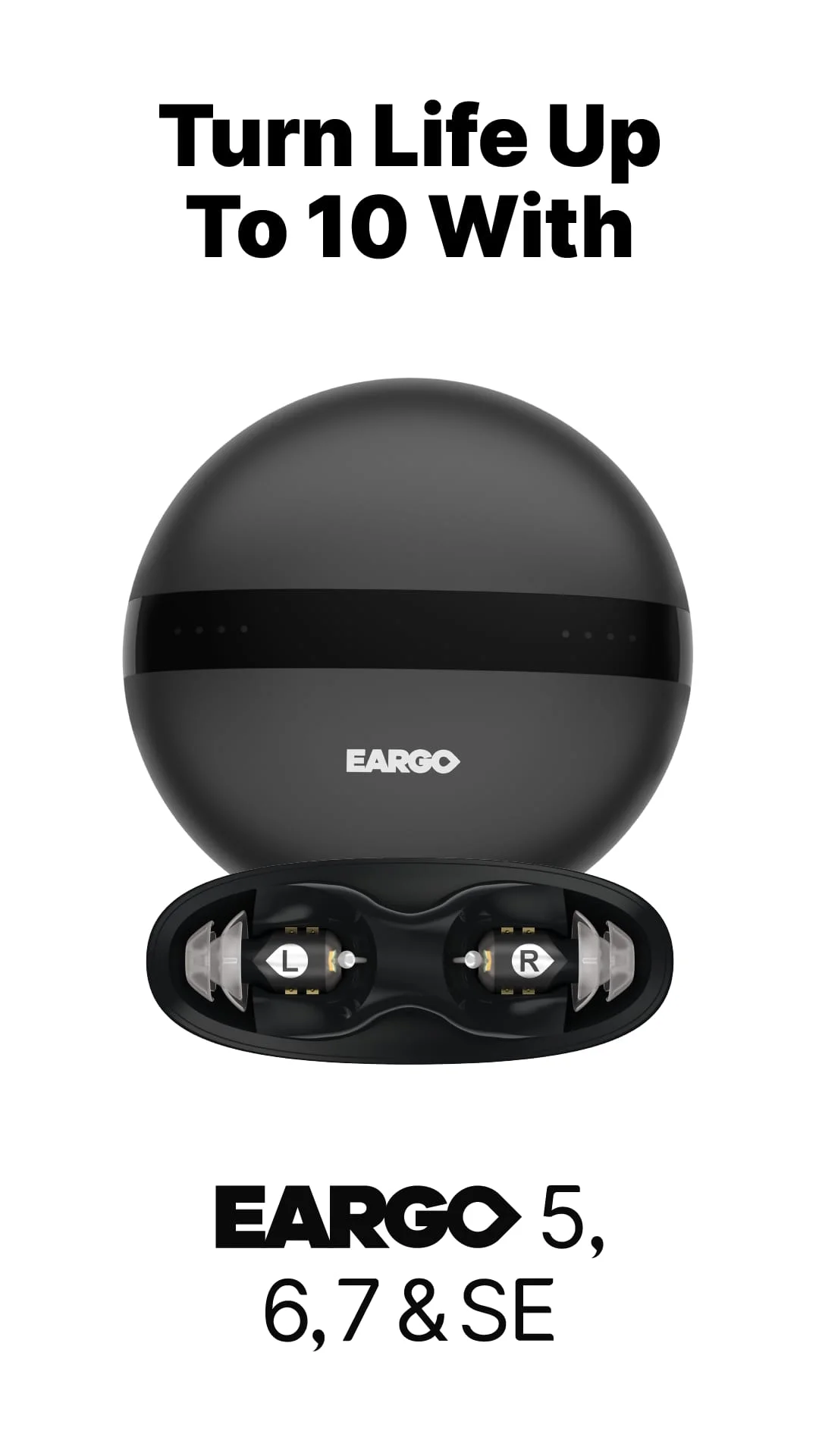
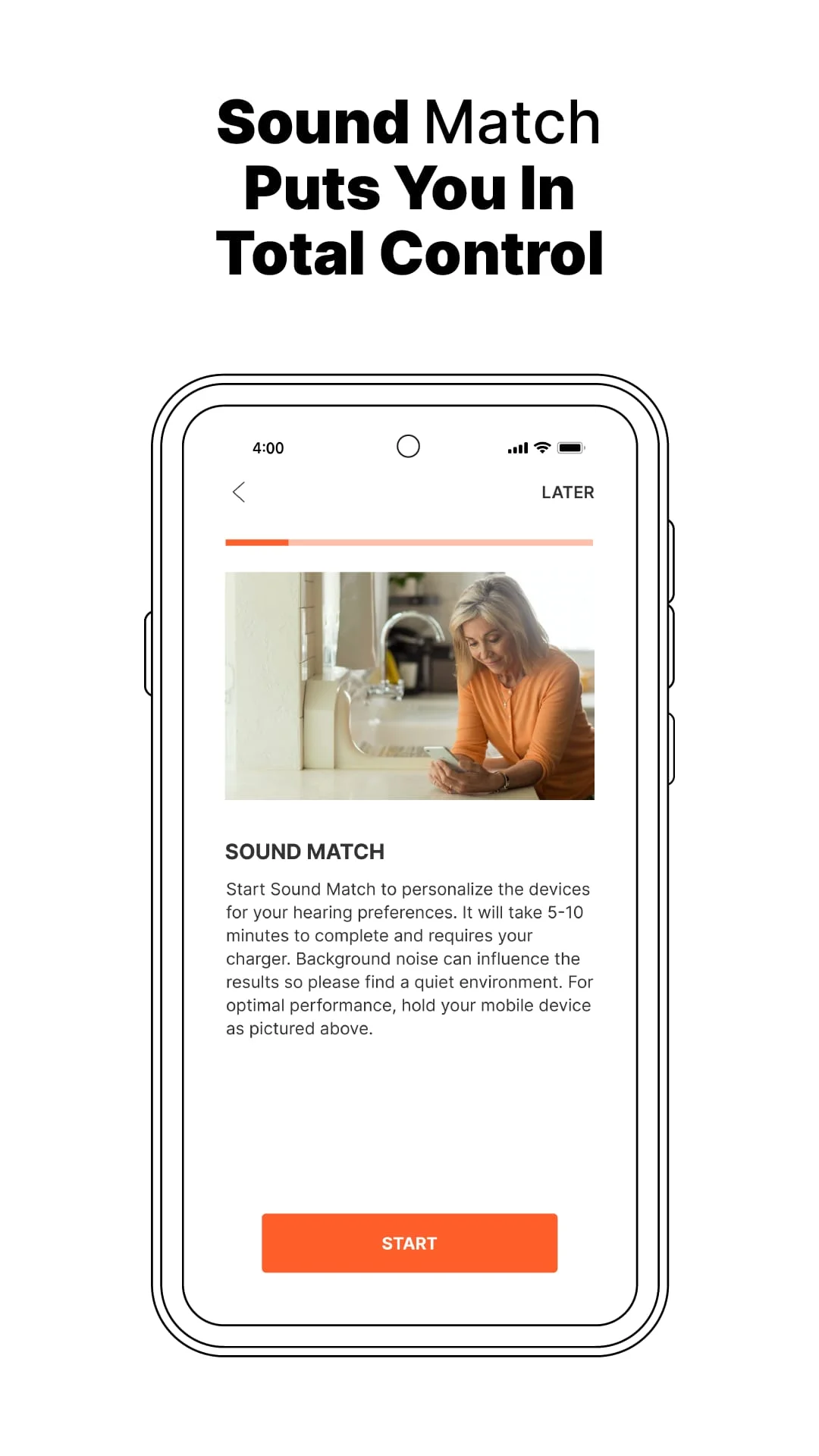
Eargo 5 and Eargo 6 are hearing devices that can be personalized to your individual hearing preferences and lifestyle through the Eargo app. The app features Sound Match, which allows you to personalize your device for each ear and select up to three specialized listening environments. You can also configure volume, treble, and bass settings for each program and each ear. The app allows you to make discreet, on-the-go adjustments to your in-ear hearing devices, change the program, adjust the volume, mute or unmute, and increase or decrease the noise filter for your preferred speech clarity. Additionally, you can access how-to videos, help articles, and your full-length user guide, and utilize the Eargo 30-day tutorial as you adapt to hearing life to the fullest.
It is important to note that Eargo 5 and Eargo 6, their accessories, and application are intended to compensate for mild to moderate high-frequency hearing loss in adults aged 18 and older. They are not intended to prevent, diagnose, or cure disease and/or hearing loss. Sound Match is a tool designed to give you general information about your hearing and is not a test. If you have recently noticed a sudden change in hearing, ear pain, and/or discharge, please see a healthcare provider. If you experience discomfort, such as dizziness or uncomfortably loud sounds, please stop the use of any Eargo accessory or device.
If you need additional support or have questions for one of Eargo's licensed hearing professionals, you can connect with them by email, chat, phone, or even schedule an in-app video call under "Contact Eargo" in the app's Help menu. You can also set up and manage alerts and reminders to help keep your devices in tip-top shape and stay up to date by remotely applying Eargo's latest software updates when available. With Eargo and the Eargo app, you can be sure you won't miss a beat whether you're out dining, in a meeting, or watching TV from the comfort of your home.
In summary, Eargo 5 and Eargo 6 hearing devices can be personalized to your individual hearing preferences and lifestyle through the Eargo app. The app features Sound Match, which allows you to personalize your device for each ear and select up to three specialized listening environments. It also allows you to make discreet, on-the-go adjustments to your in-ear hearing devices, access how-to videos, help articles, and your full-length user guide, and utilize the Eargo 30-day tutorial. It is important to note that Eargo 5 and Eargo 6, their accessories, and application are intended to compensate for mild to moderate high-frequency hearing loss in adults aged 18 and older and are not intended to prevent, diagnose, or cure disease and/or hearing loss.
Screenshots


Version History
Ratings & Reviews
2.8
159 reviews
5
33%
4
8%
3
6%
2
13%
1
40%
Similar Apps






App Information
- Package Name
- com.eargo.app.android
- Version
- V3.1.1
- Size
- 182.94 MB
- Requires Android
- Varies with device
- Content Rating
- Everyone
- Last Updated
- Jul 24, 2023
- Tags
-
eargo ear hearing
APK files are Android package files. Please ensure you download from trusted sources only.