About DWG FastView-CAD Viewer&Editor
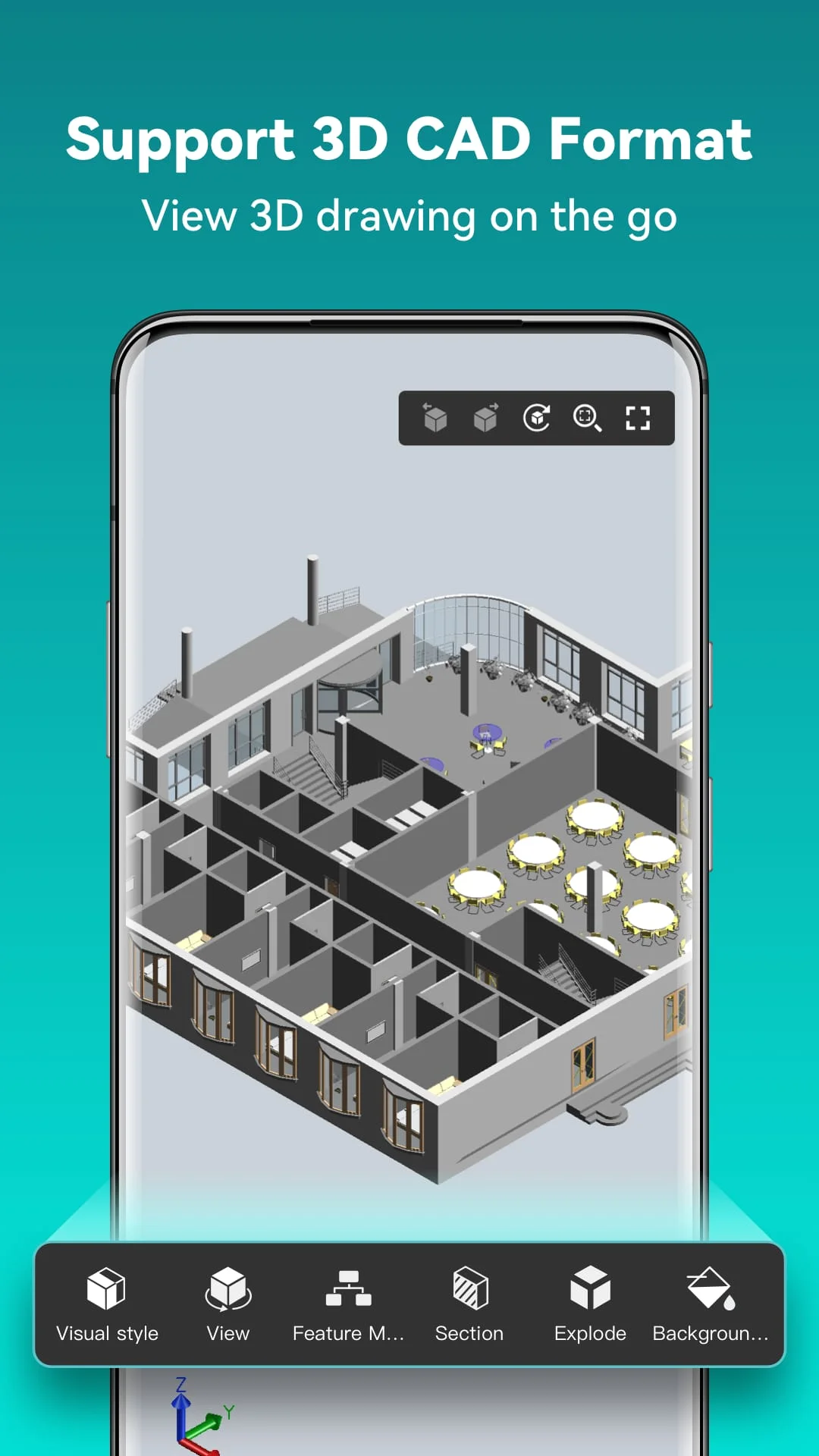
DWG FastView is a CAD software that is compatible with DWG and DXF. It offers various features such as Edit, View, Measure, Dimension, Find text, etc. With DWG FastView, users can View, Edit, Create & Share all their CAD drawings, synchronize to cloud from multiple devices by one click, and enjoy design anytime anywhere together with more than 70 million users around the world. The software supports AutoCAD all DXF&DWG versions with no file-size limit and is fully compatible with AutoCAD. Users can easily switch between 2D Visual mode and 3D Visual mode, 3D mode includes: 3D Wireframe, Realistic and 3D Hidden with the powerful tools of Layer, Layout, and ten different perspectives viewing.
DWG FastView offers accurate and fast access to drawings. Users can create, view and edit with easy-to-use advanced tools. They can also import or download the CAD drawing with its fonts and symbols to the font's folder in order to display all uncommon fonts. The software supports 2D absolute coordinates, relative coordinates and polar coordinates and 3D Spherical coordinates and Cylindrical coordinates. Users can draw Line, Polyline, Circle, Arc, Text, Revcloud, Rectangle, and Sketch and create Notation. They can also set precision and display formats of coordinates, distance and angle.
DWG FastView offers no registration & offline drawings. Users can simply download DWG FastView and use it immediately with no registration needed. Without internet, users are able to save their masterpieces in the local workspace. Drawings from E-mail, Cloud Service or Network Disk like Dropbox, OneDrive, Google Drive, Box or WebDAV can be opened, viewed, edited and shared as well with Internet. Users can also stay connected with helpful and responsive technical support by clicking the "Feedback" button to send their tech problem to the team via email.
DWG FastView Premium offers advanced editing and advanced tools. Users can upgrade to DWG FastView Premium to get access to these features. The software offers subscription plans in the following options: Premium monthly and Premium annual. Users can also download the free trial of the premium version to unlock the most advanced and easy-to-use drawing, drafting and editing tools.