About DIGI Clock Widget
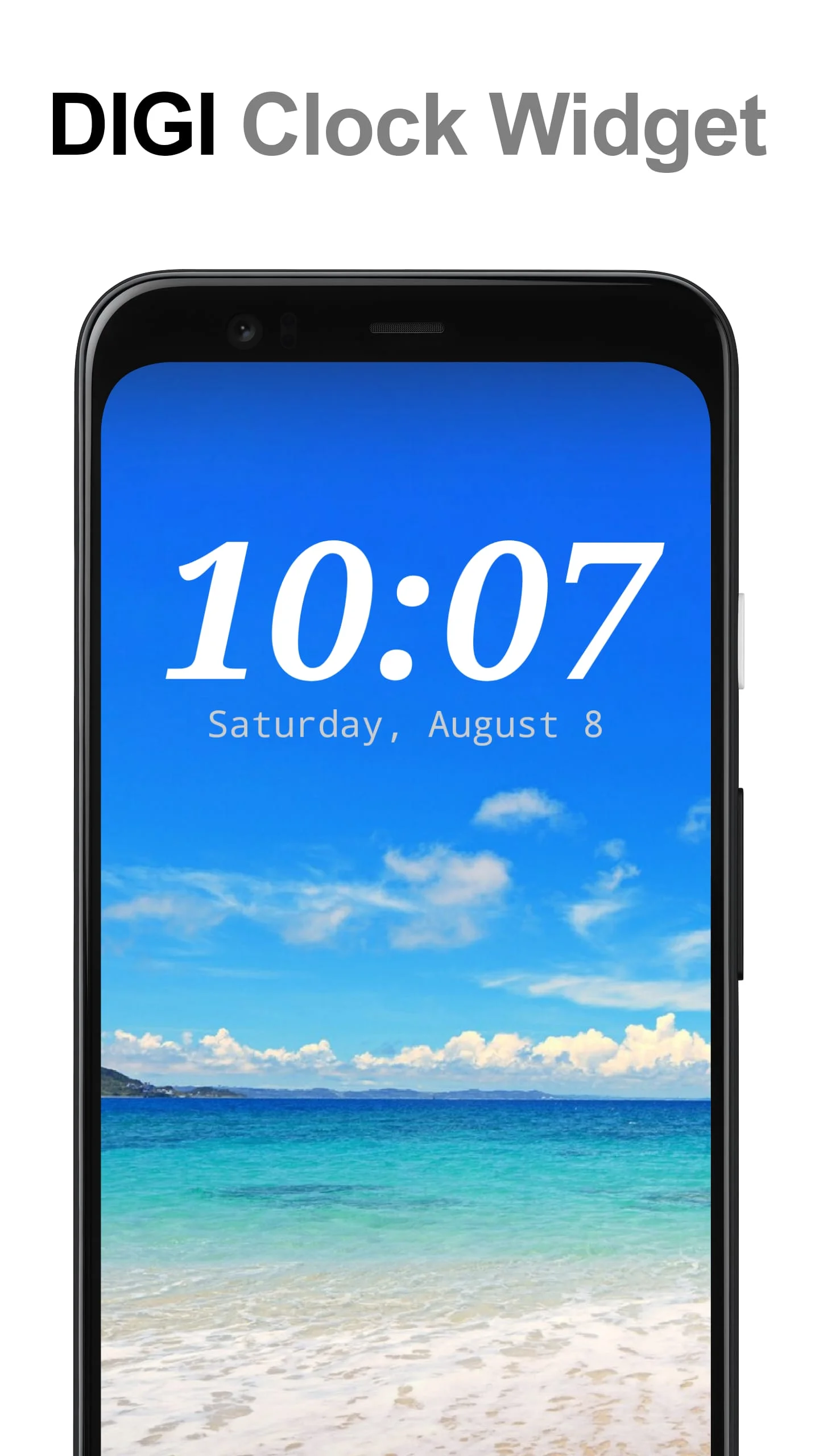
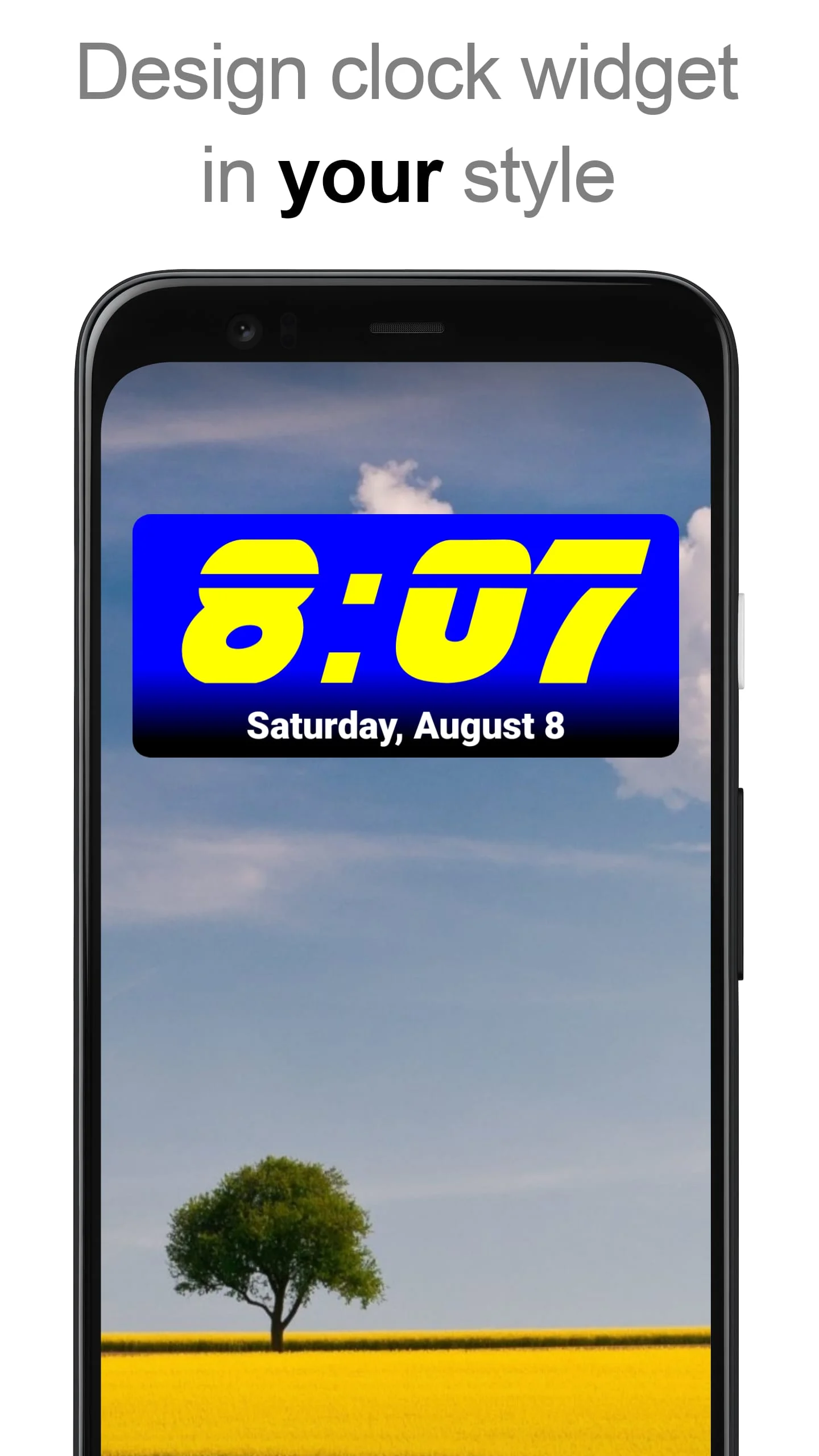
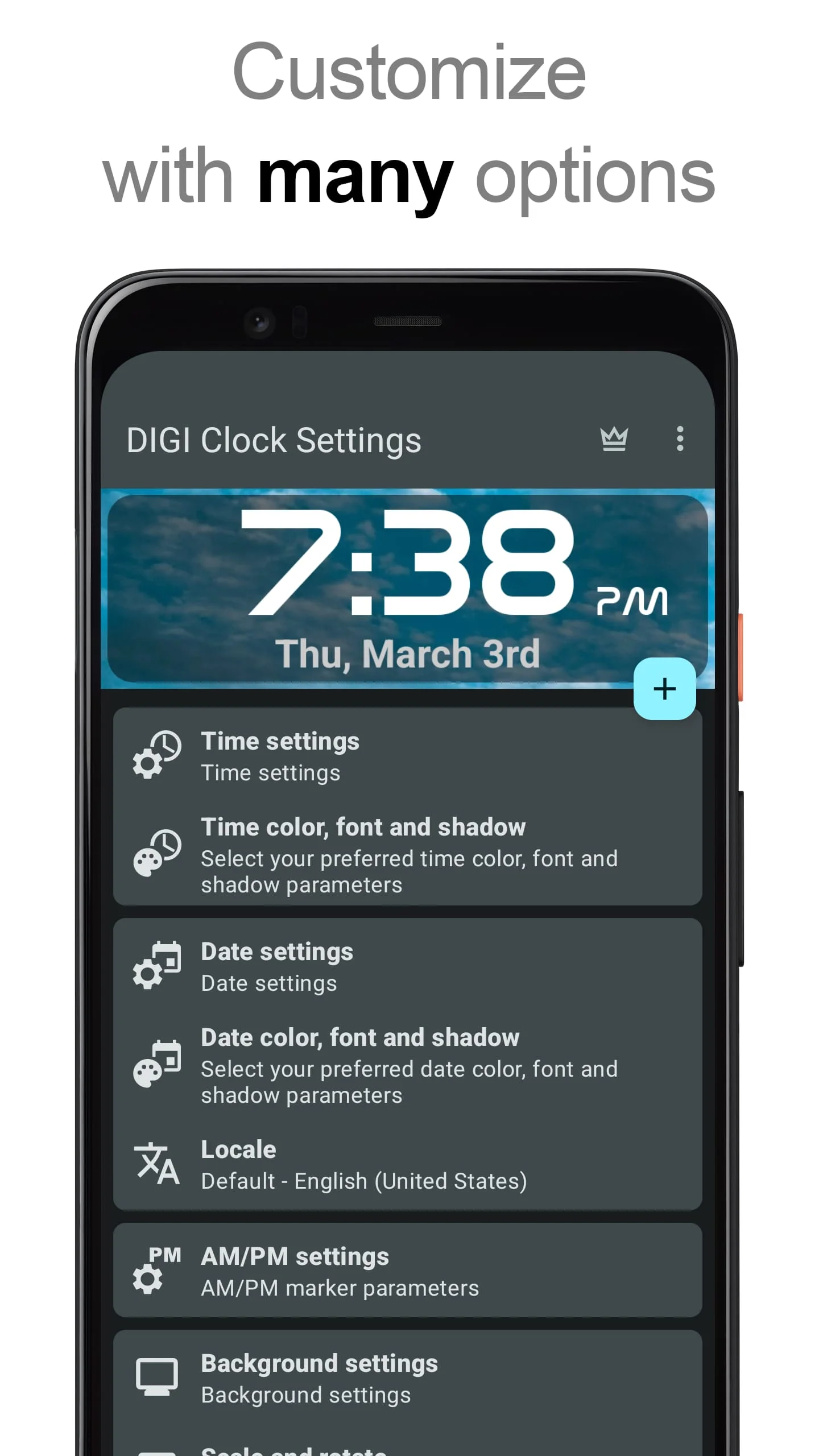
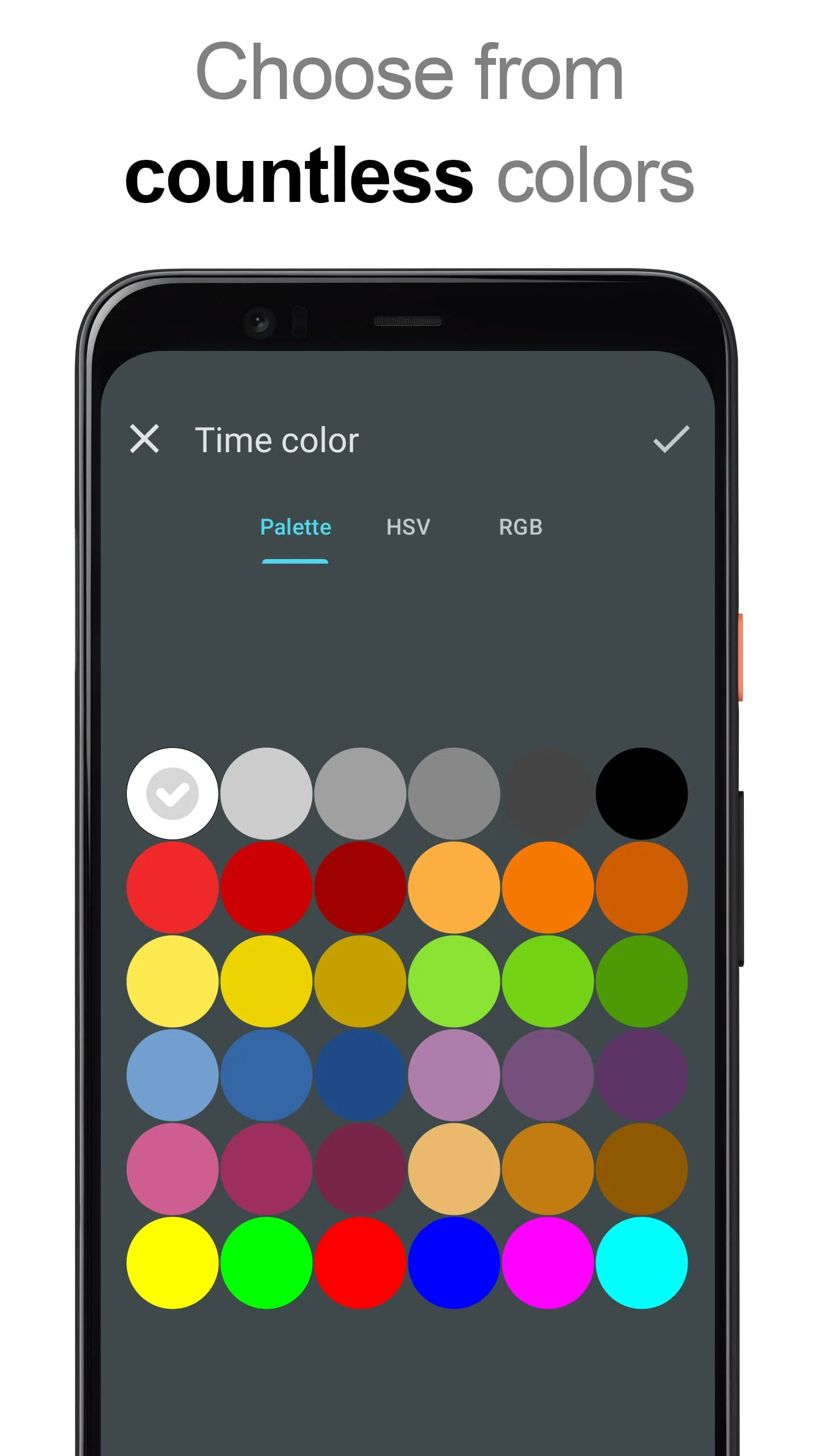
"DIGI Clock Widget" is a collection of customizable digital time and date widgets for your Home screen. It offers various widget sizes, including small, wide, and big options, suitable for both phones and tablets. The widget allows for extensive customization, such as selecting widget click actions, preferred colors for time and date, shadow effects, outlines, and date formats. You can also choose to show or hide AM-PM, select between 12-hour and 24-hour formats, and add an alarm icon. The widget background can be customized with colors, gradients, or your own photo. It is compatible with Android 11 and is tablet-friendly.
To use the widget, you can either add it through the widget preview or manually. For the widget preview method, press the plus button below the widget preview, select the desired widget size, and add it to your Home screen. Alternatively, you can long-press on an empty space on your Home screen, click on "Widgets," scroll down to find "DIGI Clock," touch and hold the desired widget's icon, slide your finger to the desired placement, and lift your finger. The process may vary depending on your device.
If you cannot find "DIGI Clock" in the list of widgets, you can try restarting your device. It is important to exclude this widget from any task killers to prevent time freezing issues. Thank you for using DIGI Clock Widget, and enjoy its features!
Note: This summary does not contain any URLs with http or https.
Screenshots
Version History
Ratings & Reviews
4.4
6,740 reviews
5
71%
4
15%
3
6%
2
2%
1
6%
Similar Apps




App Information
- Package Name
- sk.michalec.SimpleDigiClockWidget
- Version
- V3.3.2
- Size
- 10.91 MB
- Requires Android
- Varies with device
- Content Rating
- Everyone
- Last Updated
- Jul 20, 2023
- Tags
-
widget widgets clock
APK files are Android package files. Please ensure you download from trusted sources only.