Control Center iOS 15
4.7
(52,941 reviews)
|
50M+ downloads
|
Tools
About Control Center iOS 15
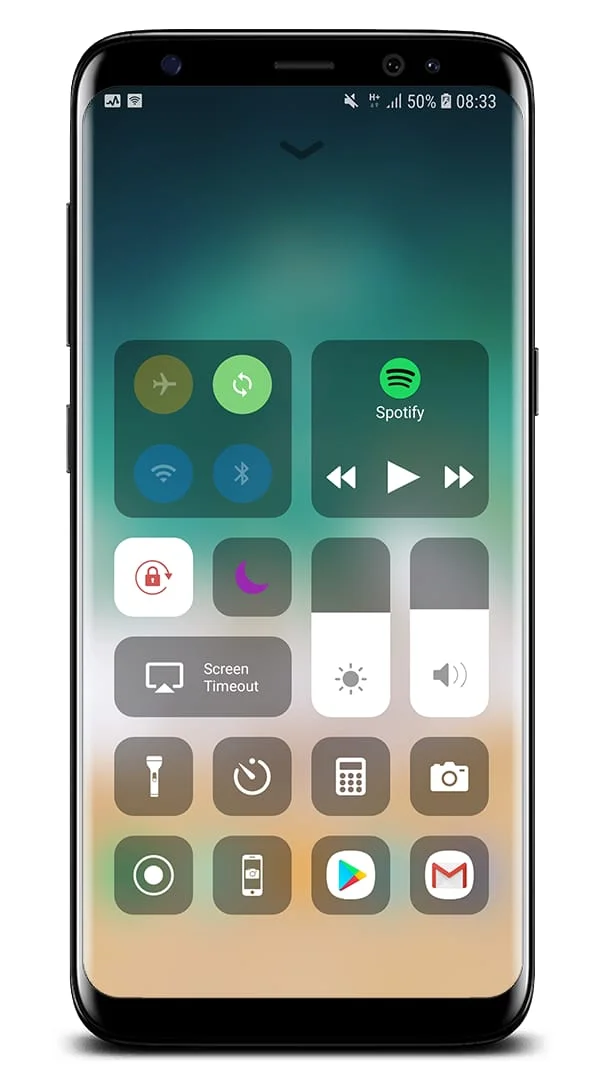
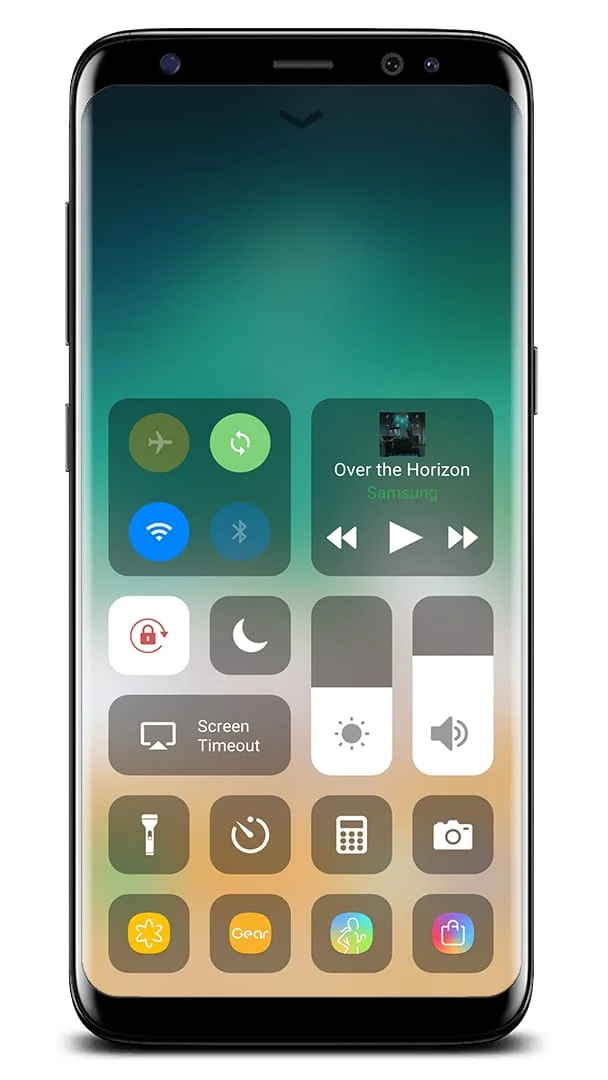
Control Center iOS 15 is a feature that provides quick access to various settings and apps on your Android device. This feature allows you to access the Camera, Clock, Record Screen, Screenshot, and more settings similar to iOS X and iOS XS. You can open Control Center iOS 15 by swiping up, down, right, or left from the edge of the screen. To close it, you can swipe up, down, right, or left, tap the top of the screen, or press the Back, Home, or Recent button.
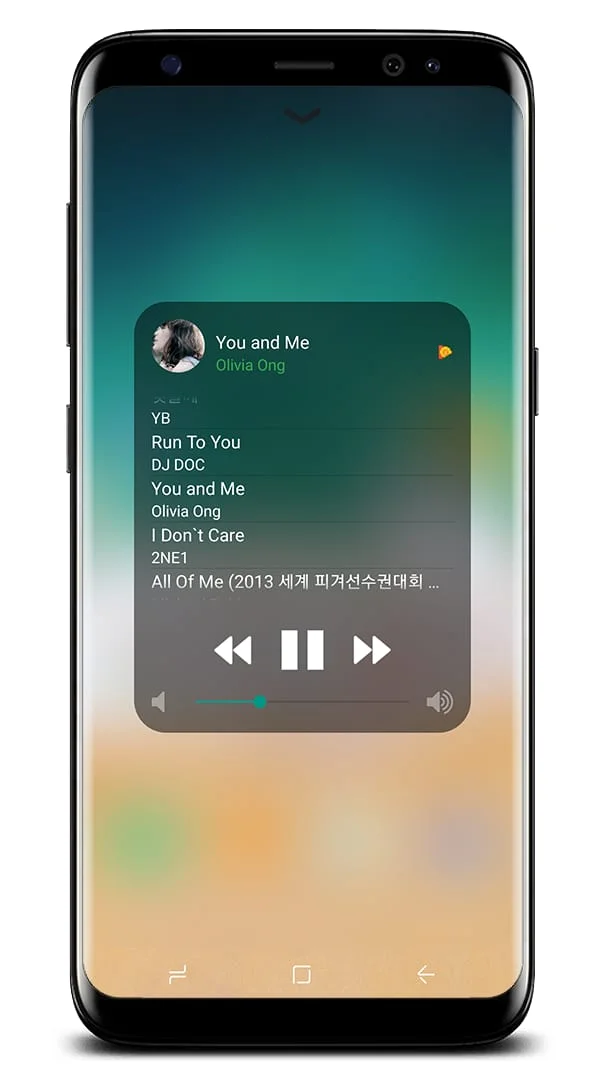
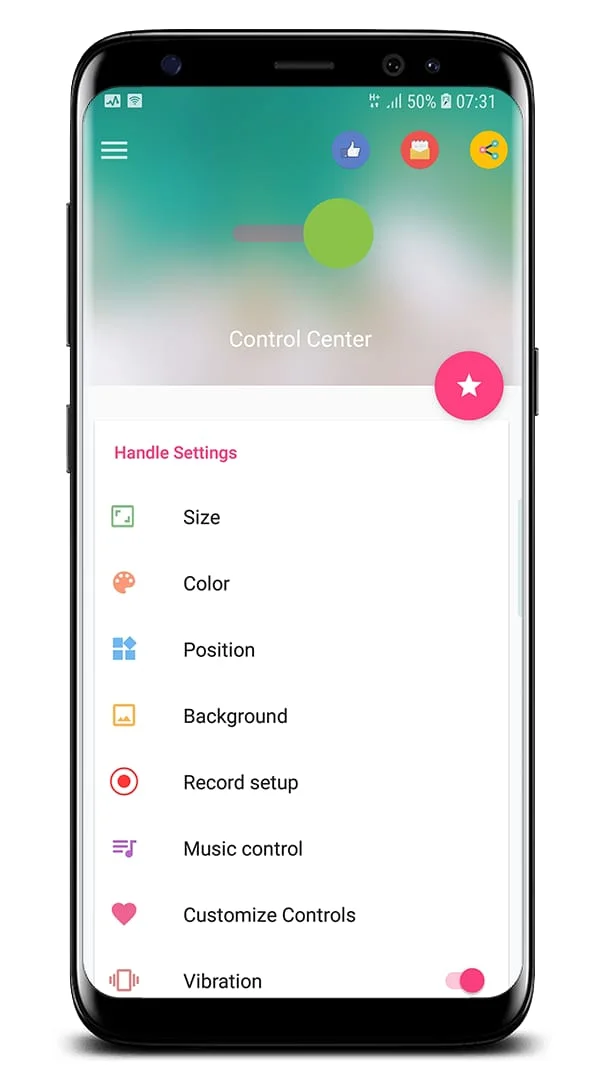
Customizing how you access Control Center is possible by opening the Control Center application. With Control Center, you can quickly access multiple settings and apps, such as Airplane Mode, Wi-Fi, Bluetooth, Do Not Disturb, Portrait Orientation Lock, Adjust Brightness, Flashlight, Alarms and Timer, Calculator, Camera, and Control Audio. You can also record your screen and take screenshots (supported on Android 5.0 and above).
The Control Center app allows you to customize the style, size, color, position, vibration, and more, similar to iOS XS. It also supports Assistive Touch and Launcher iOS. If you encounter any problems with the Control Center application, you can contact the developer via email at [email protected].
Control Center iOS 15 is a useful feature for Android users who want quick access to various settings and apps. This feature is similar to iOS X and iOS XS and can be accessed by swiping up, down, right, or left from the edge of the screen. You can customize how you access Control Center by opening the Control Center application, which allows you to quickly access multiple settings and apps, such as Airplane Mode, Wi-Fi, Bluetooth, Do Not Disturb, and more.
The Control Center app also allows you to customize the style, size, color, position, vibration, and more, similar to iOS XS. It supports Assistive Touch and Launcher iOS and allows you to record your screen and take screenshots (supported on Android 5.0 and above). If you encounter any problems with the Control Center application, you can contact the developer via email at [email protected]. Overall, Control Center iOS 15 is a useful feature for Android users who want quick access to various settings and apps.
Screenshots
Version History
VV3.3.3
7.22 MB
Updated: Oct 23, 2023
Ratings & Reviews
4.7
52,941 reviews
5
83%
4
10%
3
3%
2
1%
1
3%
Similar Apps






More from LuuTinh Developer


App Information
- Package Name
- com.luutinhit.controlcenter
- Version
- V3.3.3
- Size
- 7.22 MB
- Requires Android
- Varies with device
- Content Rating
- Everyone
- Last Updated
- Oct 23, 2023
- Tags
-
ios apps screen
APK files are Android package files. Please ensure you download from trusted sources only.