About Canva: Design, Art & AI Editor
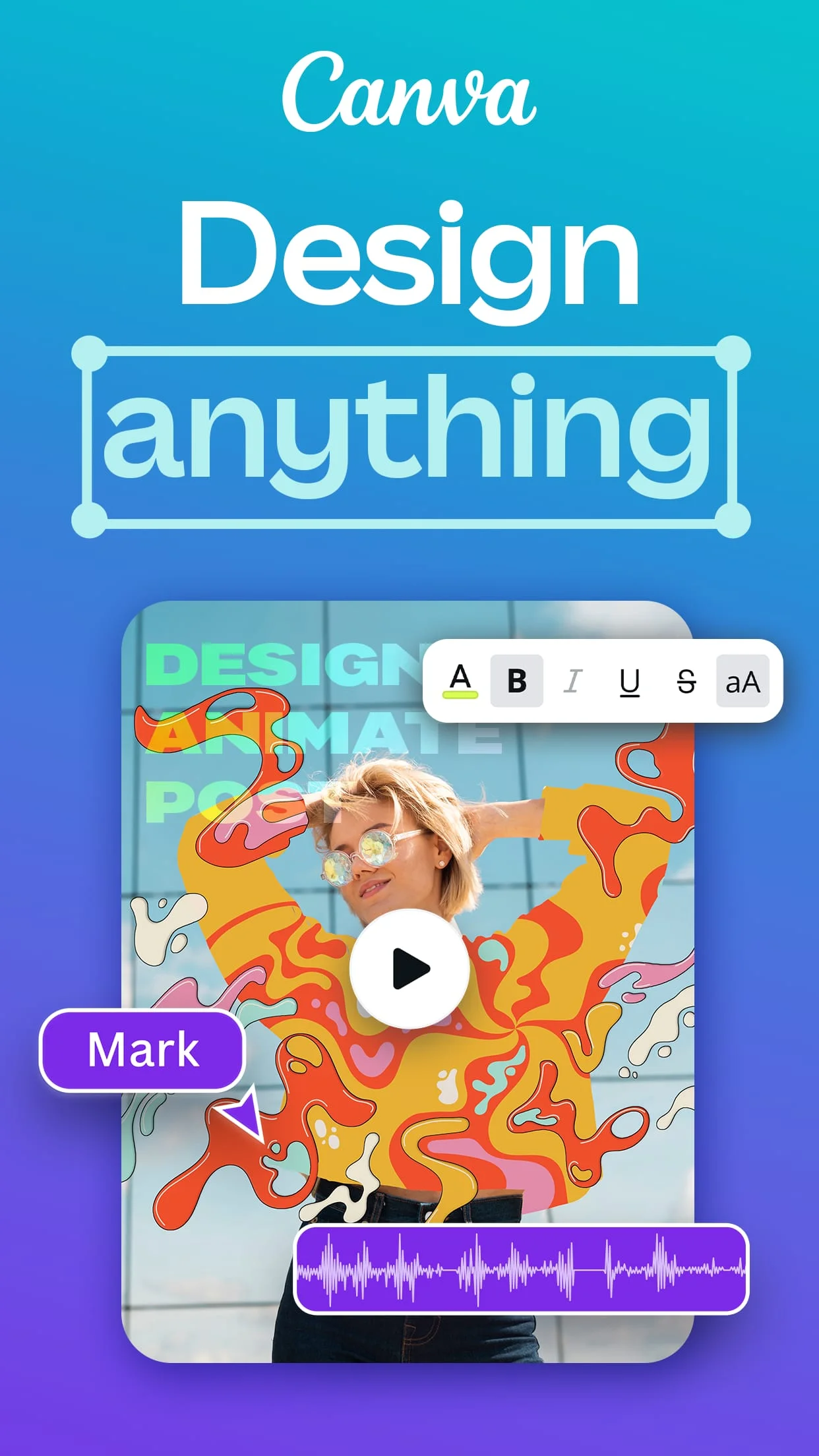
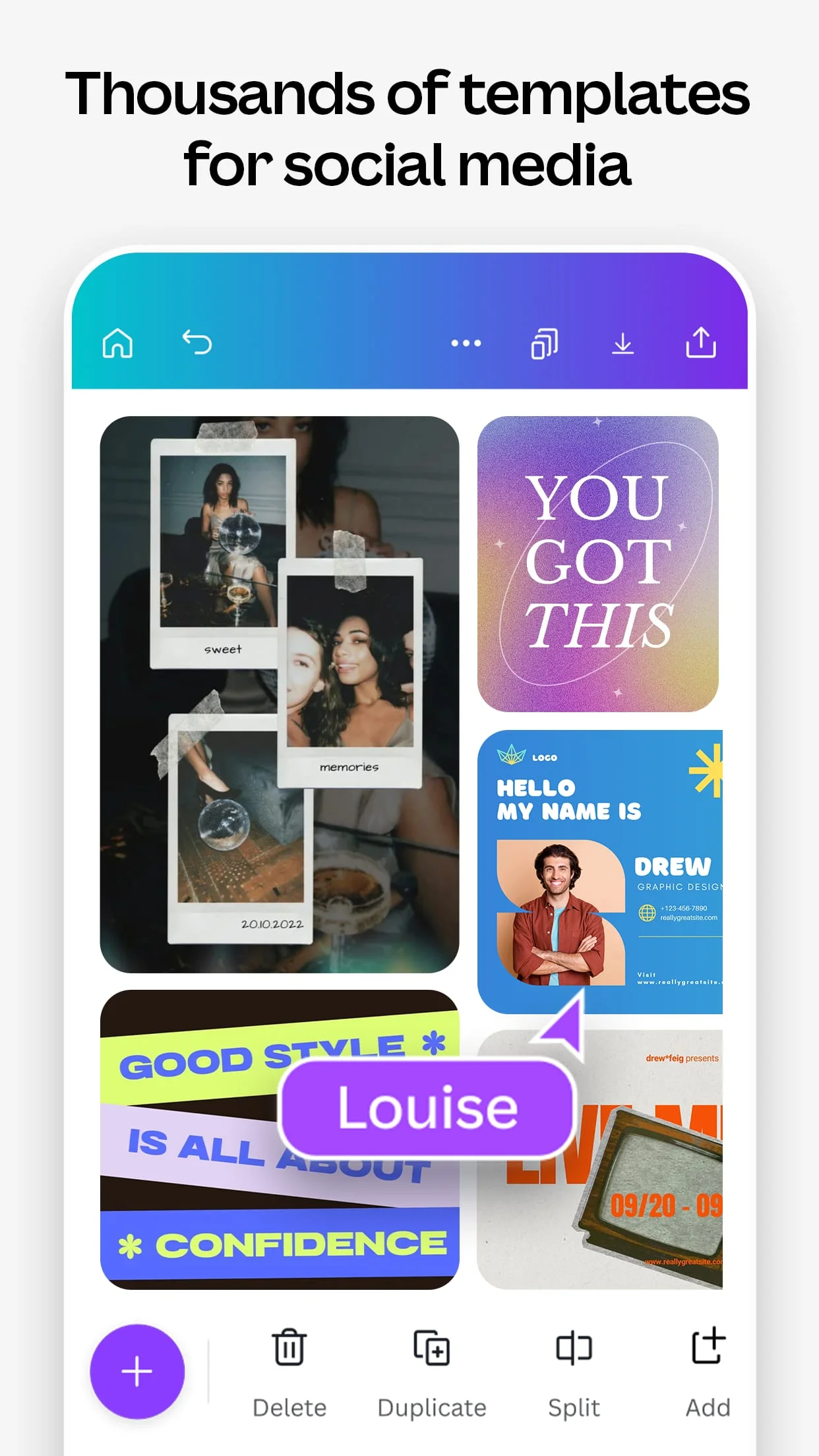
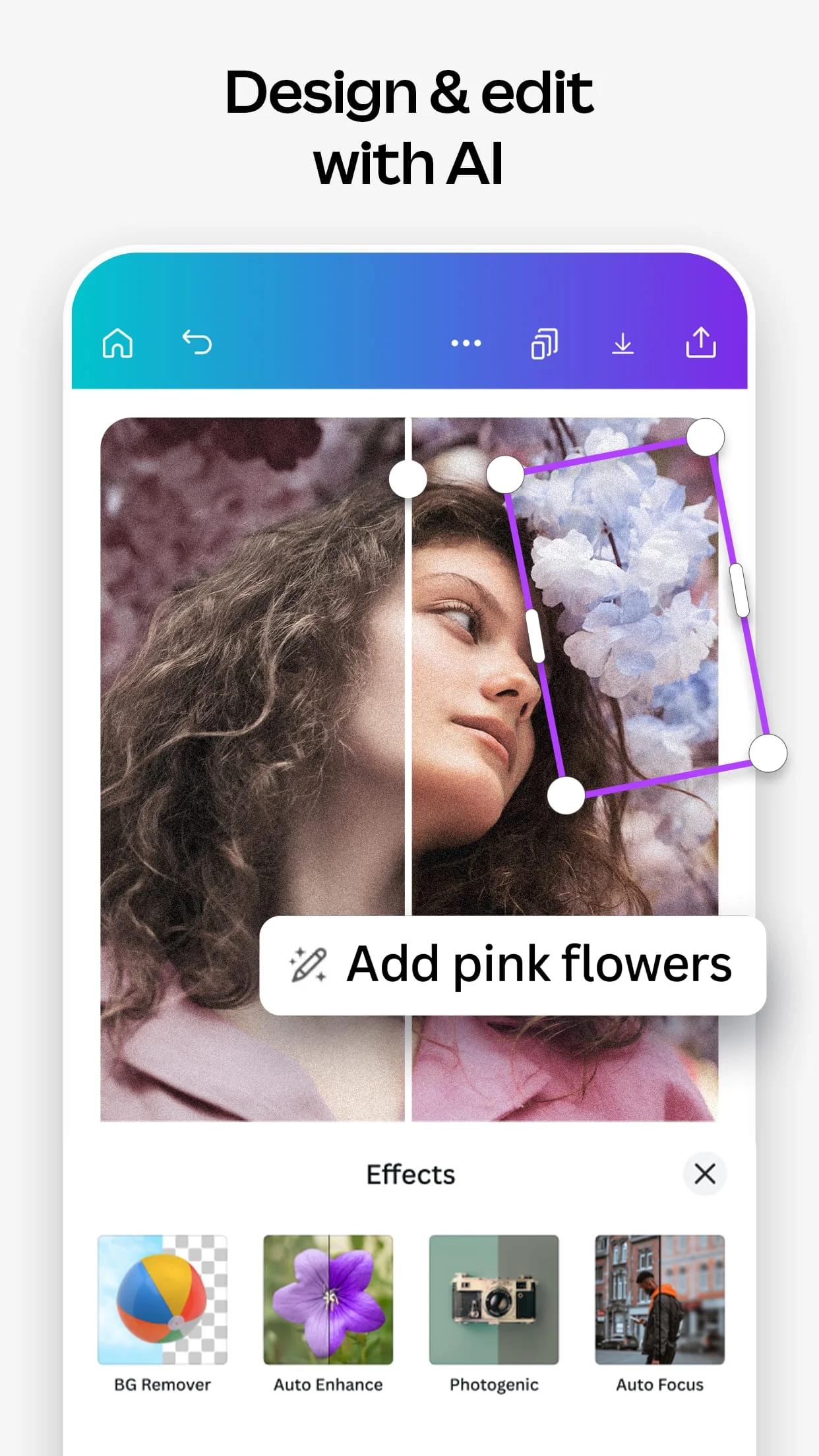
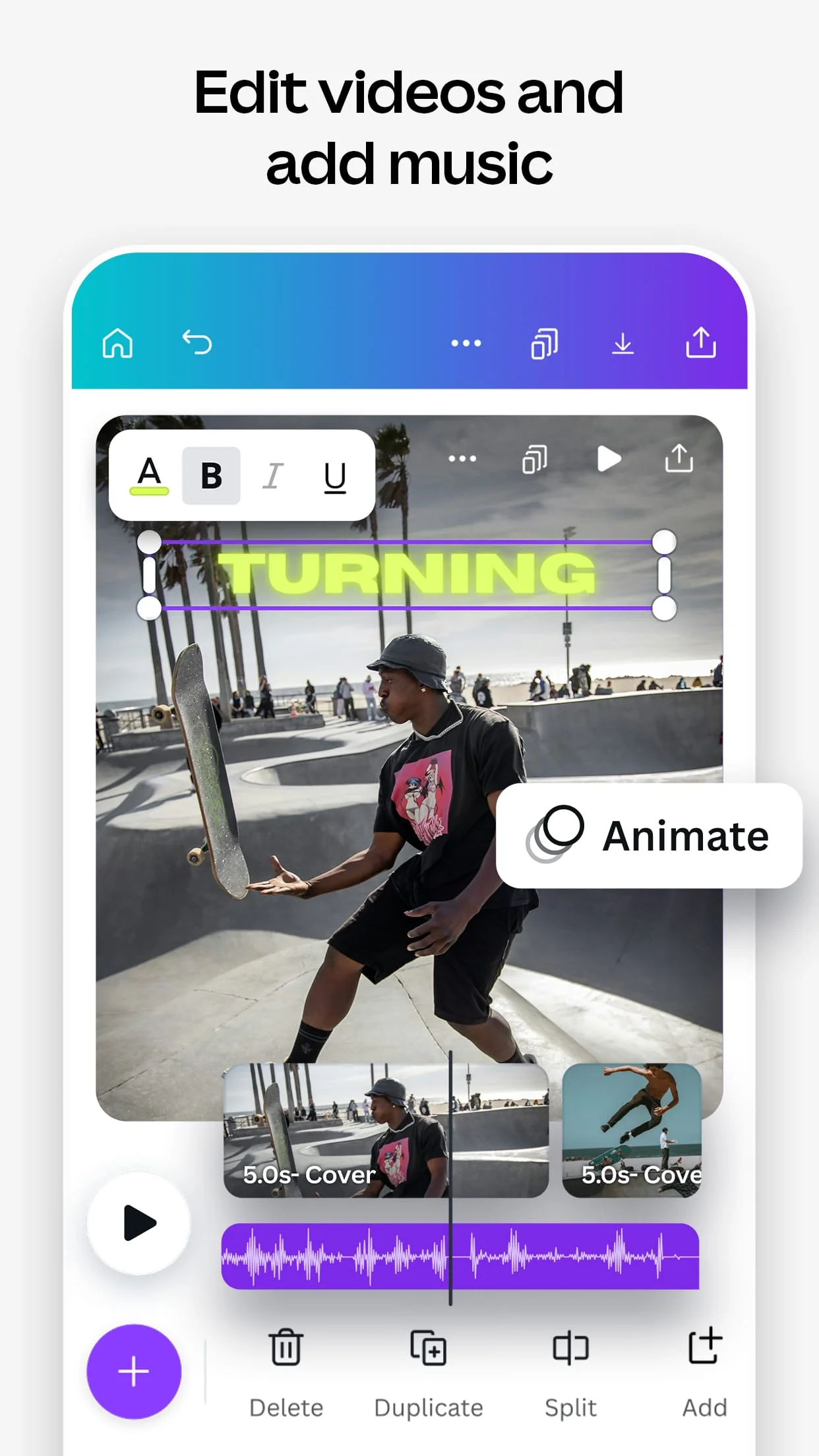
Canva is a graphic design app that offers a free photo editor and video editor in one. It allows users to create social media posts, videos, cards, flyers, photo collages, and more. Canva provides thousands of customizable templates for playful Facebook posts, Instagram layouts, invitations, flyers, gift certificates, and more. It also offers a logo maker, presentation templates, and slideshow maker to showcase products and visualize data. Canva's photo editor is free to use, with no ads or watermarks, and offers features such as cropping, flipping, adjusting brightness, contrast, saturation, tint, blur, and applying aesthetic filters and effects. The video editor allows users to produce professional videos on their phone, trim, cut, and split video layout and audio tracks, crop, resize, and flip videos and images, and overlay multiple audio tracks of music, sound effects, and voiceovers.
Canva offers a huge stock library with over 2 million assets, including royalty-free images, watermark-free stock videos, pre-licensed audio and music tracks, and graphic design elements such as illustrations, stickers, and photo frames. It also provides beautifully animated charts, graphs, and tables from any data. Canva's smart mockups allow users to visualize their designs on products such as shirts or posters, and high-res mockups are available for phones, laptops, posters, and other displays. Canva also offers real-time collaboration with anyone across any device, allowing users to edit team projects and presentations anytime, anywhere.
Canva Pro is available for a low monthly cost and offers access to premium templates, images, videos, audio, and graphic design elements. It also provides features such as one-click background remover, magic resize, brand kit, and scheduled publishing to Instagram, Facebook, and more. Canva is designed for everyone, from personal use to creative and professional pursuits, entrepreneurs, students and teachers, and social media managers and content creators.
Screenshots
Version History
Ratings & Reviews
4.8
89,160 reviews
5
88%
4
8%
3
2%
2
1%
1
2%
Similar Apps





App Information
- Package Name
- com.canva.editor
- Version
- V2.253.0
- Size
- 19.39 MB
- Requires Android
- Varies with device
- Content Rating
- Everyone 10+
- Last Updated
- Feb 27, 2024
- Tags
-
canva videos instagram
APK files are Android package files. Please ensure you download from trusted sources only.