About Blood Pressure Tracker
Blood Pressure Tracker is a comprehensive application designed to assist users in logging and monitoring their blood pressure readings, along with other vital health metrics. It is important to note that the app does not have the capability to measure blood pressure directly; instead, it serves as a tool for users to input their data manually. The app allows users to log various health indicators, including systolic and diastolic blood pressure, pulse rate, glucose levels, oxygen saturation, and body weight. This feature-rich platform is particularly beneficial for individuals who need to keep a close eye on their health, whether for personal reasons or as part of a medical regimen. By providing a user-friendly interface, the app enables users to navigate through their health data easily, making it accessible and manageable.
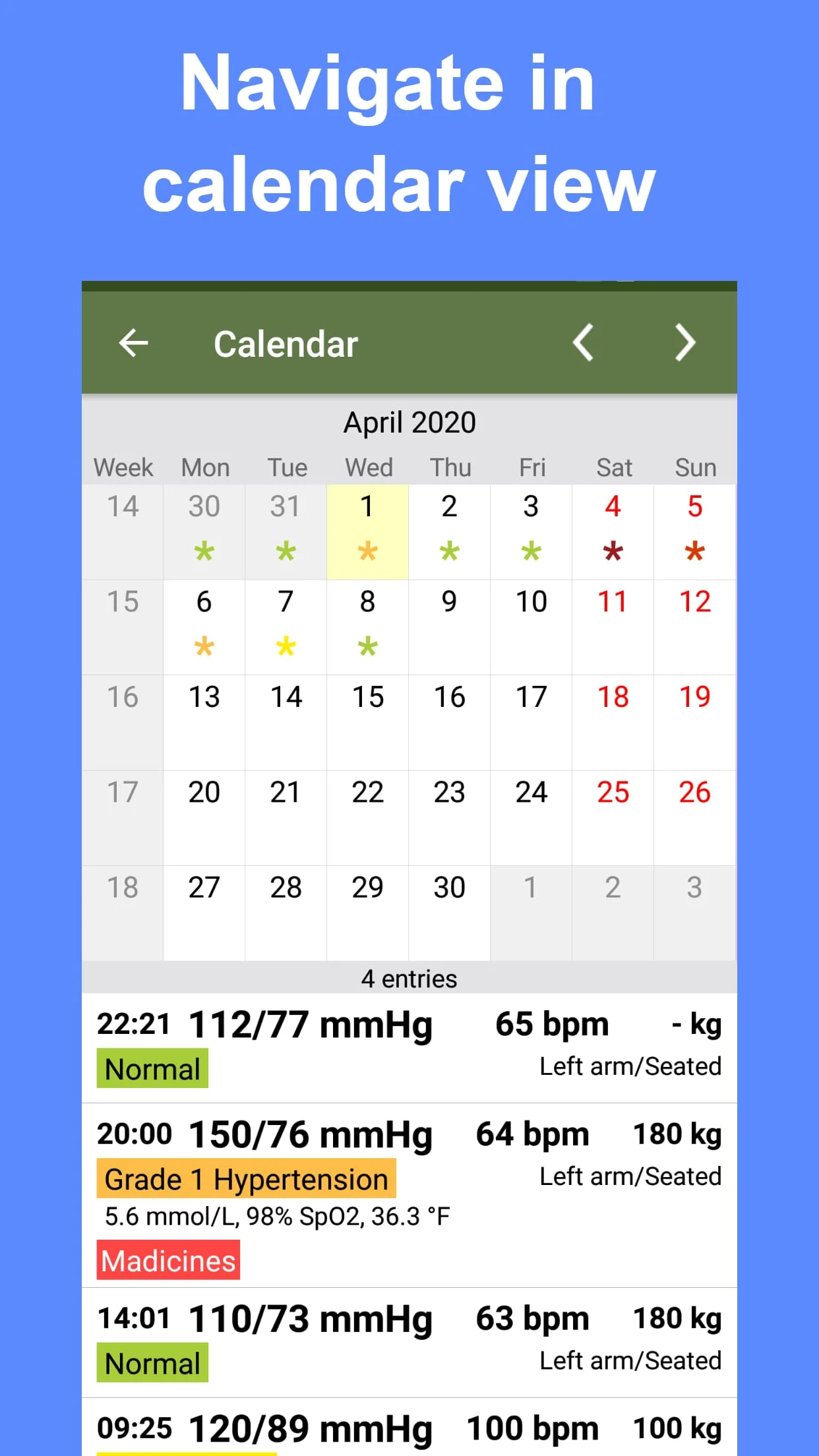
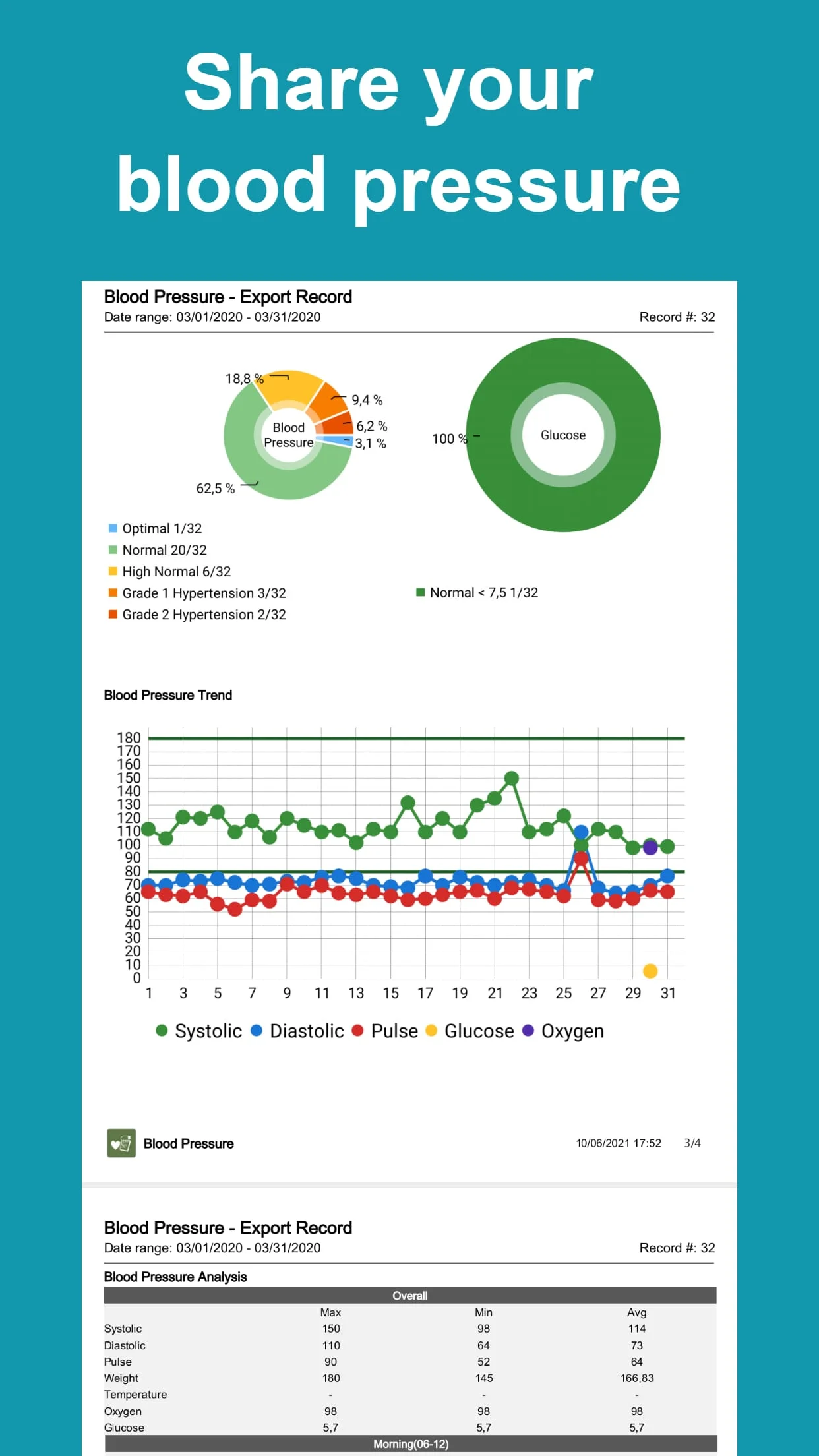
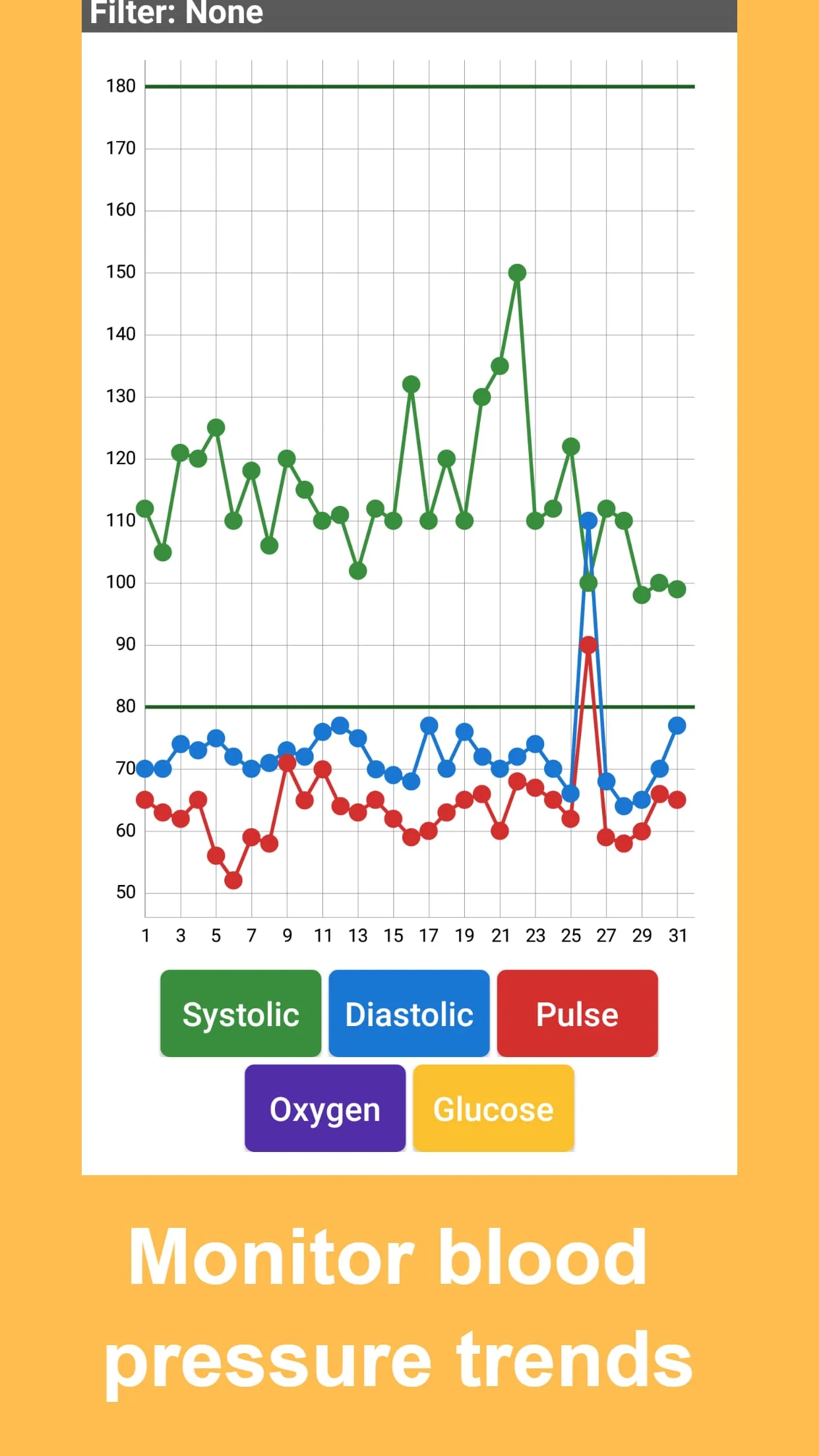
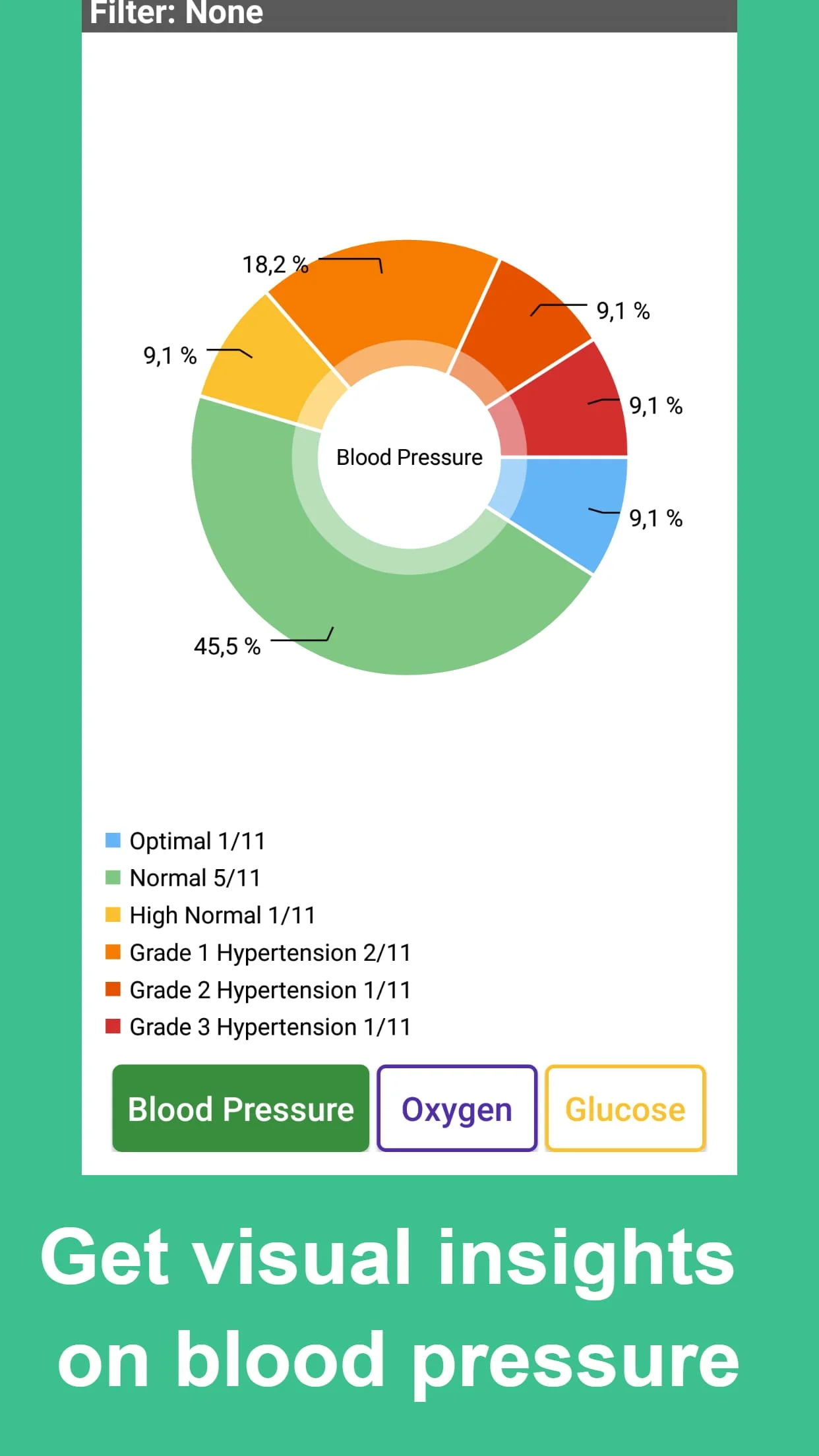
One of the standout features of Blood Pressure Tracker is its calendar view, which allows users to visualize their blood pressure readings over time. This feature is crucial for identifying trends and patterns in blood pressure fluctuations, which can be vital for both users and healthcare providers. The app also facilitates sharing of blood pressure data with doctors, enhancing communication between patients and their healthcare teams. Users can generate reports in various formats, including CSV, HTML, Excel, and PDF, making it easy to share detailed health information during medical appointments. Additionally, the app organizes blood pressure readings by tags, allowing for better categorization and retrieval of data. The automatic calculation of blood pressure categories helps users understand their health status at a glance, while the summary feature provides insights into maximum, minimum, and average readings, further aiding in the monitoring process.
For those interested in enhancing their experience, Blood Pressure Tracker offers an upgrade to a paid version. The upgrade process is straightforward: users can purchase and install the paid version, back up their data from the lite version, and then restore it in the paid version. This seamless transition ensures that users do not lose any valuable health data during the upgrade. The developers encourage users to provide feedback and suggestions for new features, emphasizing the importance of user input in the app's ongoing development. They also request users to leave positive ratings if they enjoy the app, as this feedback serves as motivation for continued improvements. While the developers cannot respond to reviews directly in the app store, they invite users to reach out via email for any questions or suggestions, fostering a community of support and engagement around the app.