
About ATouch IOS - Screen Recorder
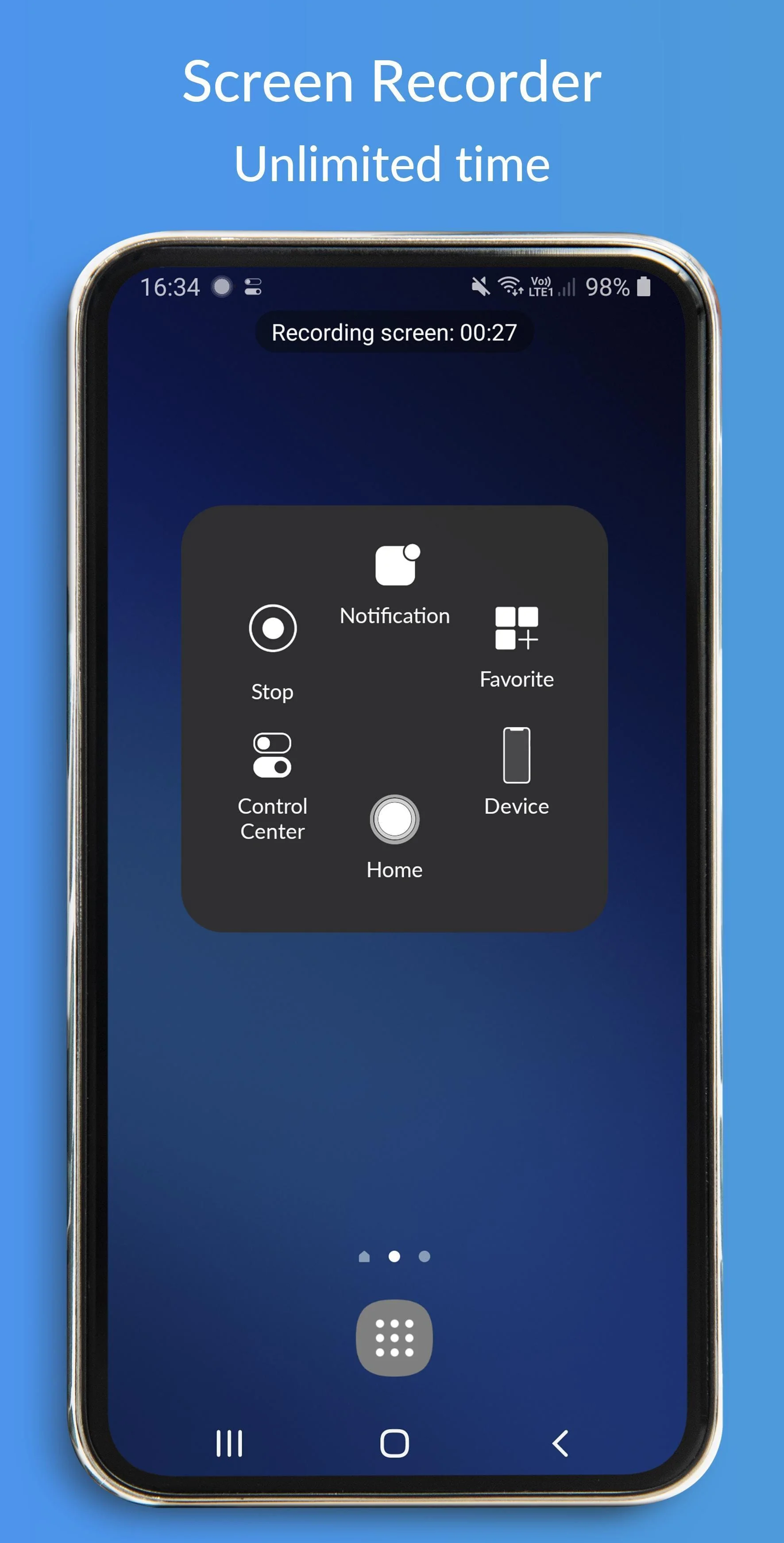
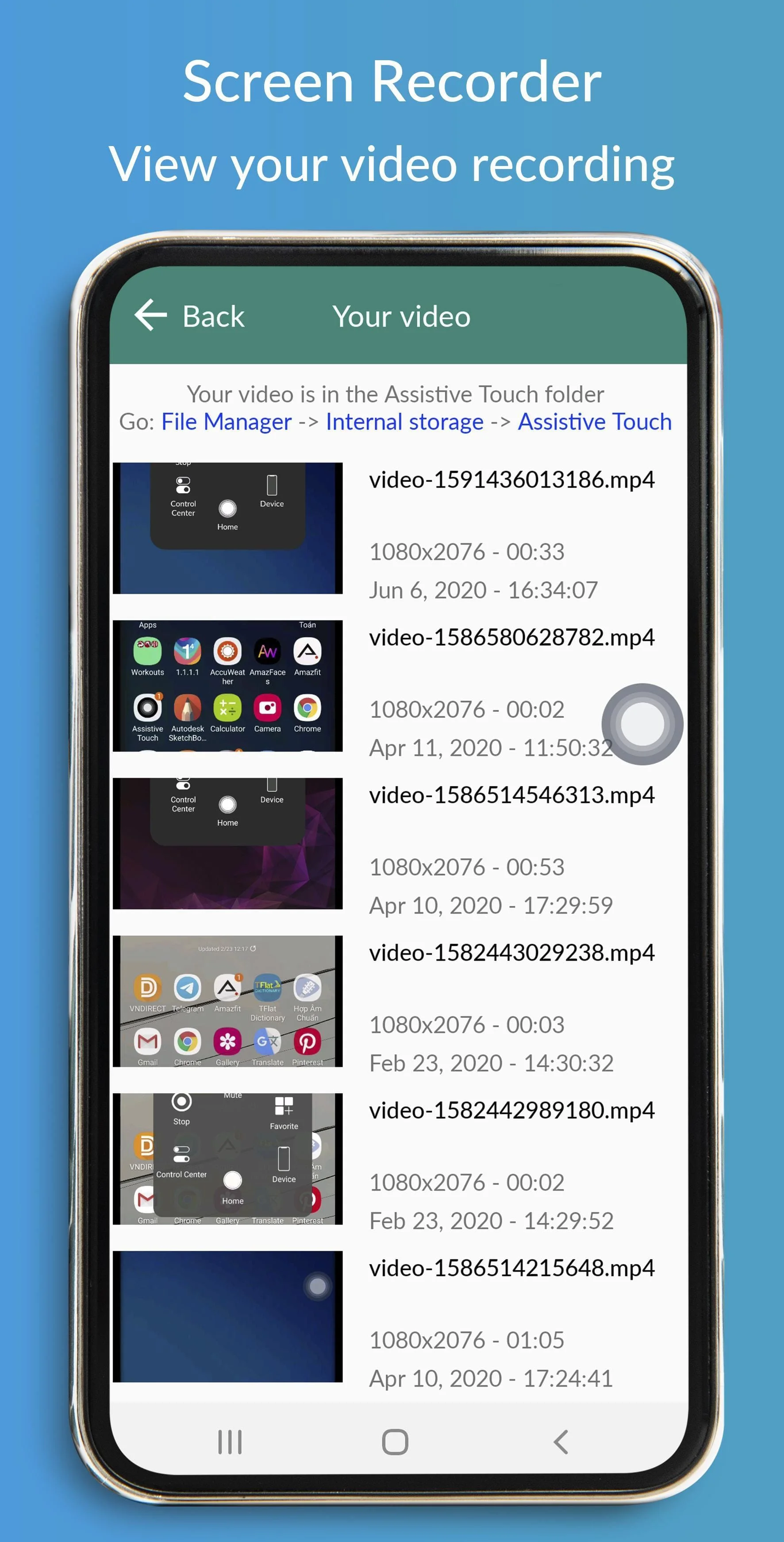
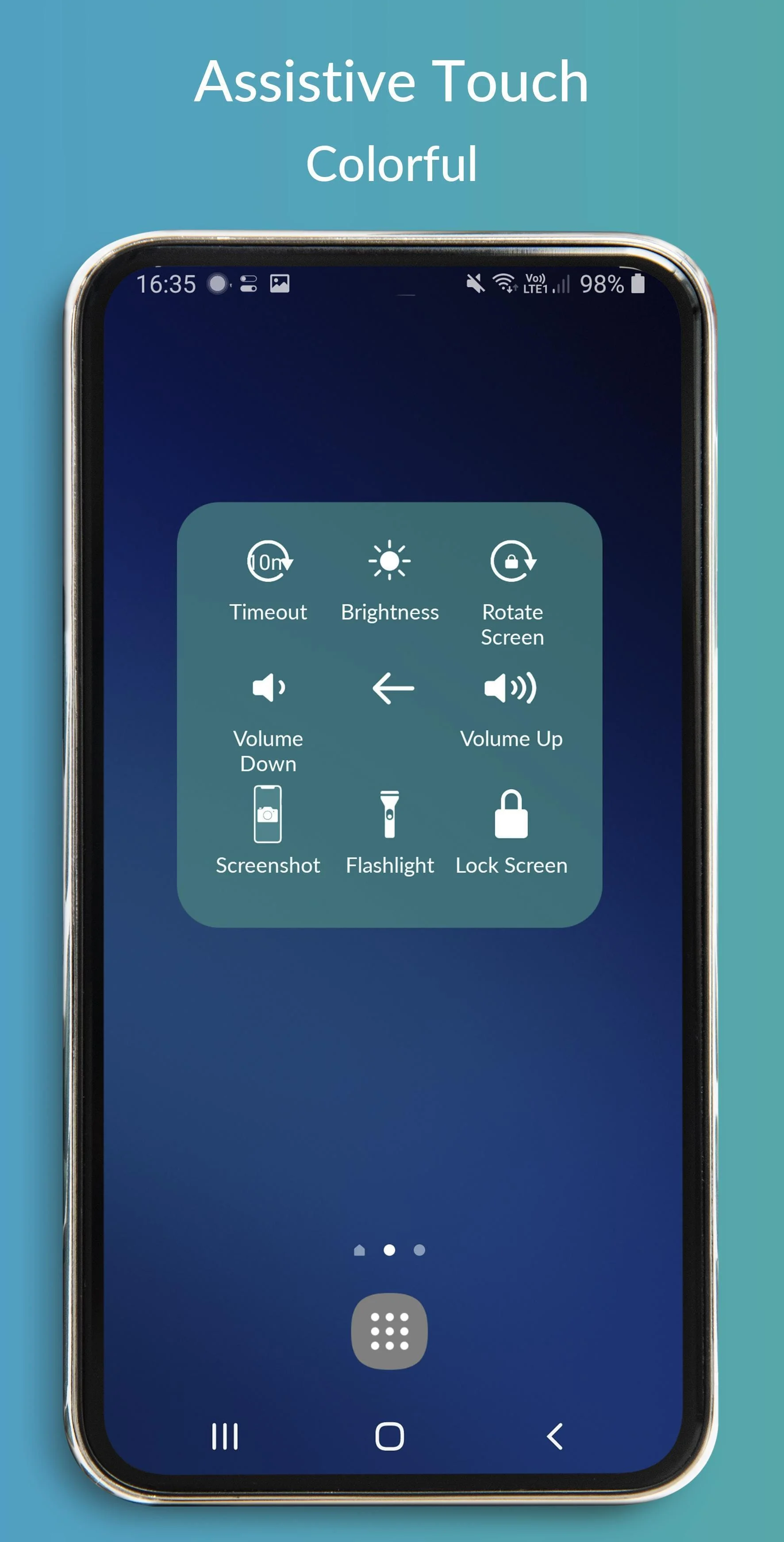
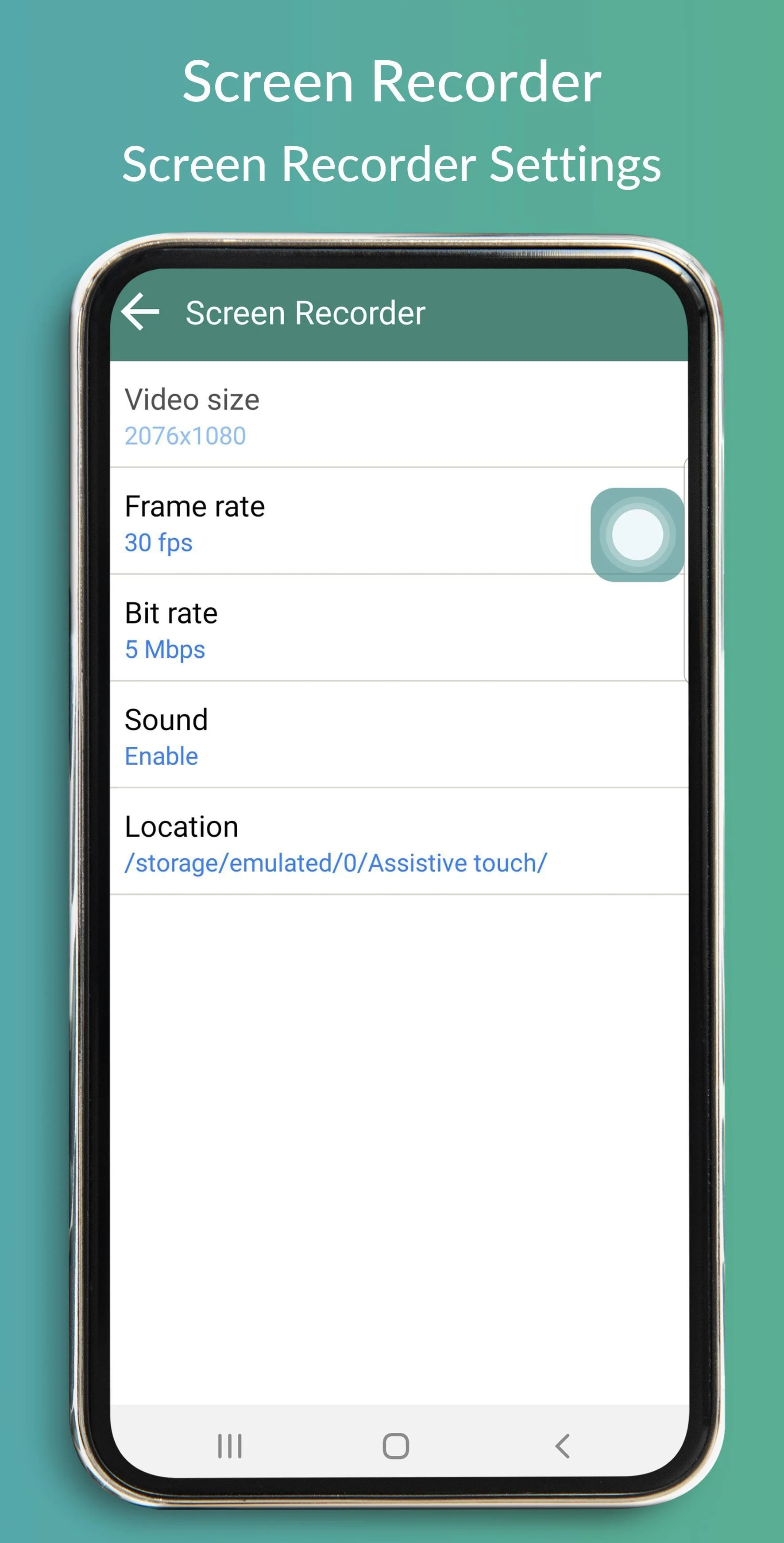
Assistive Touch IOS - Screen Recorder quickly help you to change settings, screen recorder, Screenshot, Volume, Lock the screen (Screen off) and fast access to the favorite application. - Brightness: fast change to lower, medium or higher brightness. - Lock the screen (screen off): turn off screen and support to opening screen by fingerprint, face, and iris. Screen Recorder: Fast record anything on your screen. To start the Screen Recorder: open AssistiveTouch, select Device, and select screen recorder icon. Change screen recorder settings: Bitrate, Frame rate, and Sound. Tap on a floating button to open AssistiveTouch IOS, touch outside to close. The app will be better than if it connects with Control Center IOS or any IOS launcher to be like iPhone. AssistiveTouch connects with Control Center IOS - Screen Recorder to open Control Center and Screen Off and Lock - Fingerprint Support to lock the screen. Thanks for using my app!
Screenshots
Version History
Ratings & Reviews
4.6
7,442 reviews
5
85%
4
6%
3
2%
2
1%
1
6%
Similar Apps





App Information
- Package Name
- com.tuanfadbg.assistivetouchscreenrecorder
- Version
- V1.8.1.13.11
- Size
- 6.1 MB
- Requires Android
- Varies with device
- Content Rating
- Teen
- Last Updated
- Jun 19, 2021
- Tags
-
ios recorder recording
APK files are Android package files. Please ensure you download from trusted sources only.