
AnyDesk Remote Desktop
2.6
(3,170 reviews)
|
50M+ downloads
|
Business
About AnyDesk Remote Desktop
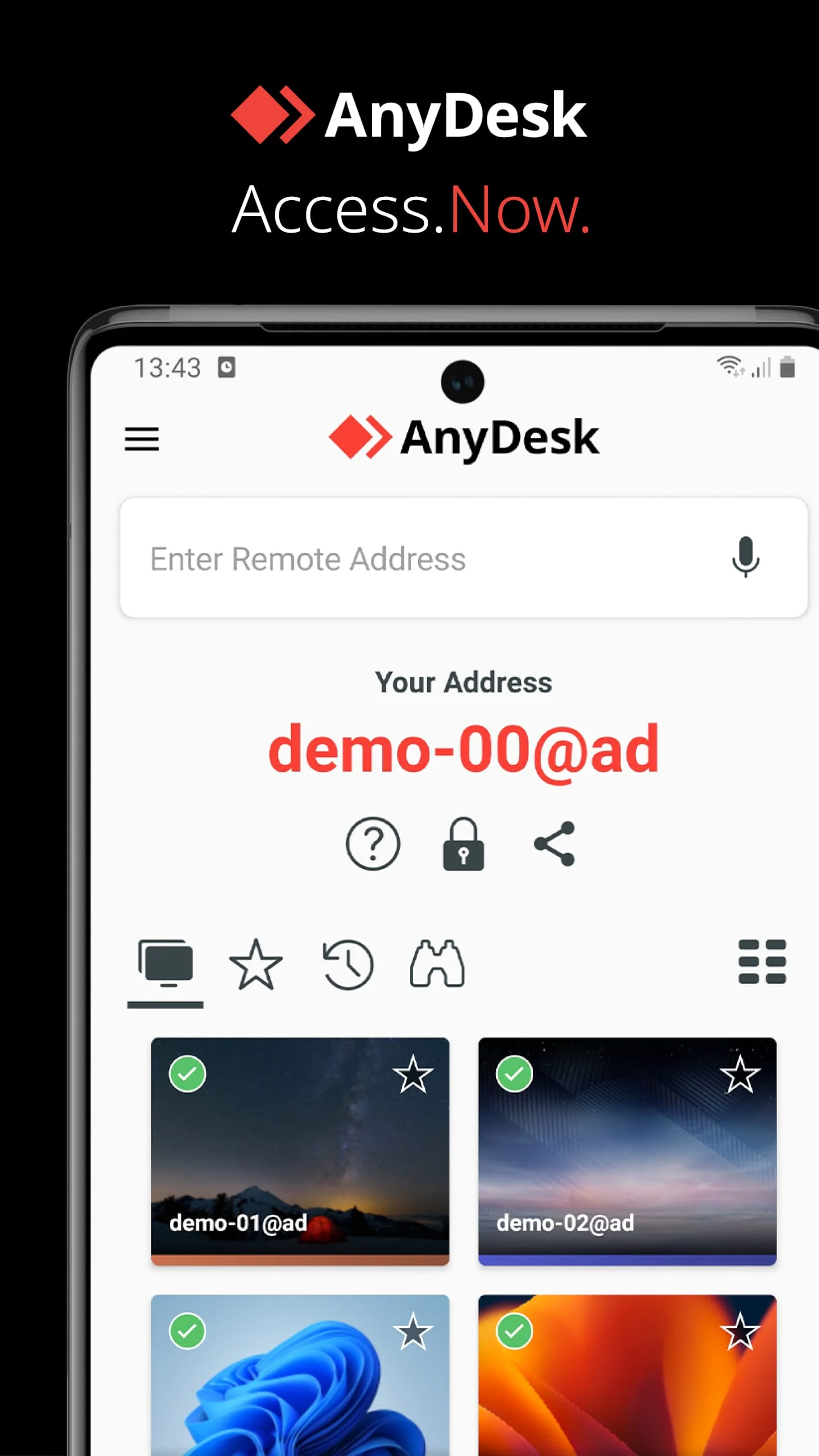
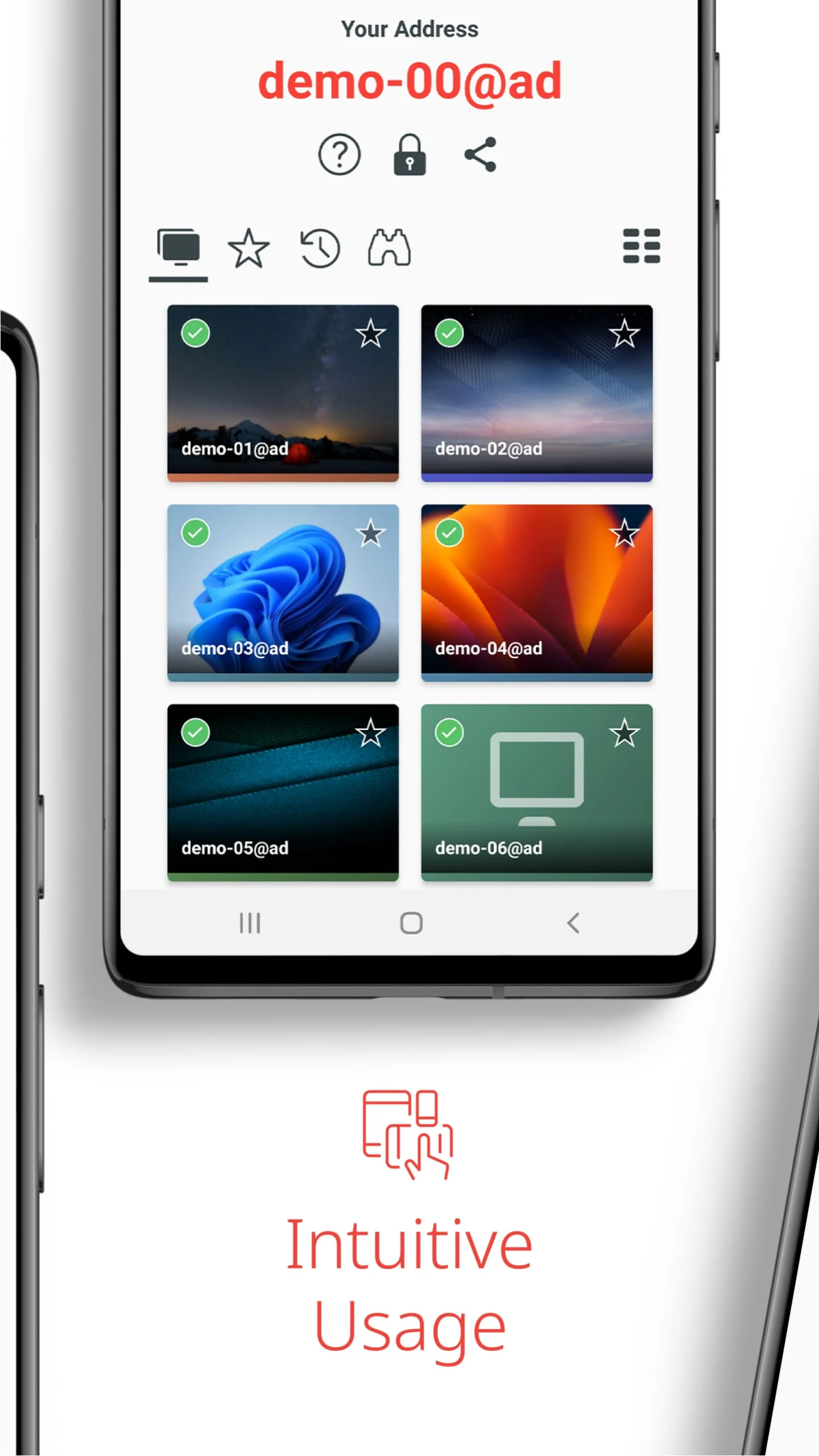
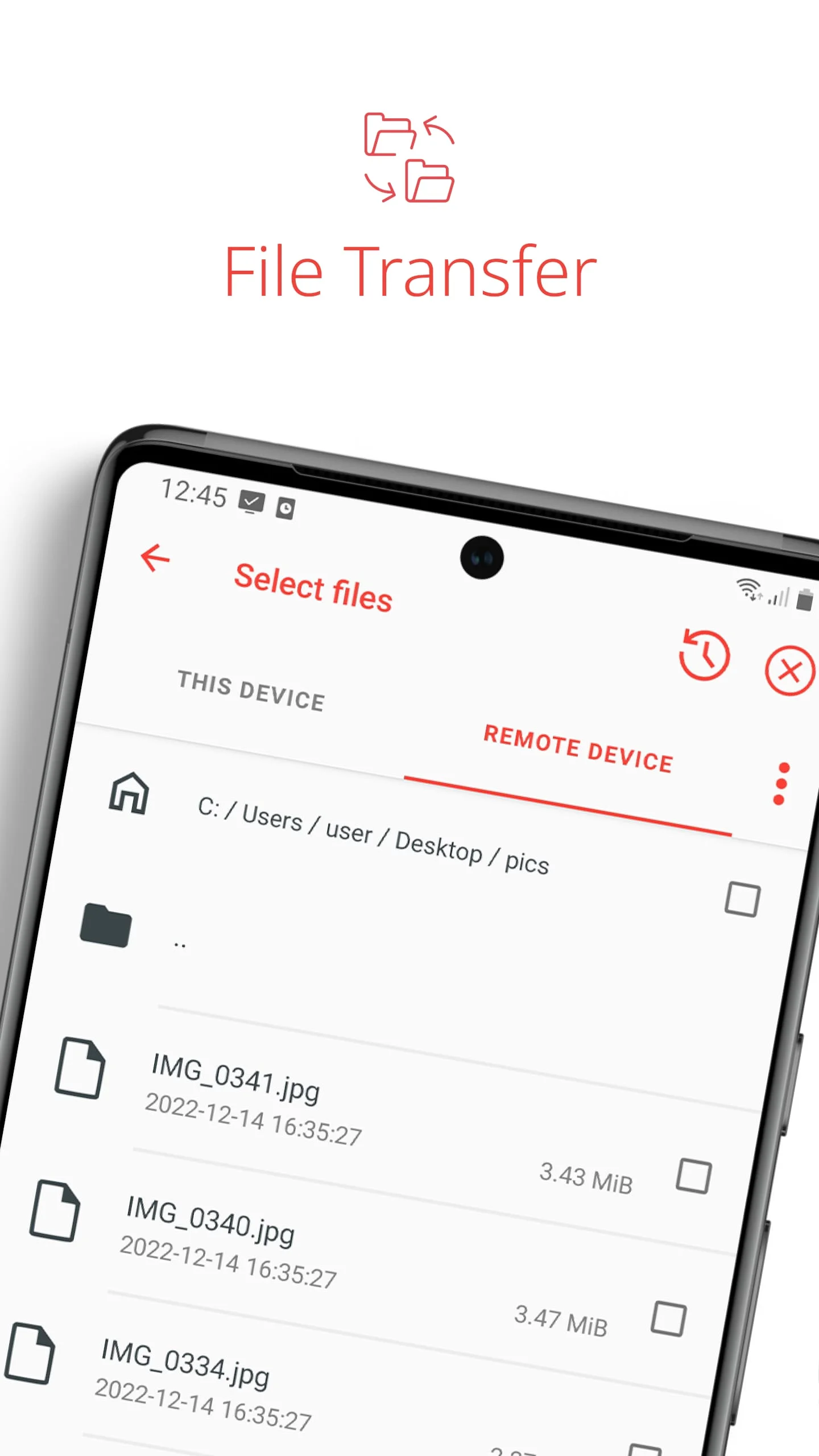
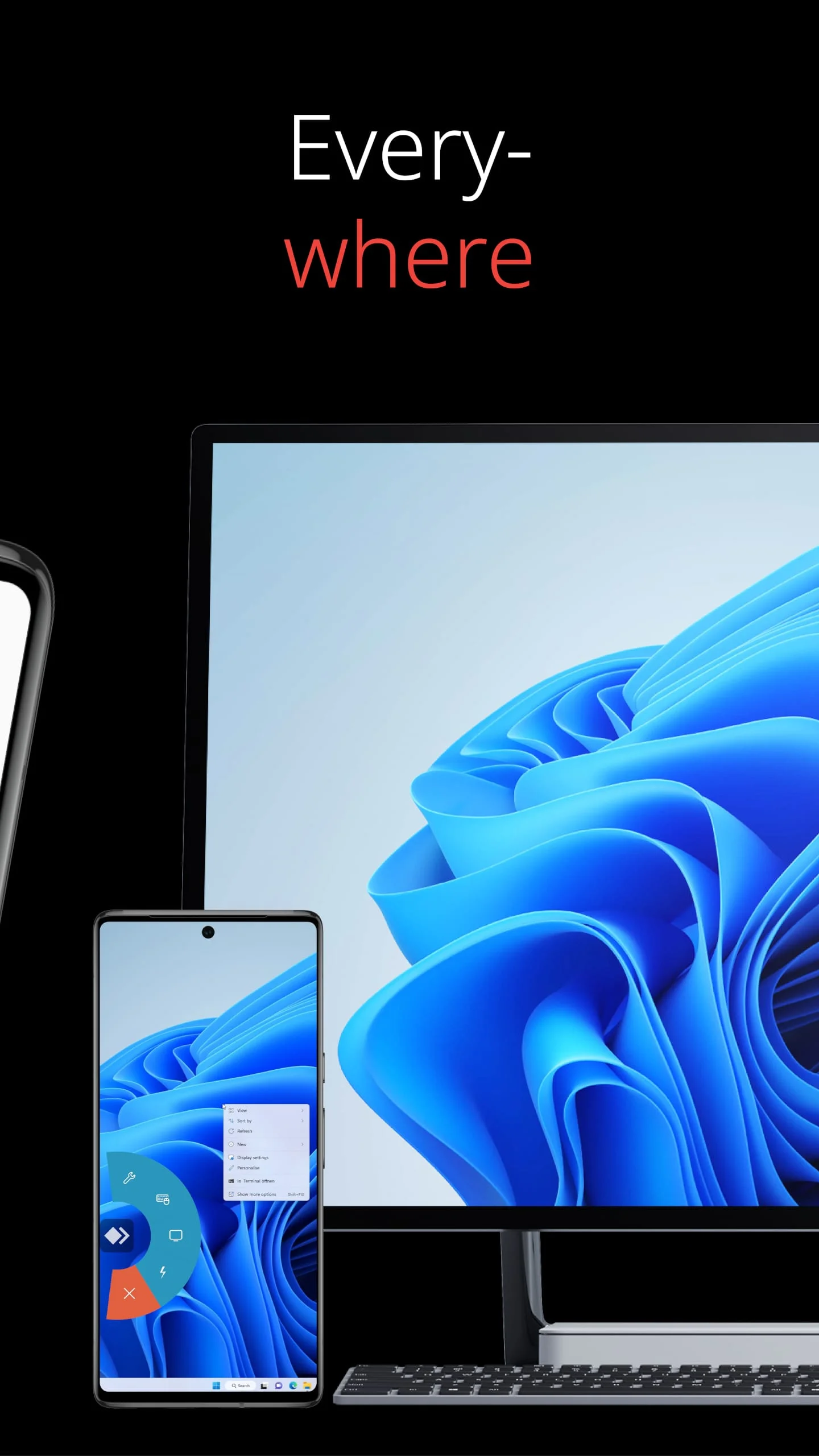
Powerful Remote Assistance Software. Whether you're in the office next door or on the other side of the world, remote access via AnyDesk makes the connection possible. Secure and reliable, for IT professionals as well as private users. AnyDesk is ad-free and free for personal use. Whether you're in IT support, working from home, or a student studying remotely, AnyDesk's remote desktop software has a solution for you, allowing you to connect to remote devices securely and seamlessly. Why AnyDesk? Every operating system, every device. . Install and launch AnyDesk on both devices. . Enter the AnyDesk-ID that is displayed on the remote device. . Confirm the access request on the remote device. . Done. You can now control the remote device remotely. Do you have any questions? Contact us!
Screenshots
Version History
Ratings & Reviews
2.6
3,170 reviews
5
33%
4
5%
3
5%
2
4%
1
53%
Similar Apps






App Information
- Package Name
- com.anydesk.anydeskandroid
- Version
- V6.3.4
- Size
- 15.8 MB
- Requires Android
- Varies with device
- Content Rating
- Everyone
- Last Updated
- Sep 22, 2021
- Tags
-
remotely anydesk remote
APK files are Android package files. Please ensure you download from trusted sources only.