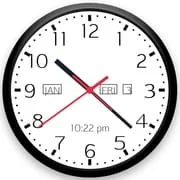
About Analog Clock Live Wallpaper
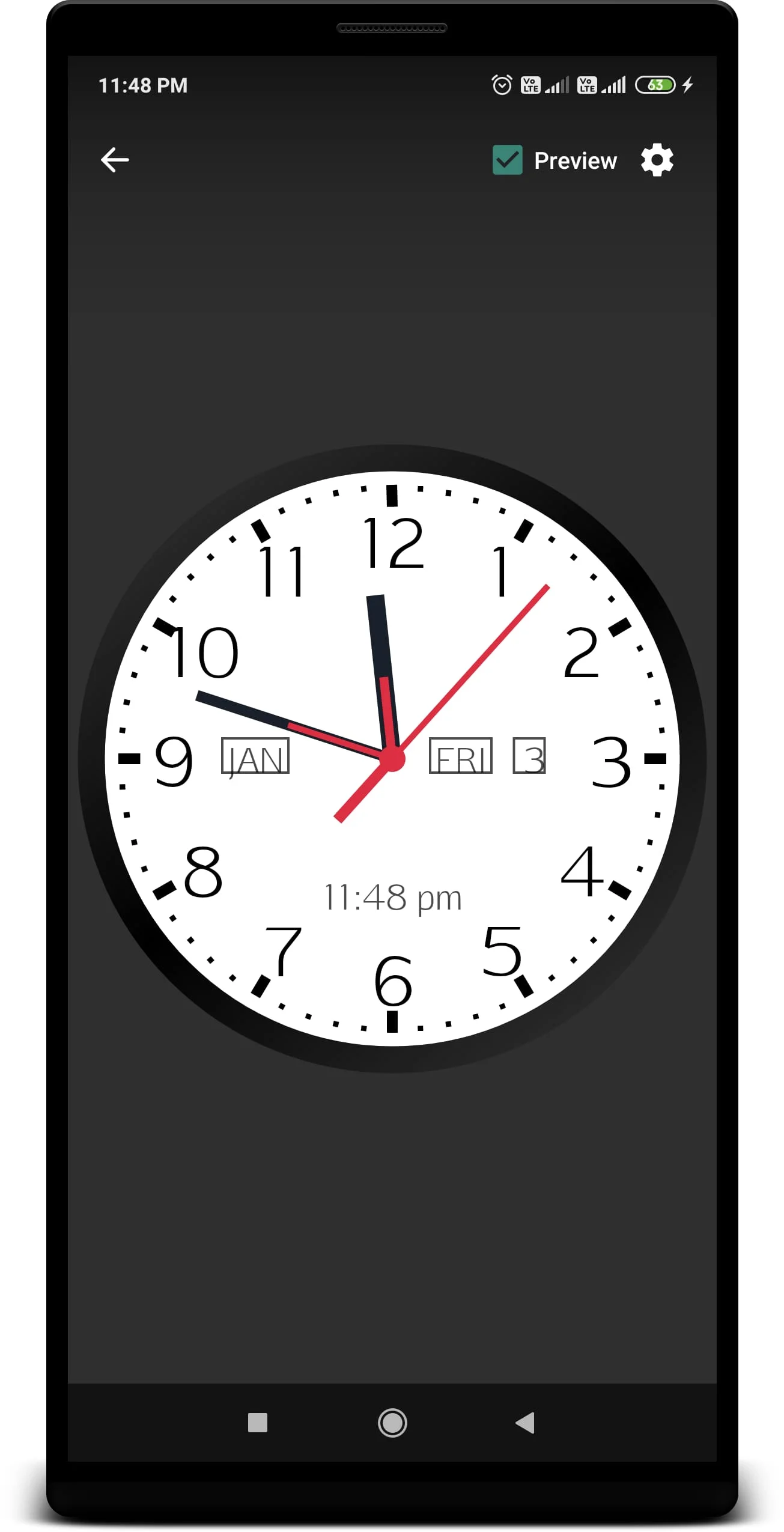
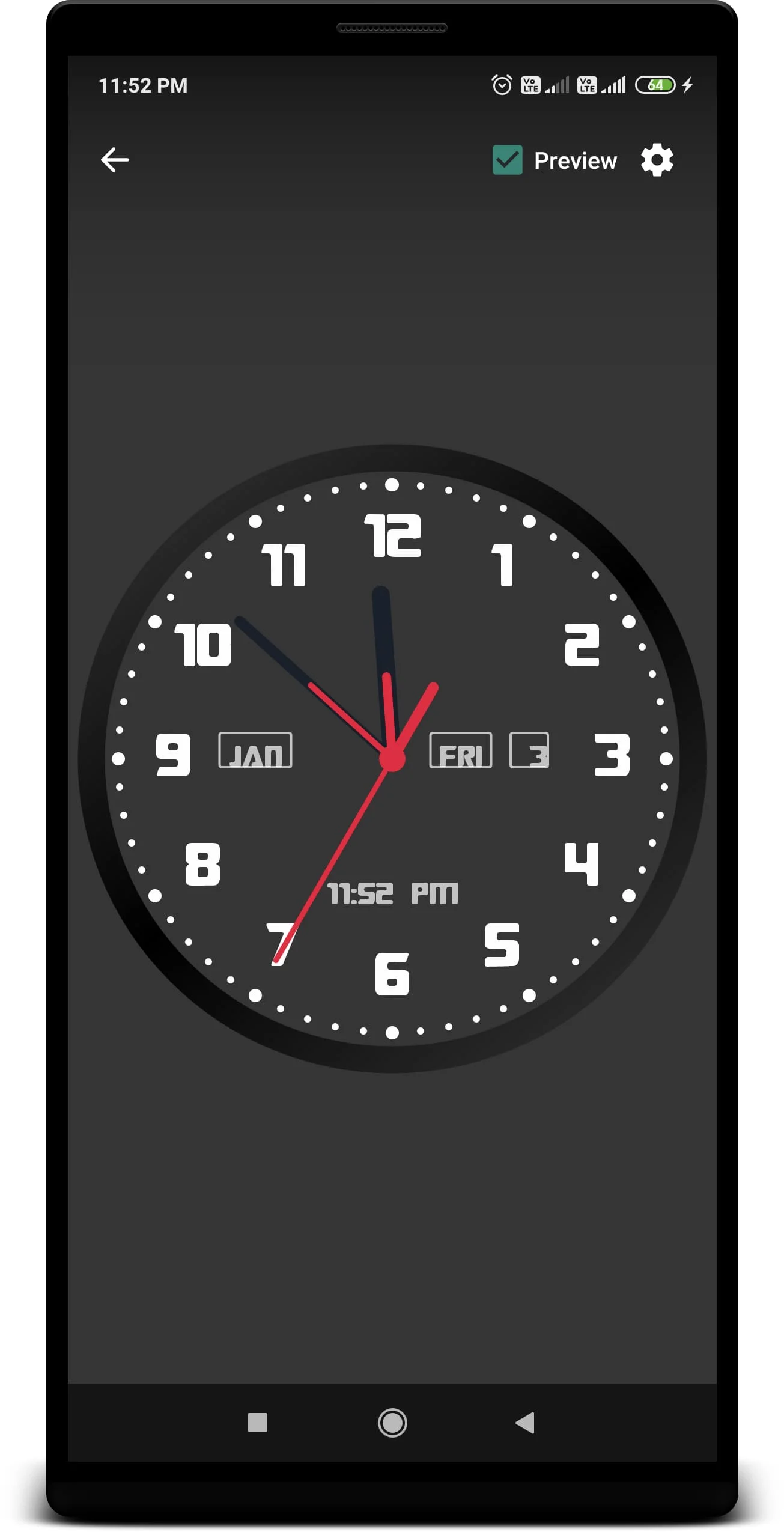
The Analog Clock Live Wallpaper application offers users a unique opportunity to personalize their device's clock display, transforming a standard feature into a customizable work of art. With this application, users can select colors that resonate with their personal style, allowing for a distinctive look that sets their device apart from others. The analog clock not only serves as a timekeeping device but also enhances the aesthetic appeal of the home screen. In addition to the traditional clock face, this live wallpaper includes essential information such as the current day of the week, date, month, and a digital clock display, making it both functional and visually appealing.
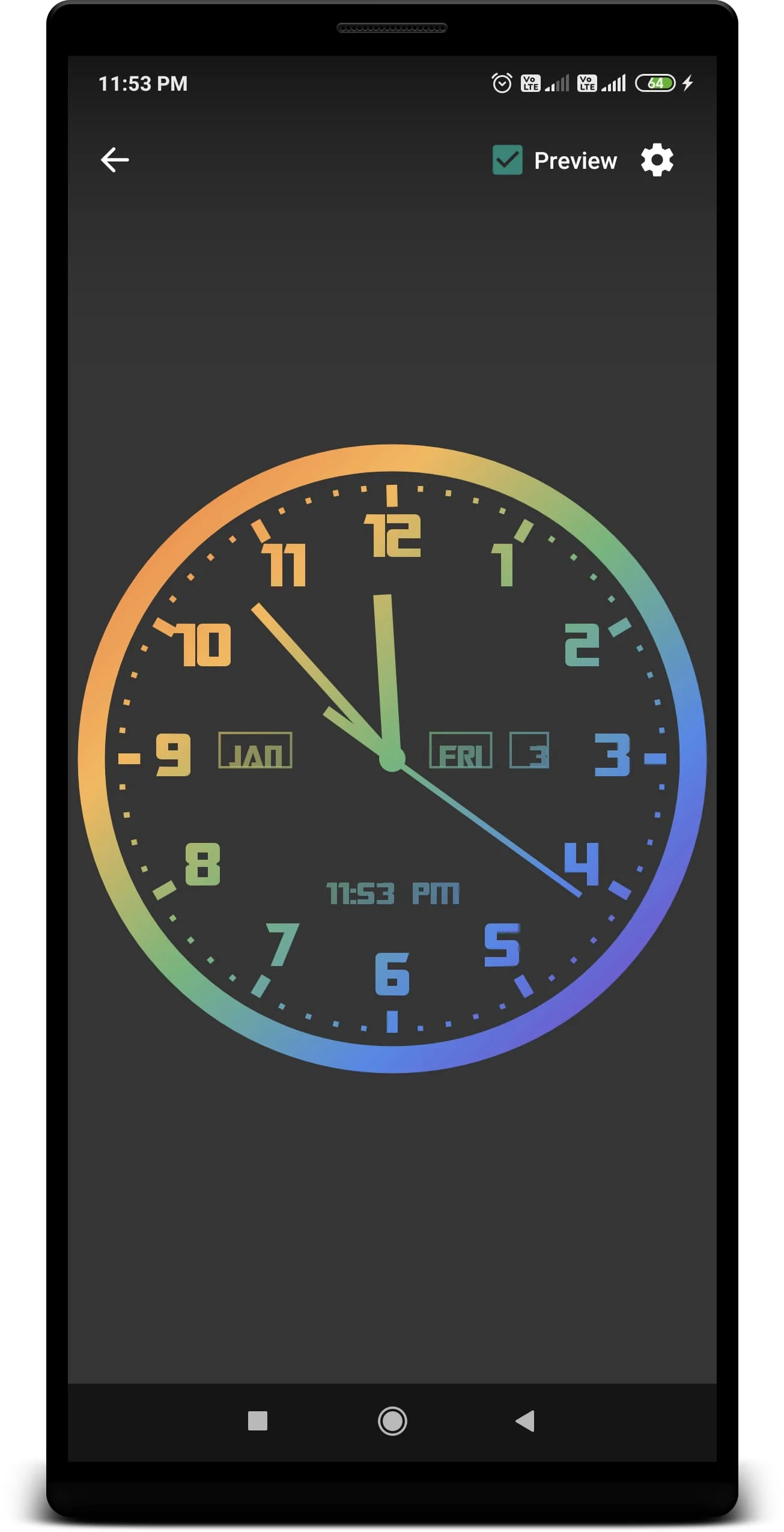
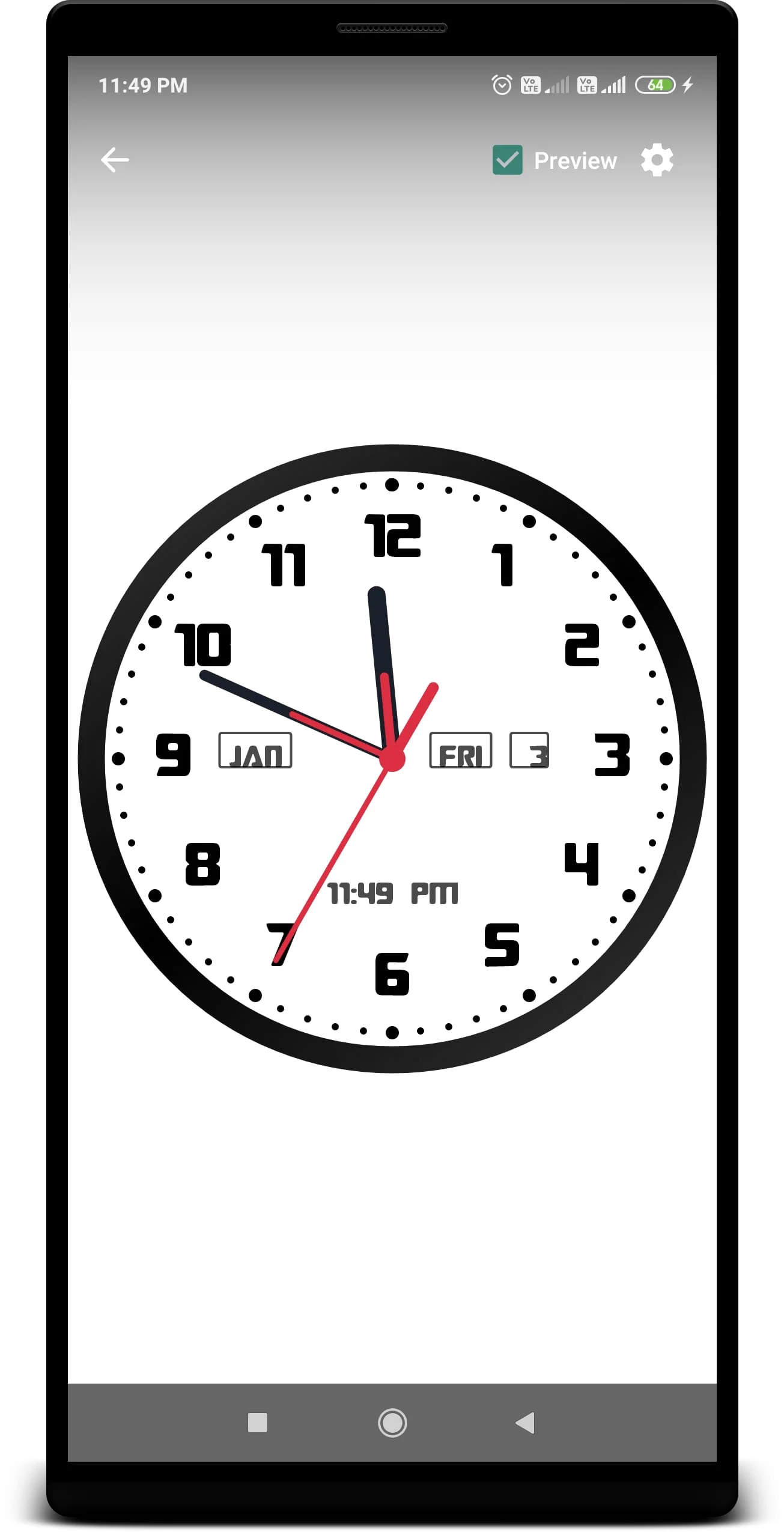
One of the standout features of the Analog Clock Live Wallpaper is its extensive customization options. Users can adjust the size and position of the clock to fit their preferences, ensuring that it complements their home screen layout. The ability to change the color of the clock and its background allows for a seamless integration with the overall theme of the device. Furthermore, users can modify the color of the text and the clock's arrow, providing an additional layer of personalization. The clock also includes a second hand, which adds to its functionality, while the display of the date, day, month, and digital clock ensures that users have all the necessary information at a glance. The option to set the clock to a 12-hour or 24-hour format caters to different user preferences, making it versatile for various audiences.
To enhance the user experience further, the application allows users to select a background image from their phone's gallery, enabling them to create a truly unique clock display that reflects their personality. Additionally, users can choose to change the numeric representation of the clock from standard numbers to Roman numerals, adding a classic touch to the modern digital experience. Setting up the live wallpaper is straightforward; users simply need to select the application and click "Set as Live Wallpaper" to enjoy their customized clock. This ease of use, combined with the extensive customization options, makes the Analog Clock Live Wallpaper a popular choice for those looking to personalize their devices while maintaining functionality.
Screenshots
Version History
Ratings & Reviews
4.5
820 reviews
5
78%
4
10%
3
5%
2
2%
1
5%
Similar Apps





More from YadavApp

App Information
- Package Name
- com.yadavapp.analogclocklivewallpaper
- Version
- V1.35
- Size
- 3.73 MB
- Requires Android
- Varies with device
- Content Rating
- Everyone
- Last Updated
- Sep 29, 2023
- Tags
-
clock wallpaper screen
APK files are Android package files. Please ensure you download from trusted sources only.